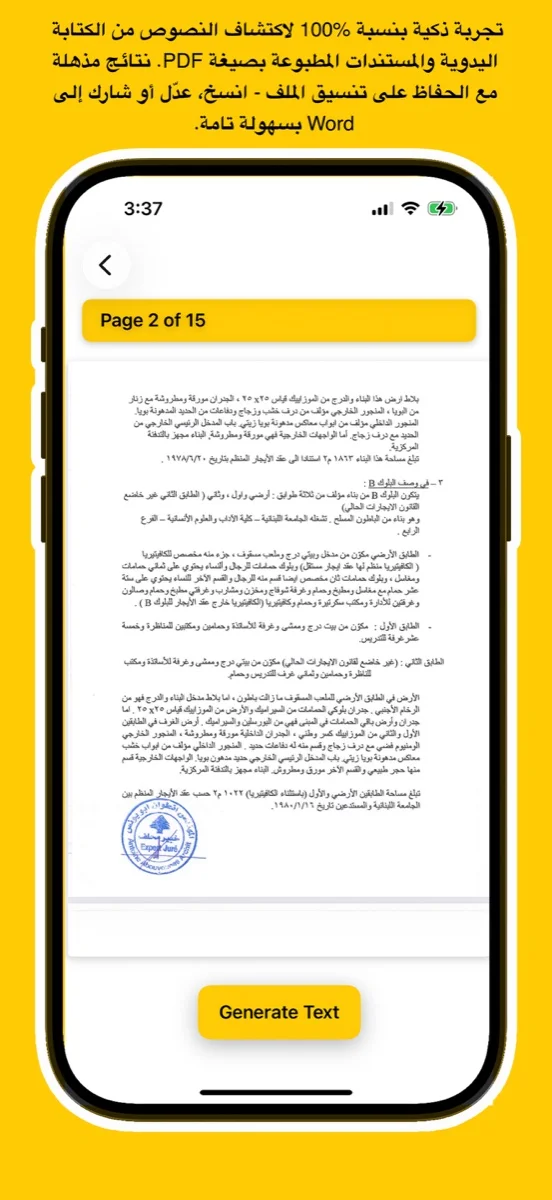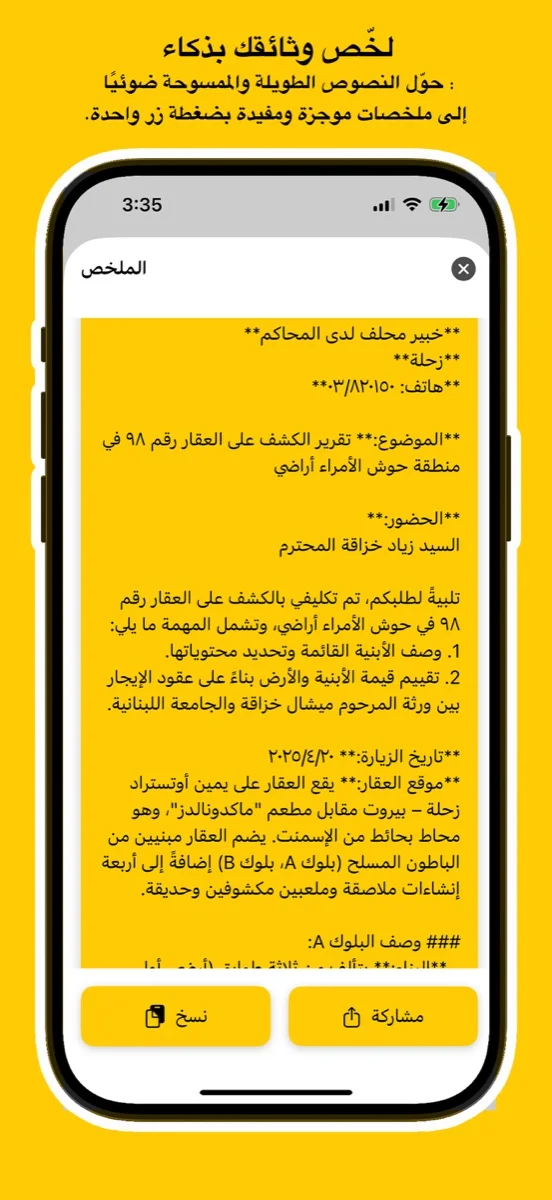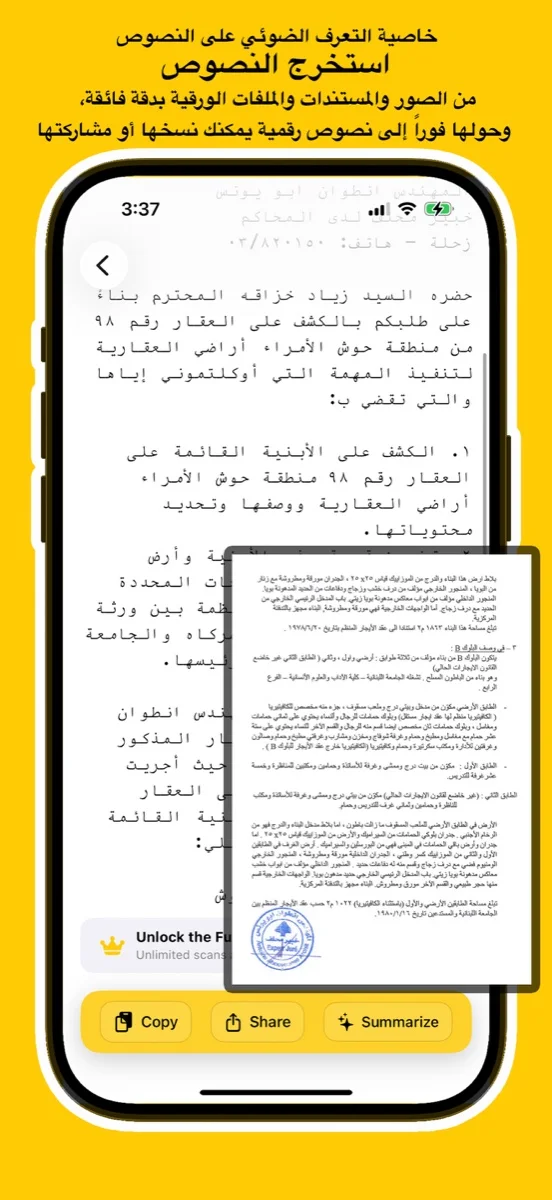
Scan documents, handwriting, or images and convert them into editable Arabic text using advanced AI. Try the free online demo below or download the app for full access on iOS, Android, and macOS.
يتعرف بدقة على النص العربي المطبوع والكتابة اليدوية من الصور أو ملفات PDF أو المستندات الورقية.
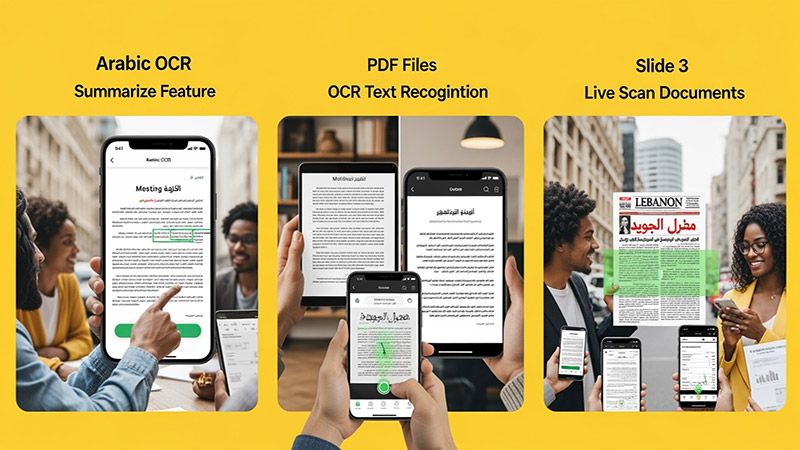
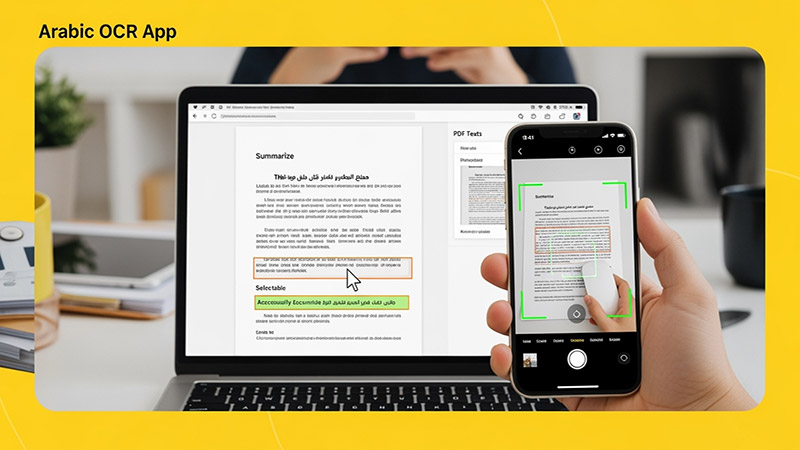
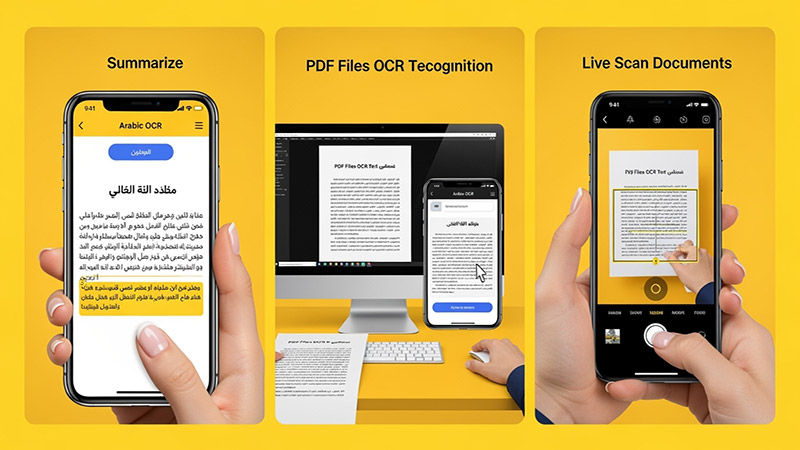
Upload an image, try your handwriting, or drop a file here to extract Arabic
text instantly.
(For full results & PDF support, download the app
below)
Click or Drag Image Here
Supports JPG, PNG - Try Handwriting!
(For PDF Files, please download the App)
Processing... / جاري المعالجة
Subscribe to Web Portal or Download App for unlimited access & PDF support!
Use advanced Arabic OCR to scan images, PDFs, and handwriting with high precision.
Perfect for students, professionals, journalists, and researchers.
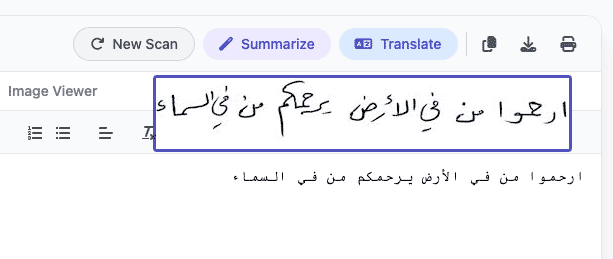
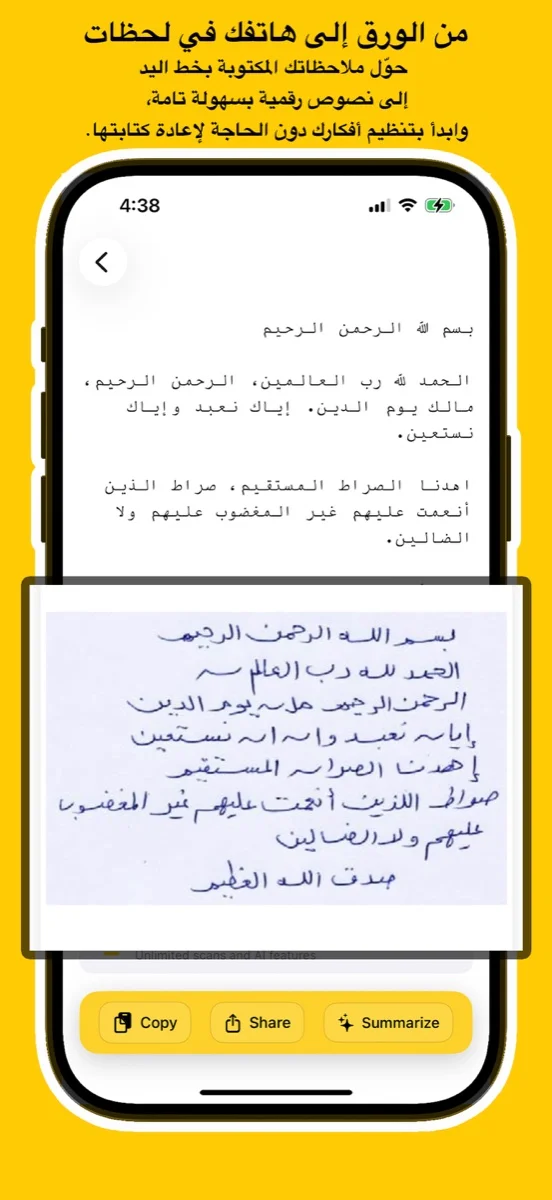
Experience unmatched precision in detecting and extracting Arabic handwriting. Our advanced AI models are trained to recognize various styles of scripts, from student notes to historical manuscripts, converting them into digital text instantly.
اكتشف قوة الذكاء الاصطناعي في التعرف على الخط العربي اليدوي واستخراجه بدقة مذهلة. تم تدريب نماذجنا المتقدمة لمعالجة مختلف أنماط الكتابة، من ملاحظات الطلاب إلى المخطوطات التاريخية، وتحويلها إلى نصوص رقمية فوراً.
Try Handwriting DemoDesigned specifically for the Mac ecosystem. Experience the ultimate privacy and speed with our Apple Local LLM integration. Process your sensitive documents entirely offline, ensuring your data never leaves your device.
مصمم خصيصاً لنظام macOS. استمتع بخصوصية وسرعة لا مثيل لهما مع تكامل Apple Local LLM. قم بمعالجة مستنداتك الحساسة بالكامل دون الاتصال بالإنترنت، مما يضمن عدم مغادرة بياناتك لجهازك أبداً.
Download for macOS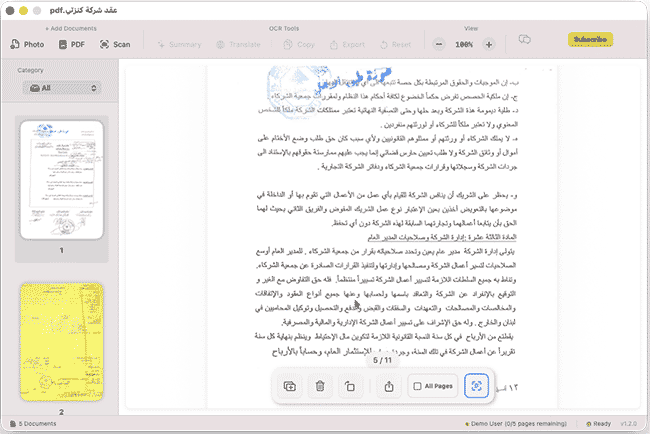
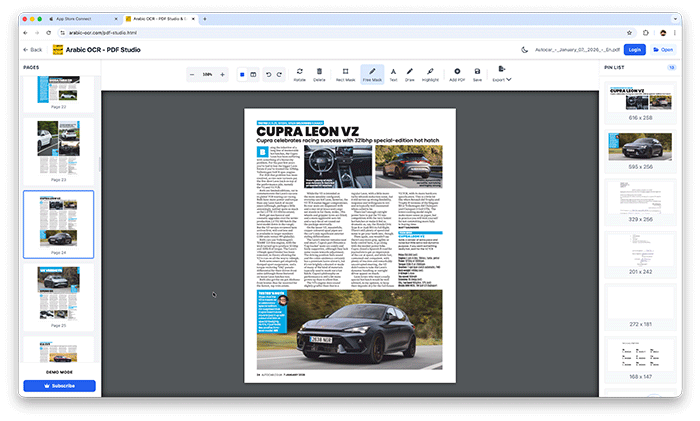
Edit, merge, and organize your PDFs effortlessly with our powerful online studio. No installation required—access advanced tools like page rotation, deletion, and text extraction directly in your browser.
قم بتعديل ودمج وإدارة ملفات PDF الخاصة بك بسهولة عبر الاستوديو المتطور أونلاين. إستمتع بأدوات متقدمة مثل تدوير الصفحات، الحذف، واستخراج النصوص مباشرة من متصفحك دون الحاجة لأي تثبيت.
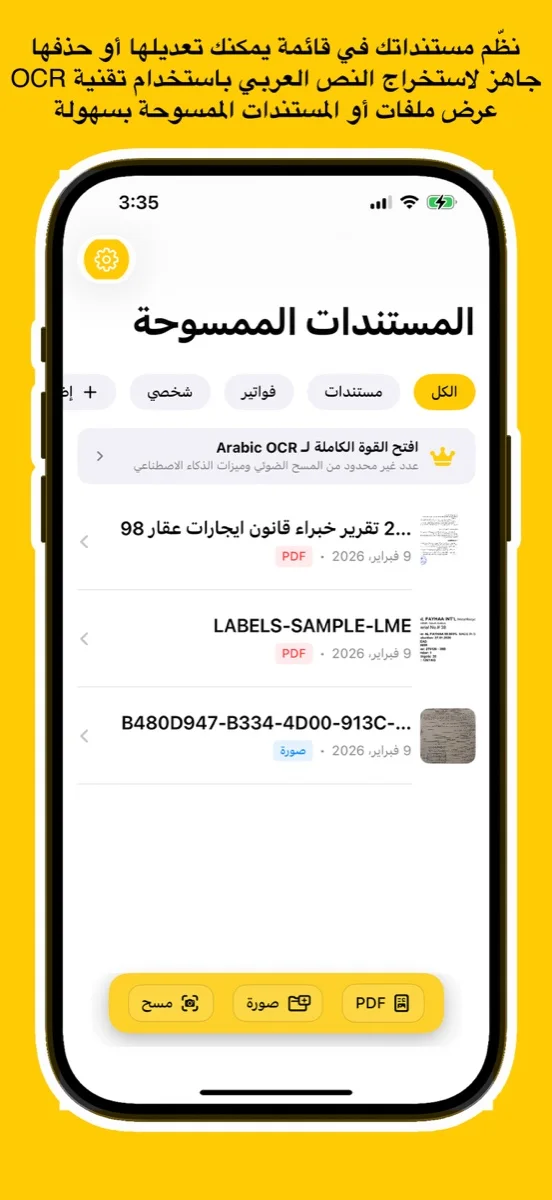
Open PDF Studio Portalوداعاً للكتابة اليدوية! مع تطبيقنا، يمكنك استخراج النصوص العربية من أي مصدر بضغطة زر واحدة عبر جميع تطبيقاتنا.
دعم كامل للخطوط العربية المطبوعة واليدوية بفضل خوارزميات المعالجة المتقدمة.
معالجة فورية للصور، المستندات الممسوحة ضوئياً، وملفات PDF متعددة الصفحات.
استمتع بتجربة مستخدم سلسة حيث يتم استخراج النصوص وتنسيقها خلال ثوانٍ معدودة.
نظام متطور يفهم سياق الحروف العربية لضمان أعلى مستويات الدقة وتقليل الأخطاء.
Learn how to use Arabic OCR Web Portal in minutes
This comprehensive tutorial covers everything you need to know about using the Arabic OCR Web Portal, including document scanning, text extraction, AI-powered summarization, and translation features.
Learn how to edit, merge, and manage your PDFs with PDF Studio
Prerequisites:
Step 1: Locate the game installation folder
Find the installation folder for Total War: Attila. This is usually located in C:\Program Files (x86)\SEGA\Total War Attila or a similar path.
Step 2: Find the language files
The English language files for Total War: Attila are usually contained within the game installation folder, specifically in the languages or localization folder.
Step 3: Download the English language pack (if needed)
If the English language files are not already included with your Codex version, you might need to download a language pack. You can search for "Total War: Attila English language pack" or similar on reputable game forums or websites, such as the official SEGA forums, Steam community, or modding sites like Total War Center.
Step 4: Extract and install the language files
If you have the language files, extract them to the game's languages or localization folder. Make sure to overwrite any existing files if prompted. total war attila english language files codex install
For Codex version users, ensure that you're replacing the files in the correct location, usually:
Step 5: Configure the game for English language
Launch Total War: Attila and navigate to the game settings. Ensure that the language is set to English.
Troubleshooting tips:
Code snippets (for modders and advanced users):
If you're looking to create or modify language packs, here's a basic outline of the process:
Keep in mind that modifying game files can potentially cause issues or conflicts with future updates.
The general of the 14th Legion sat in his command tent, staring at a map of the crumbling Roman Empire. He knew the Huns were coming, but there was a more immediate problem: his scribes were speaking a language he couldn't understand. Prerequisites:
"Sir, the English language files are missing," his centurion reported. "The Codex archives are locked, and the troops are confused."
The general sighed. He needed to fix the Total War: Attila installation before the gates were breached. Phase 1: The Gathering of Files
The general knew the first step was to locate the missing scrolls. Check the main game folder where the legion was stationed. Look for a folder named data.
Confirm the presence of local_en.pack—the heart of the English tongue. Phase 2: The Codex Decree
If the files were there but silent, the Codex configuration needed rewriting.
Find the SteamConfig.ini or Codex.ini file in the game's root directory.
Right-click and select "Edit" with a standard scribe's Notepad. Locate the line that says Language=. Change the value to Language=english. Save the scroll and exit. Phase 3: The Final Rite
To ensure the changes took hold, the general ordered a final inspection. Launch the game via the Codex launcher. Check the options menu under "Audio" or "Language." Step 1: Locate the game installation folder Find
If the voices remain silent, ensure no "language packs" were left behind in the download bin.
⚔️ With the English language files properly installed, the orders were clear. The Roman Empire might still fall, but at least everyone would understand the commander's final words.
If you tell me which error message or specific version you are dealing with, I can: Find direct download links for missing .pack files. Provide a step-by-step fix for common "No Text" bugs. Help you locate the exact .ini file path for your OS.
Total War: Attila is often hailed as one of the most atmospheric and challenging entries in Creative Assembly’s grand strategy series. Set during the fall of the Roman Empire, it offers a brutal, survival-focused experience. However, many players who acquire the game through the CODEX scene run into a common frustration: the game defaults to Russian, German, French, or another language based on the repack’s origin.
If you have searched for the exact phrase "total war attila english language files codex install", you are likely staring at a menu you cannot read, or you have downloaded a release that lacks English audio/text. Fear not. This article will walk you through everything—from verifying your files to manually injecting English language packs and configuring the CODEX crack correctly.
Before we dive into the fix, it helps to understand the source of the problem. The group CODEX (now inactive) released Total War: Attila as a cracked ISO image. To keep file sizes manageable for torrent distribution, many scene groups release only one or two language packs. Common releases include:
If you downloaded a release labeled Total War: Attila-CODEX from a public tracker, there is a high chance it is the Multi-6 version. However, sometimes your system locale or a registry key left over from a previous installation tells the CODEX emulator (the crack) to boot the game in a non-English mode.
The typical symptoms include:
Fortunately, you do not need to re-download a 15GB+ ISO. You simply need to import the correct English language assets or flip a few configuration switches.
If you deleted the ISO after installing, this won’t work. But if you have the full codex-total.war.attila.iso:



This app uses the latest Google Vision API — a powerful AI technology trained on millions of real-world documents — to deliver exceptional OCR accuracy.
Whether it's complex handwriting or low-quality images, Google Vision’s neural networks ensure precise text recognition every time.
Benefit from ongoing improvements in Google’s AI models. As the API evolves, your OCR results get even better — no app update required.
يستخدم هذا التطبيق أحدث إصدار من Google Vision API، وهي تقنية ذكاء اصطناعي قوية تم تدريبها على ملايين المستندات الواقعية لضمان دقة فائقة في التعرف على النصوص.
سواء كانت كتابة يدوية معقدة أو صور بجودة منخفضة، توفر خوارزميات Google نتائج دقيقة في كل مرة.
استمتع بـ تحسينات متواصلة في أداء الذكاء الاصطناعي من Google. مع كل تحديث تقني، تتحسن نتائج التعرف دون الحاجة لتحديث التطبيق.
Discover tips, tutorials, and latest news about Arabic OCR and AI technology.