Screenshots
See it in action
A modern, intuitive interface designed for productivity.
Warning: May cause sudden urges to containerize everything.
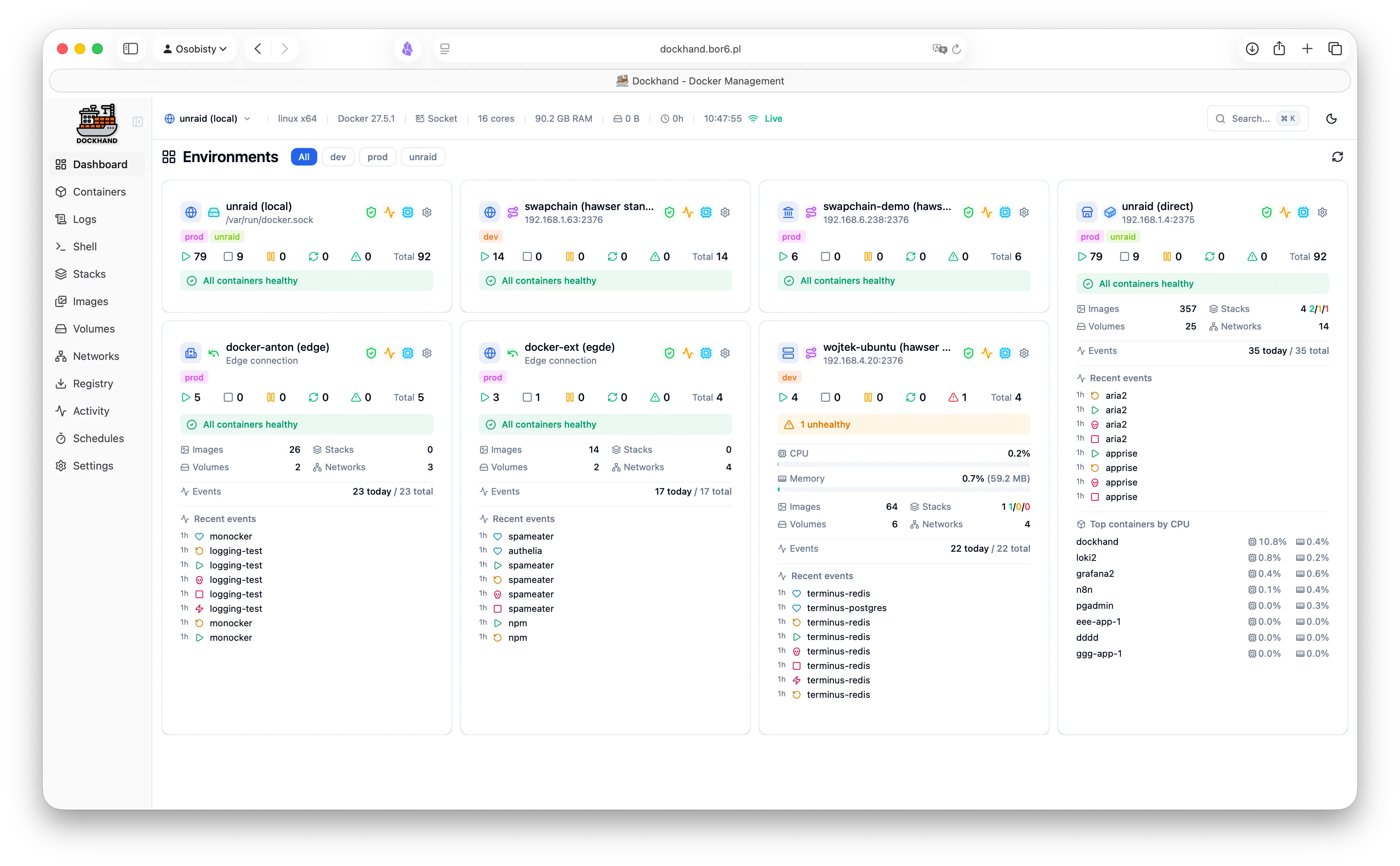
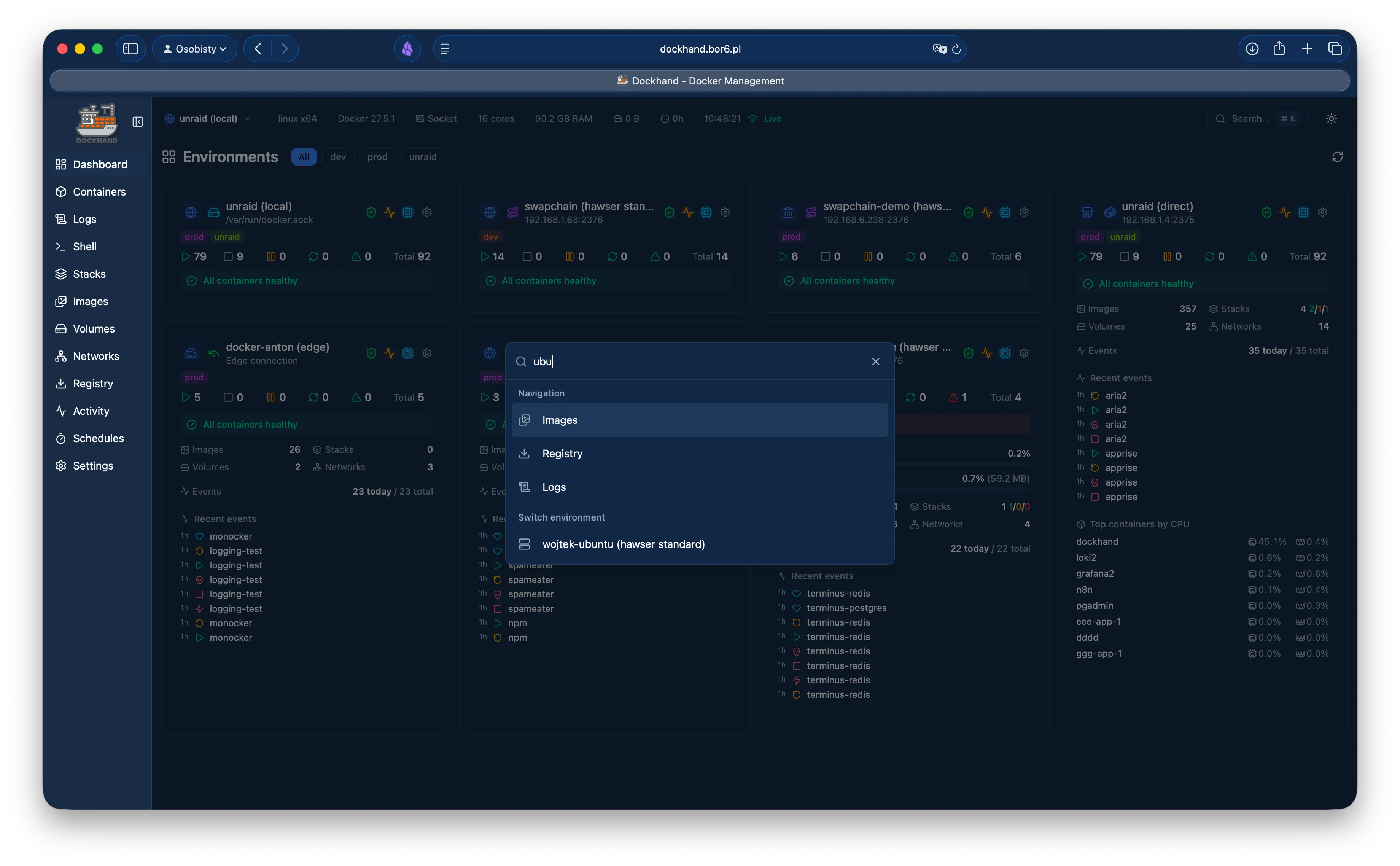
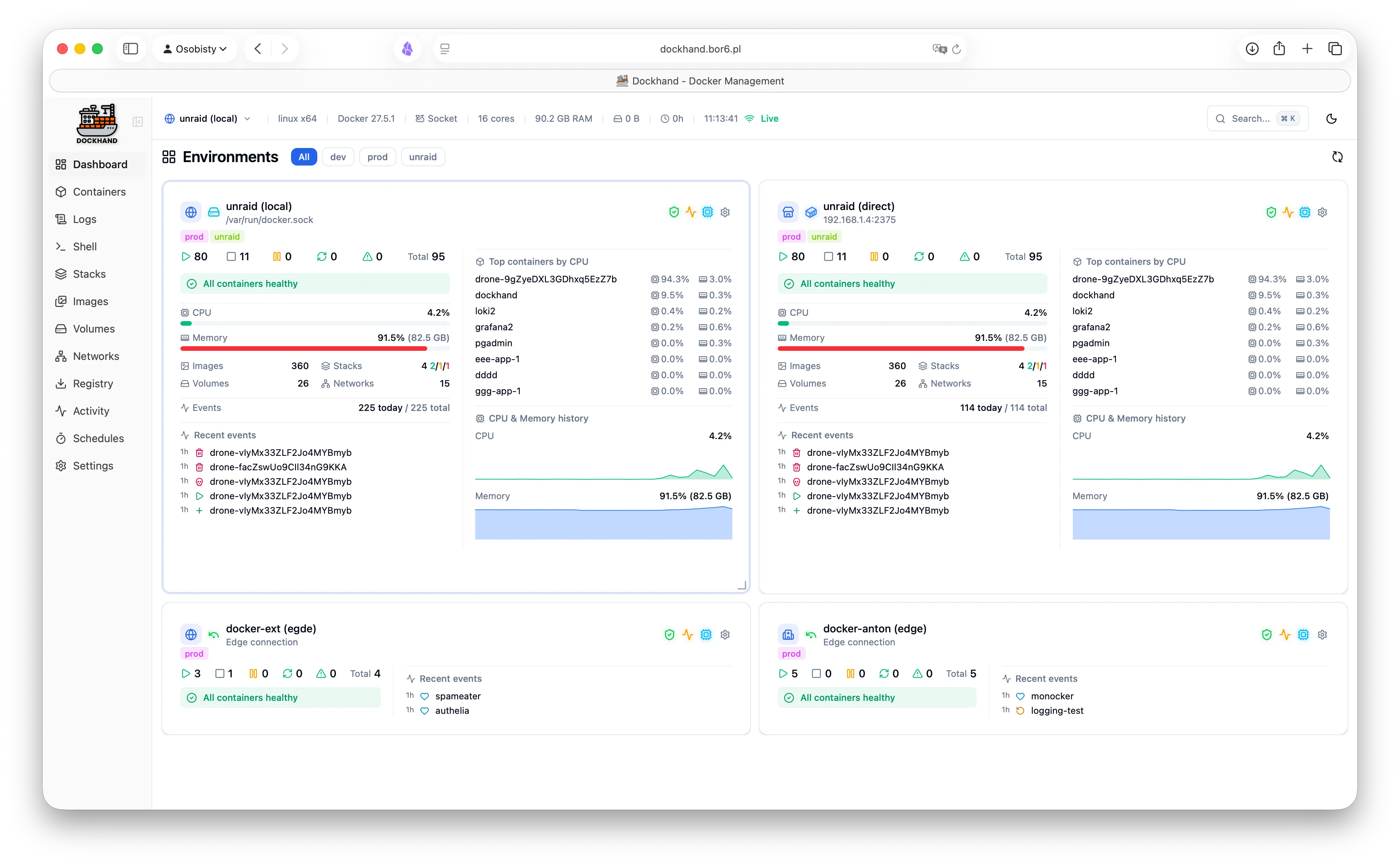
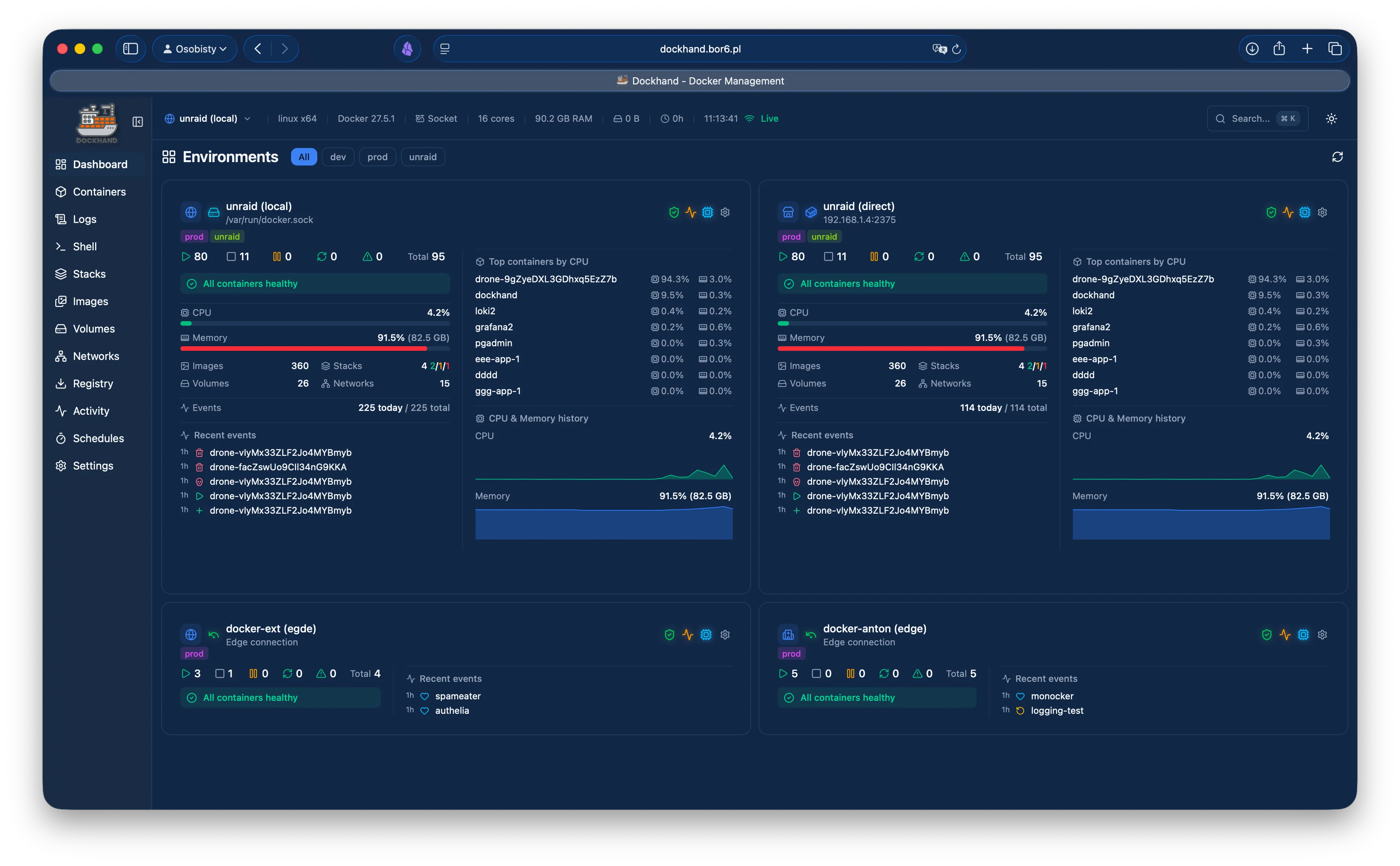
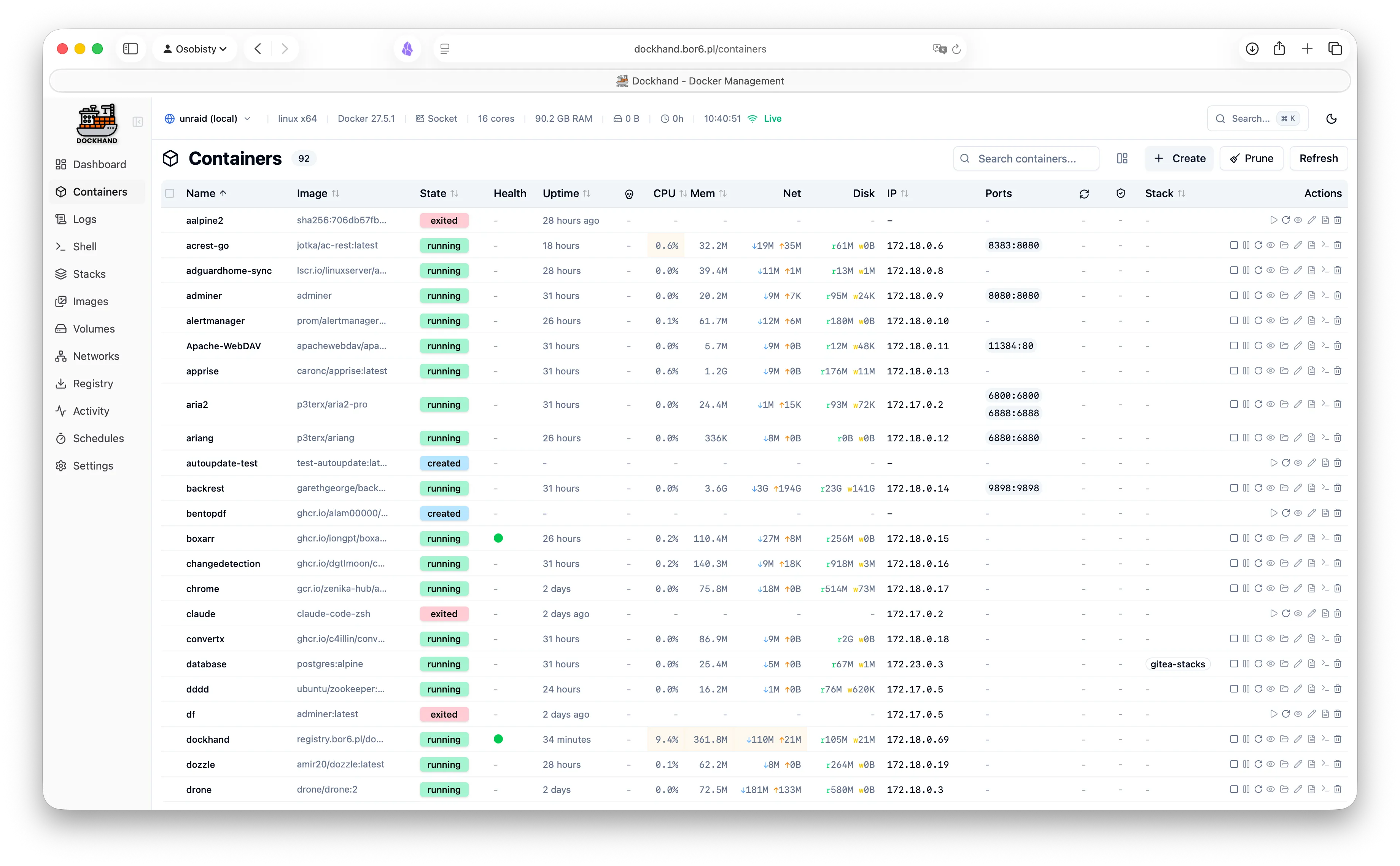
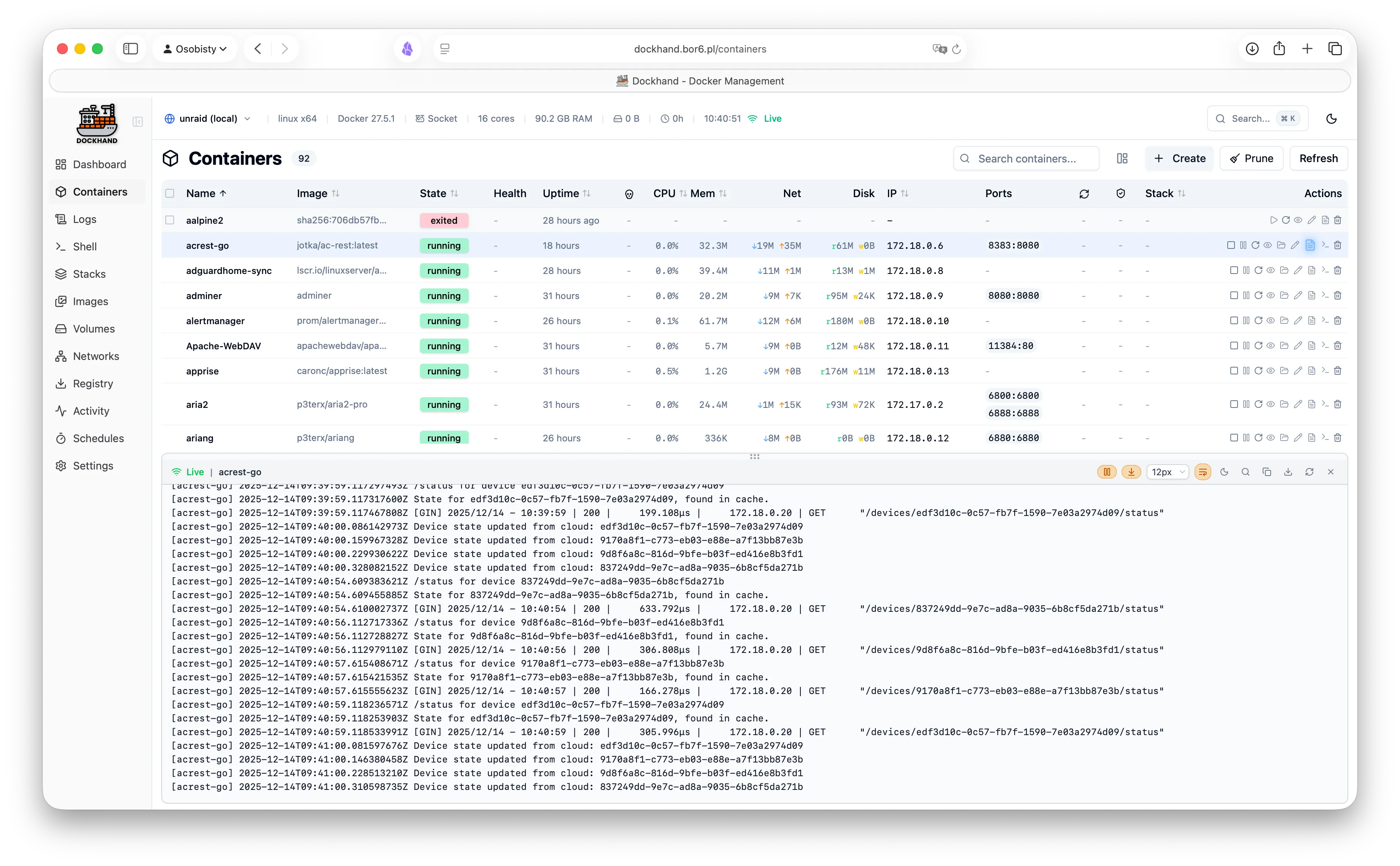
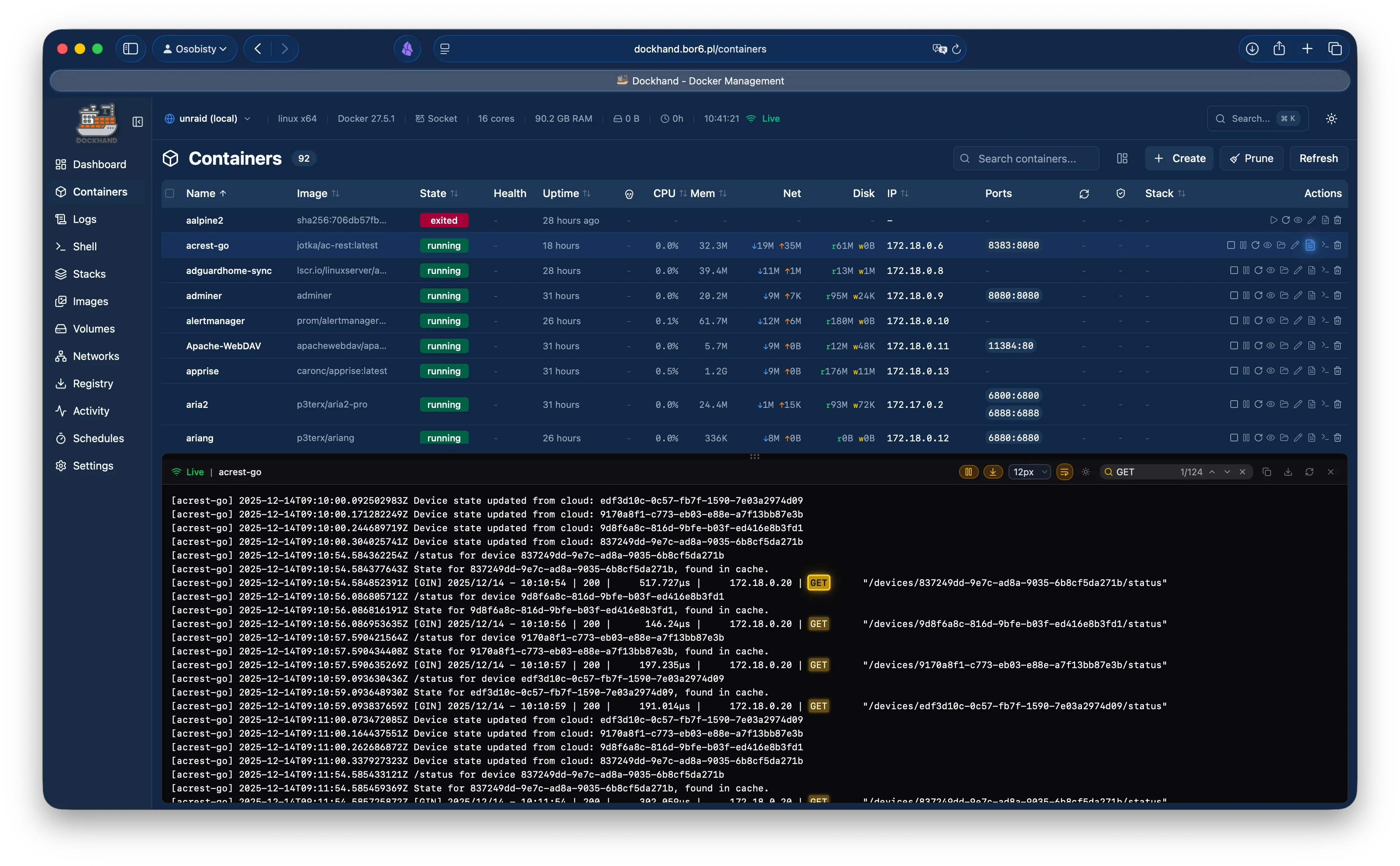
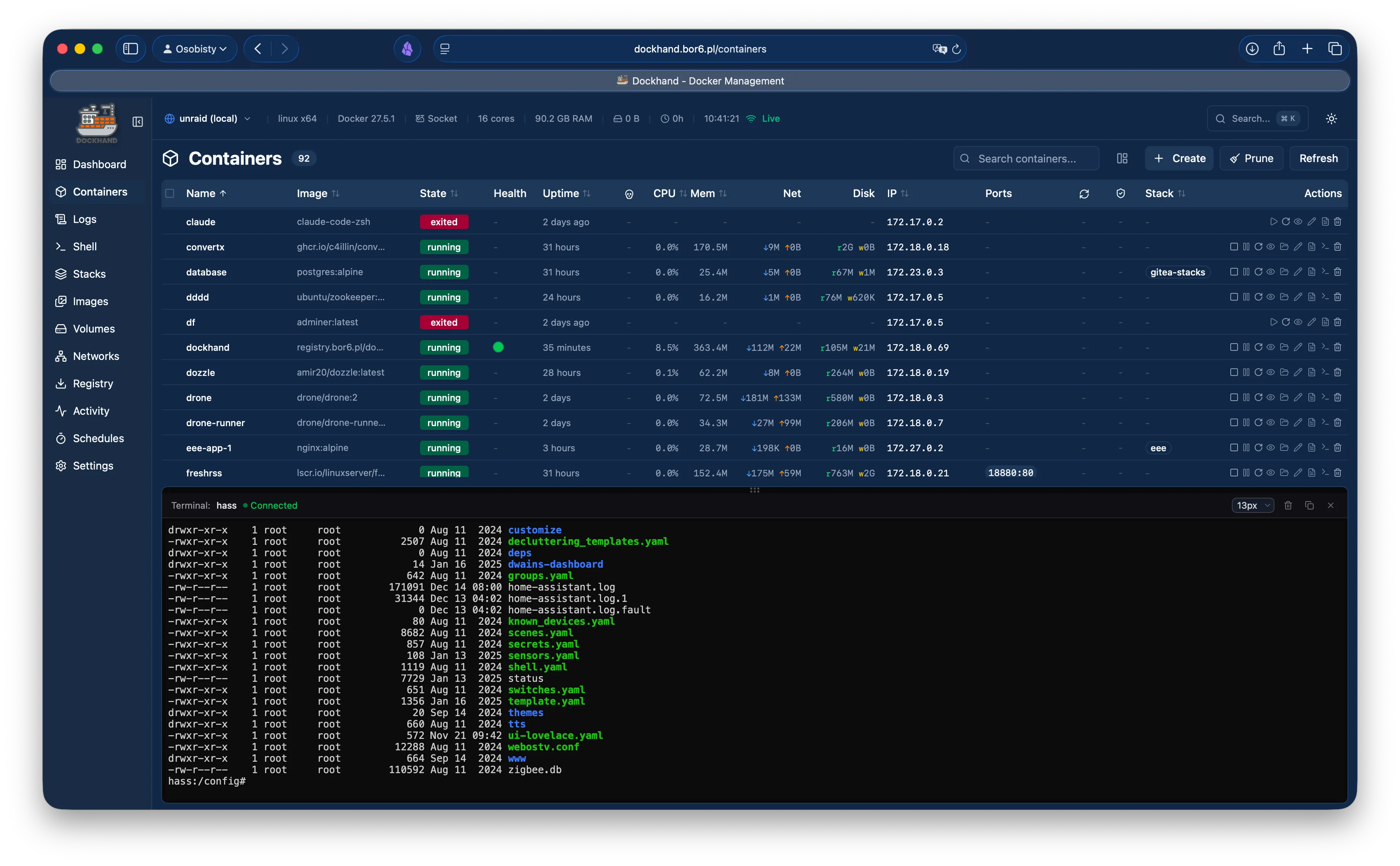
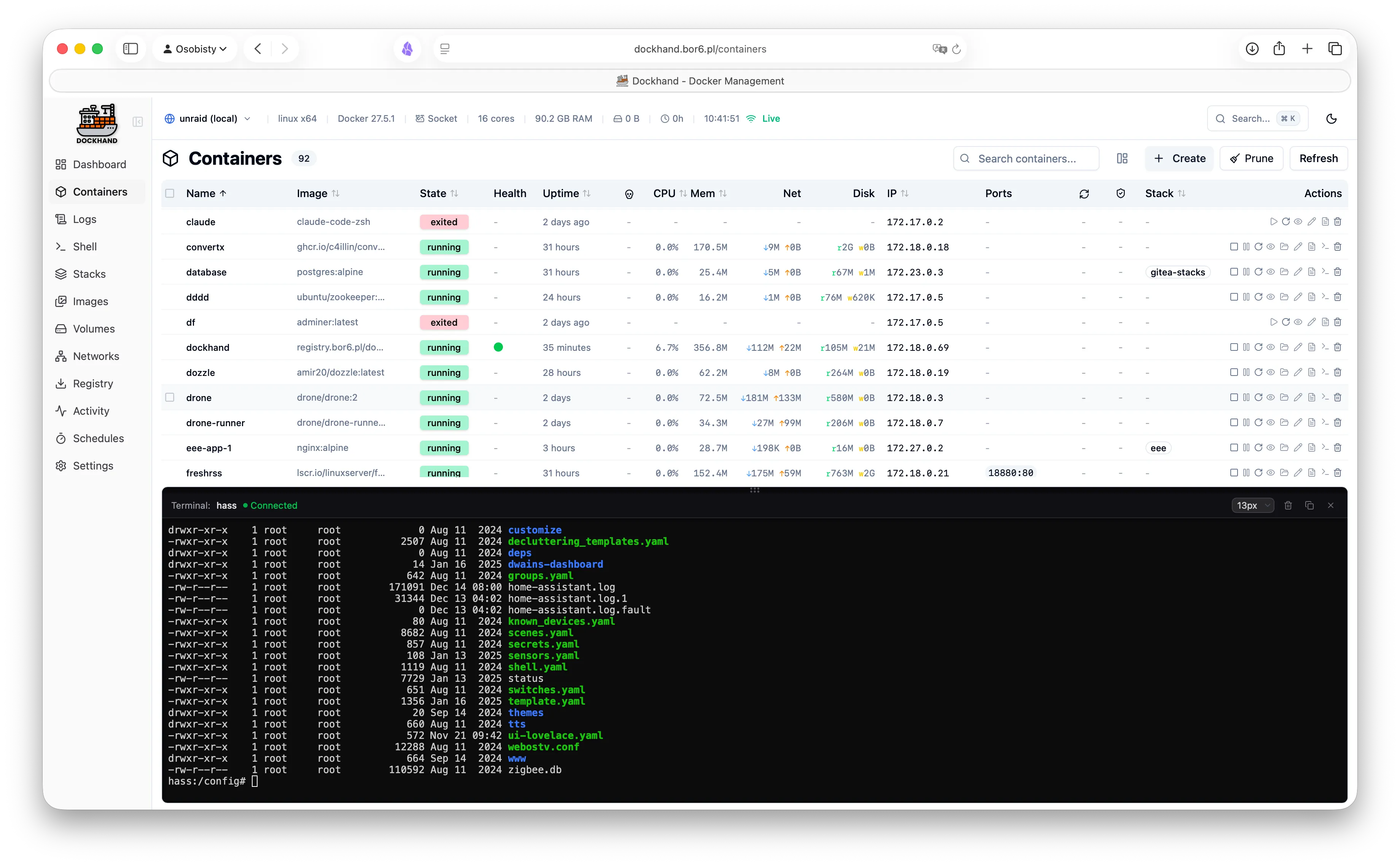
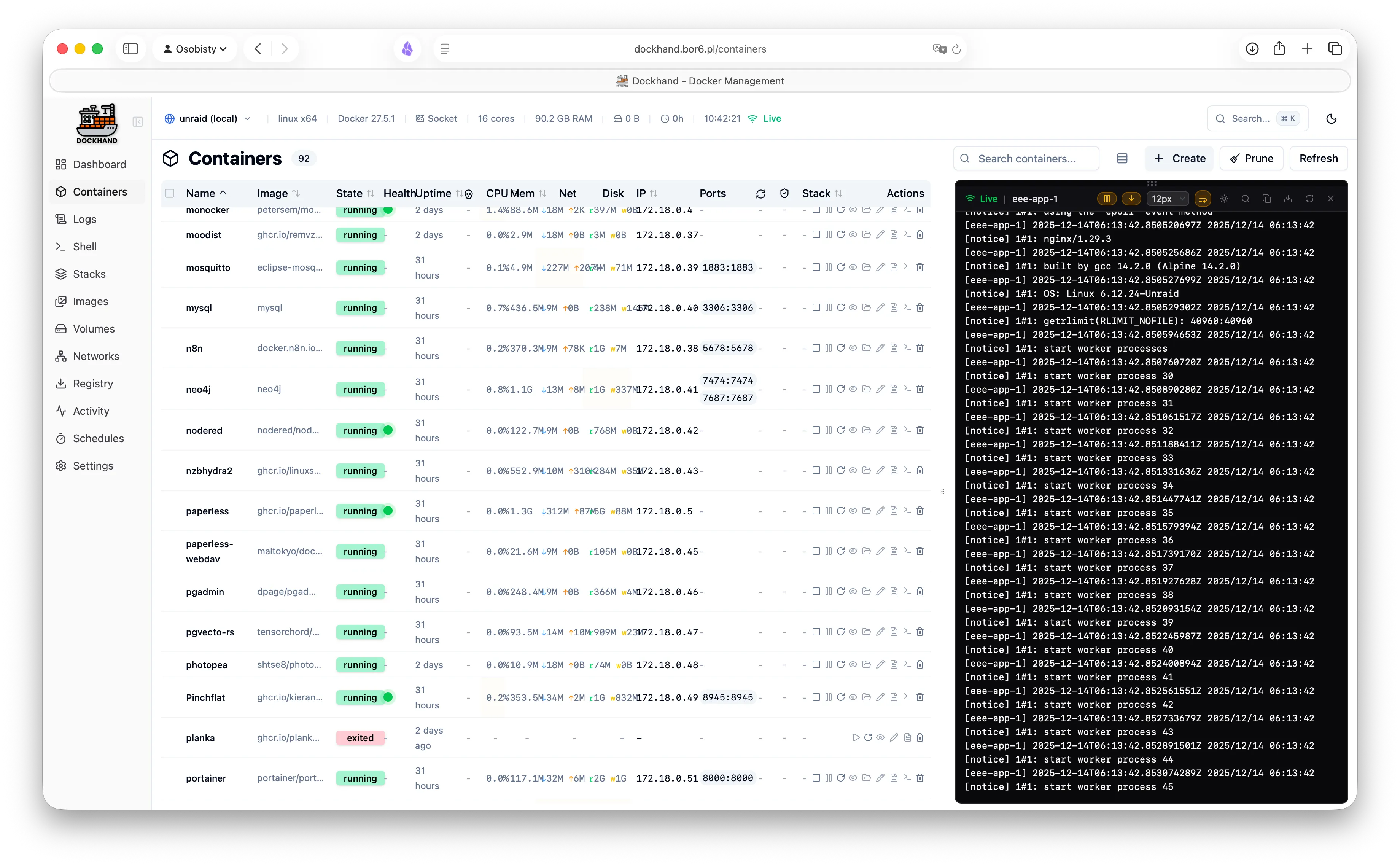
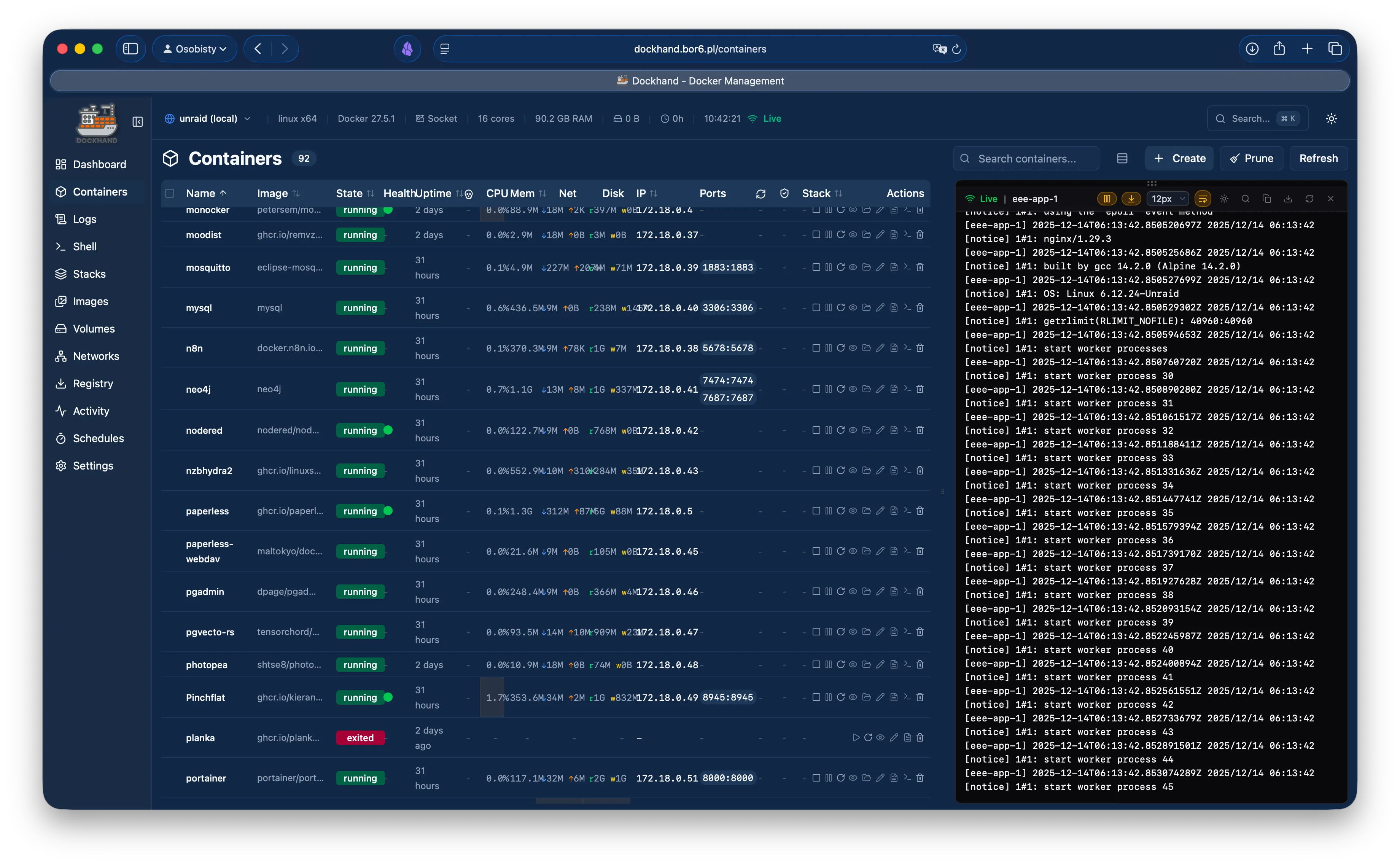
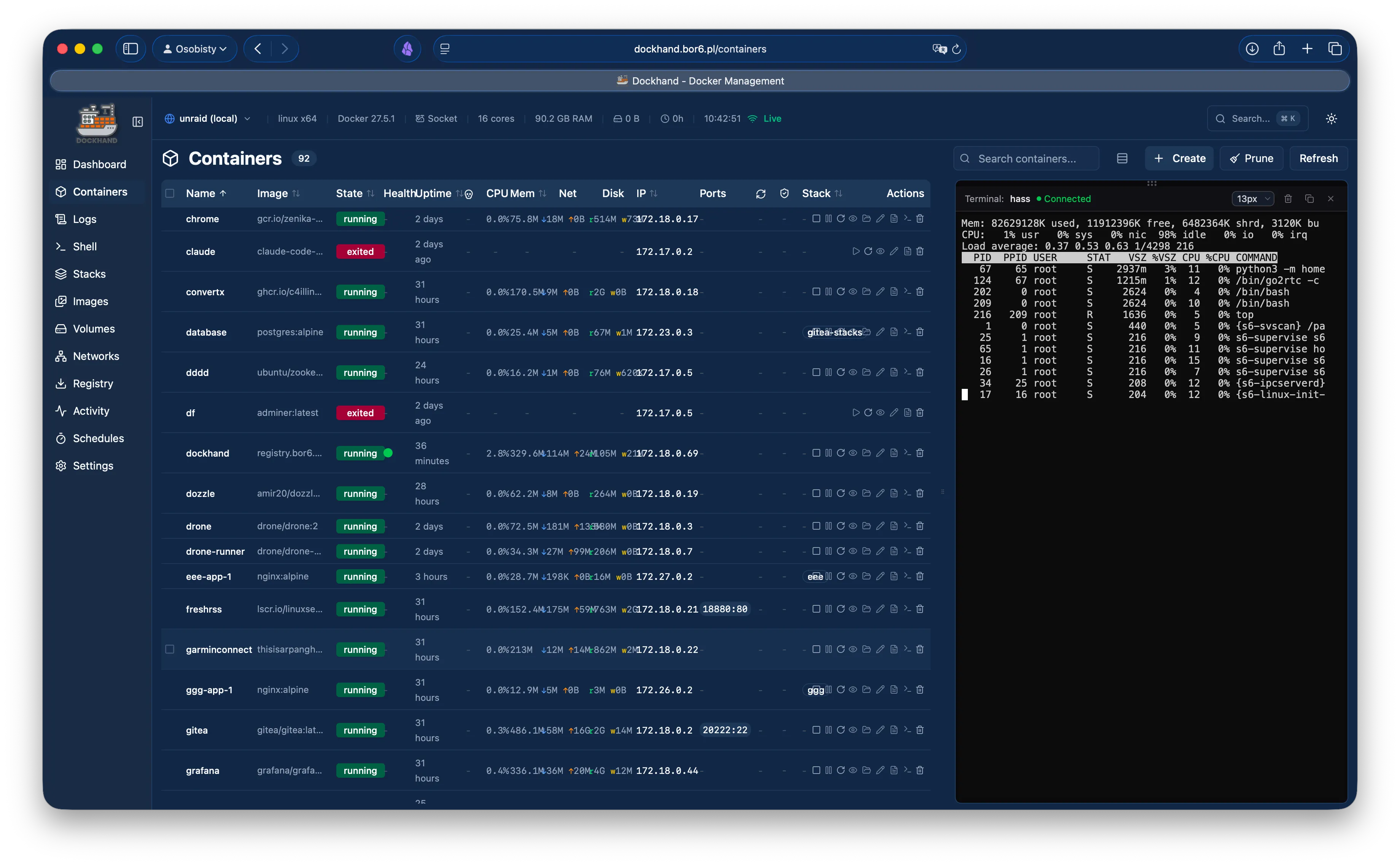
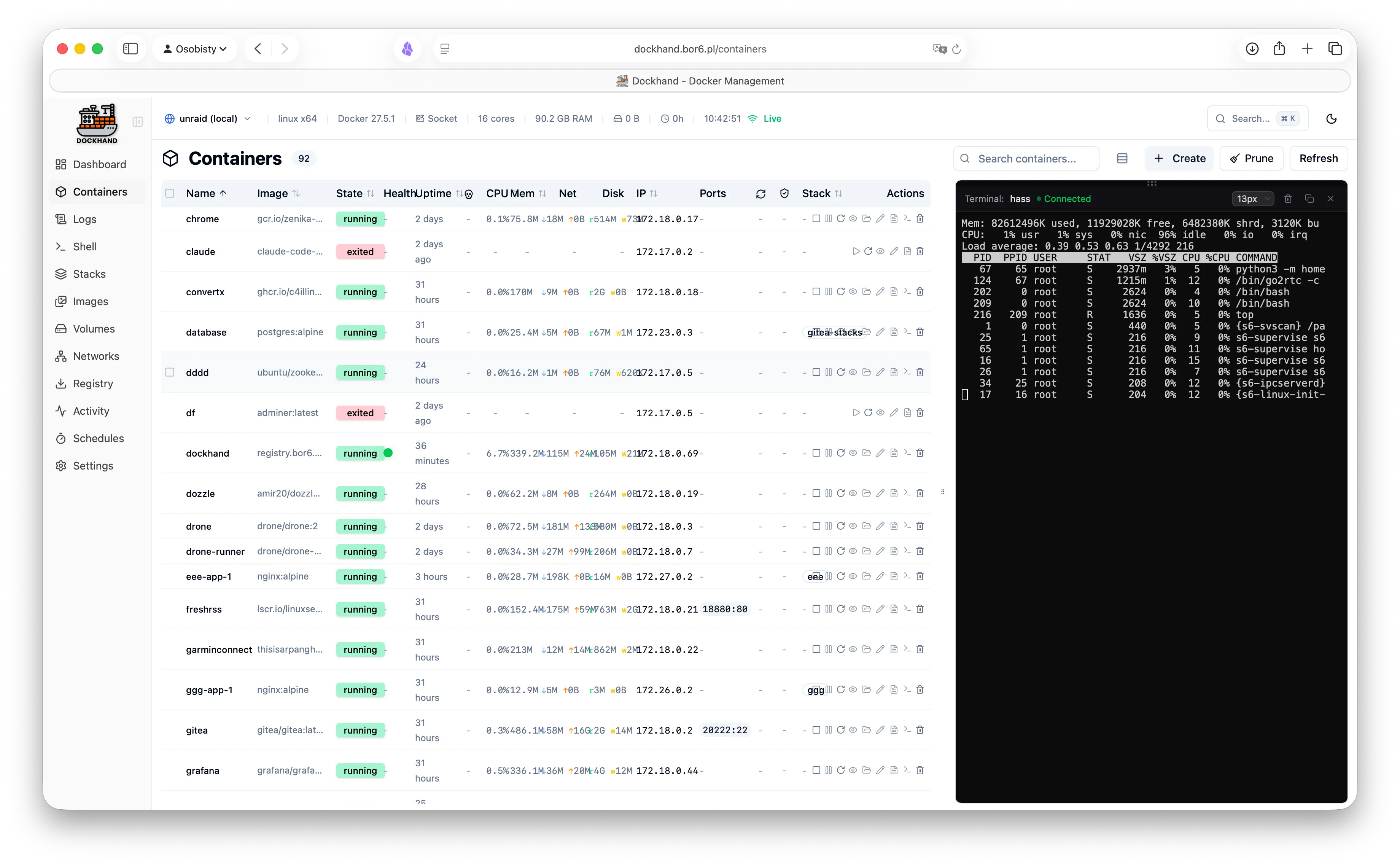
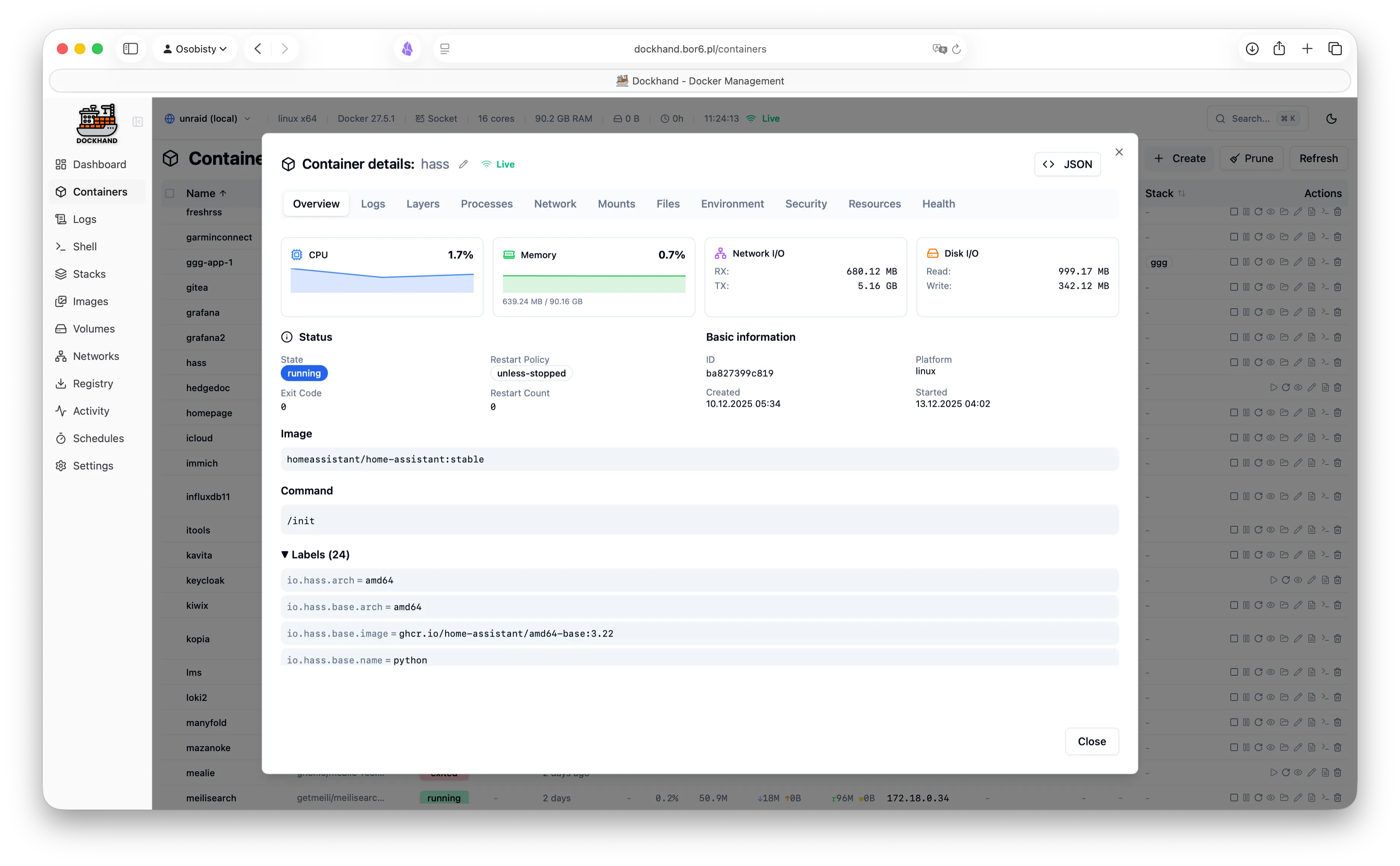
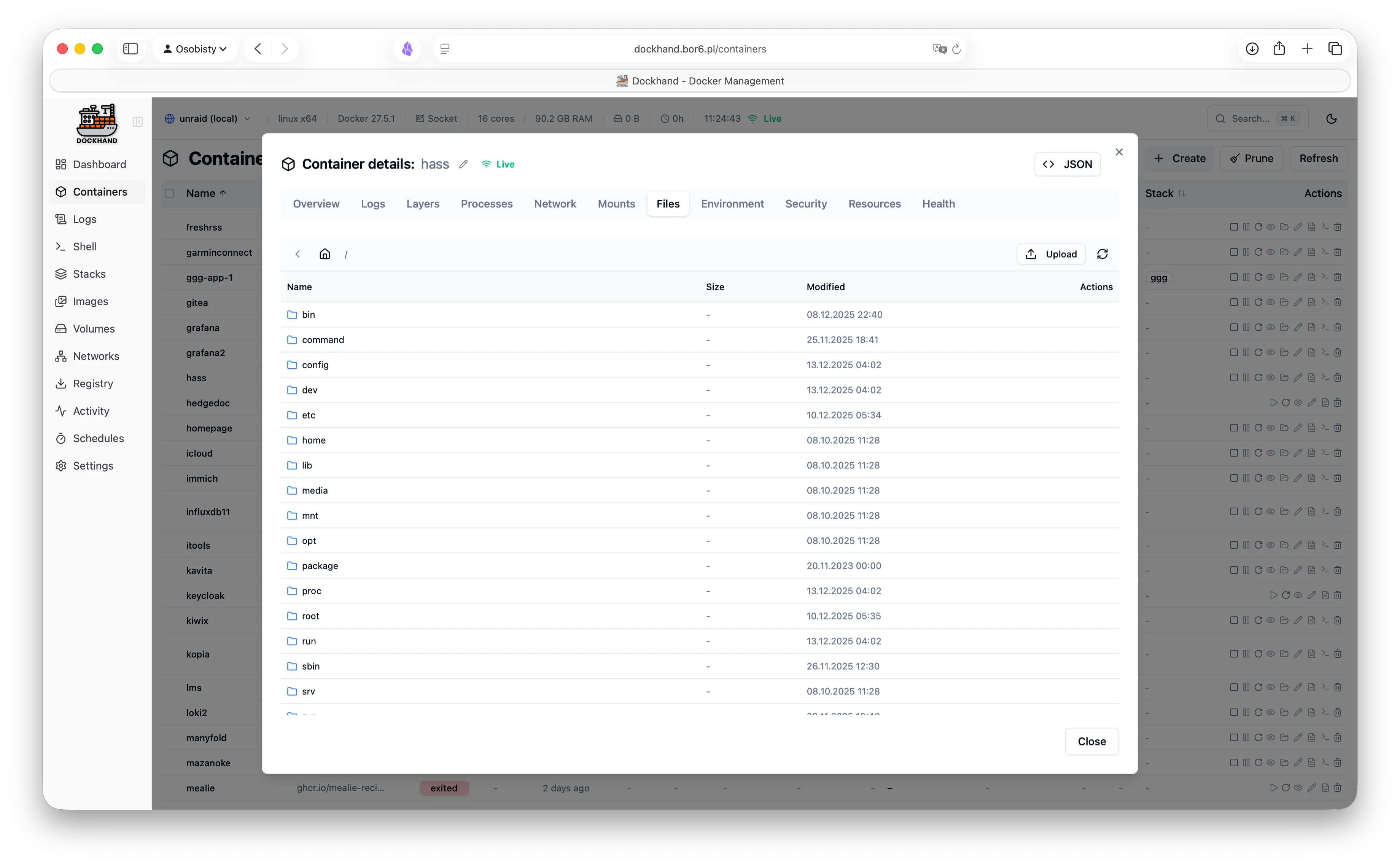
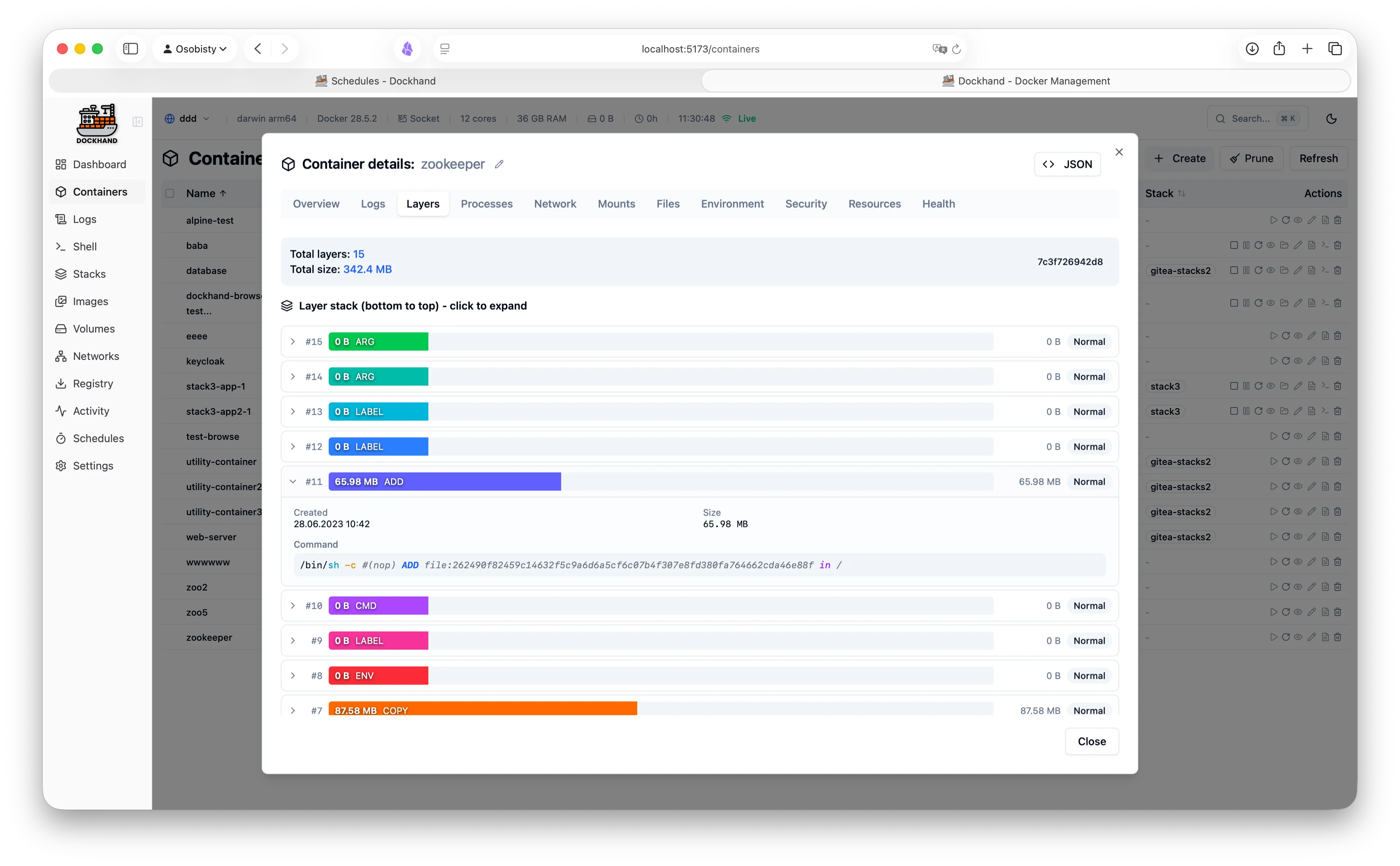
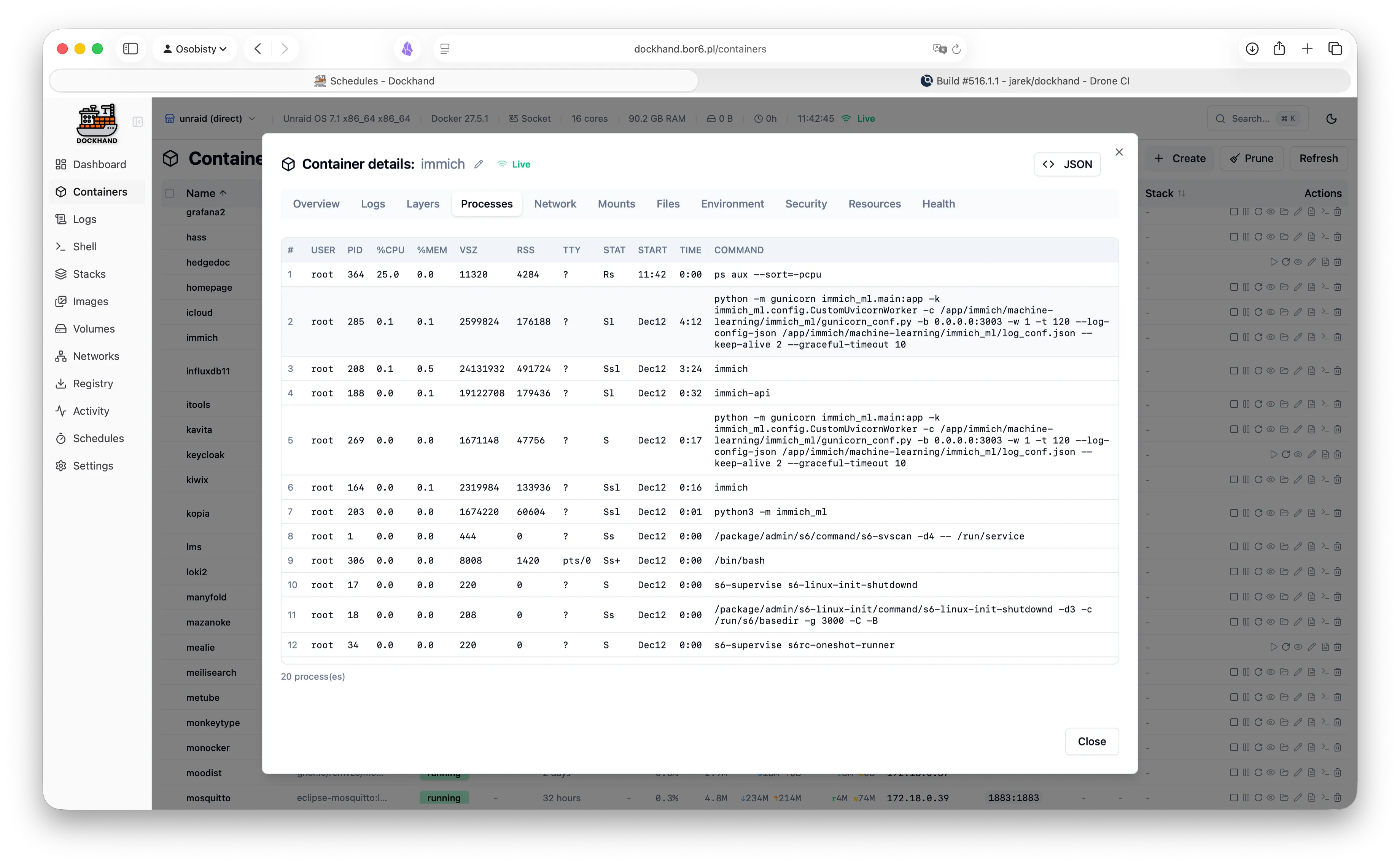
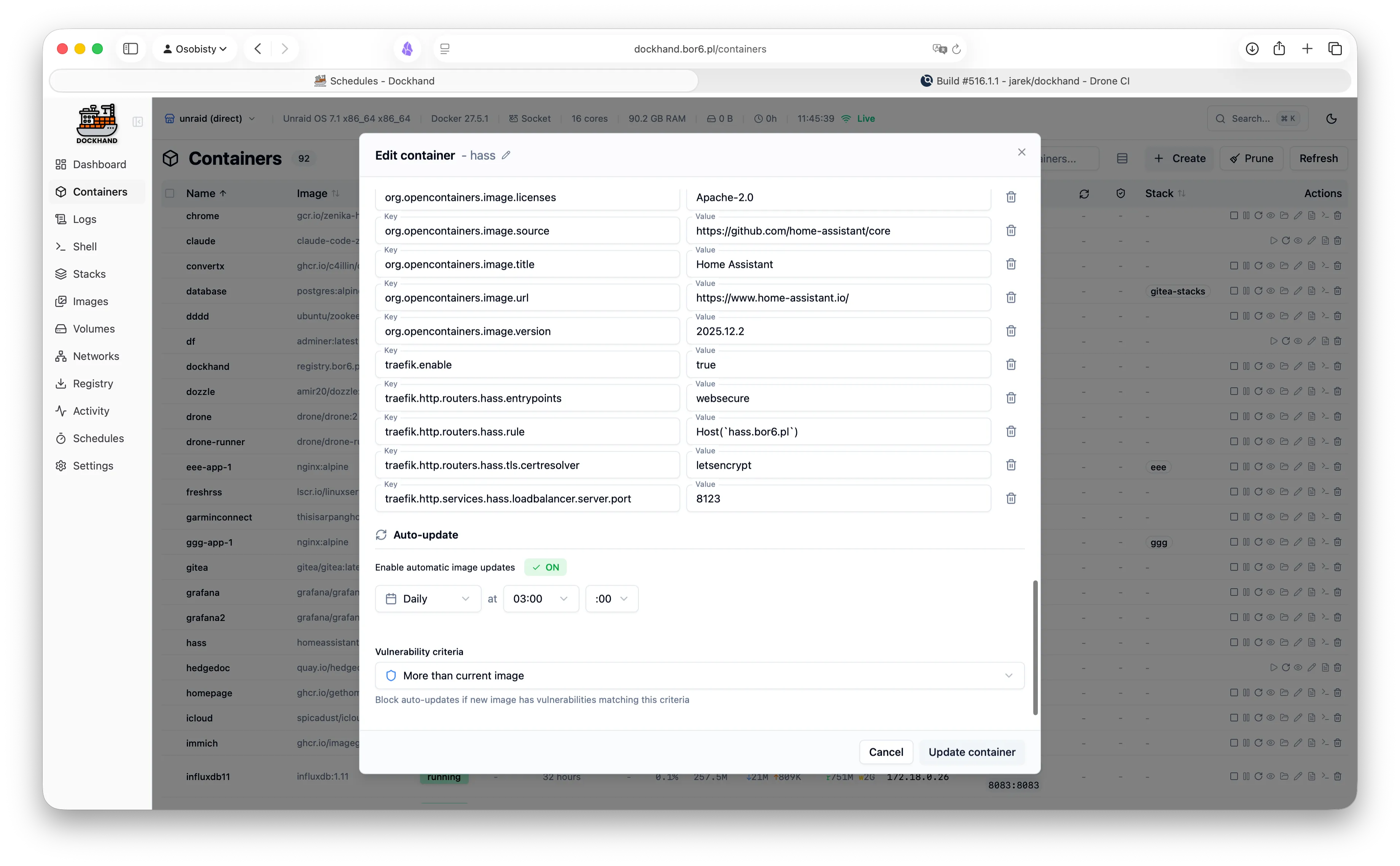
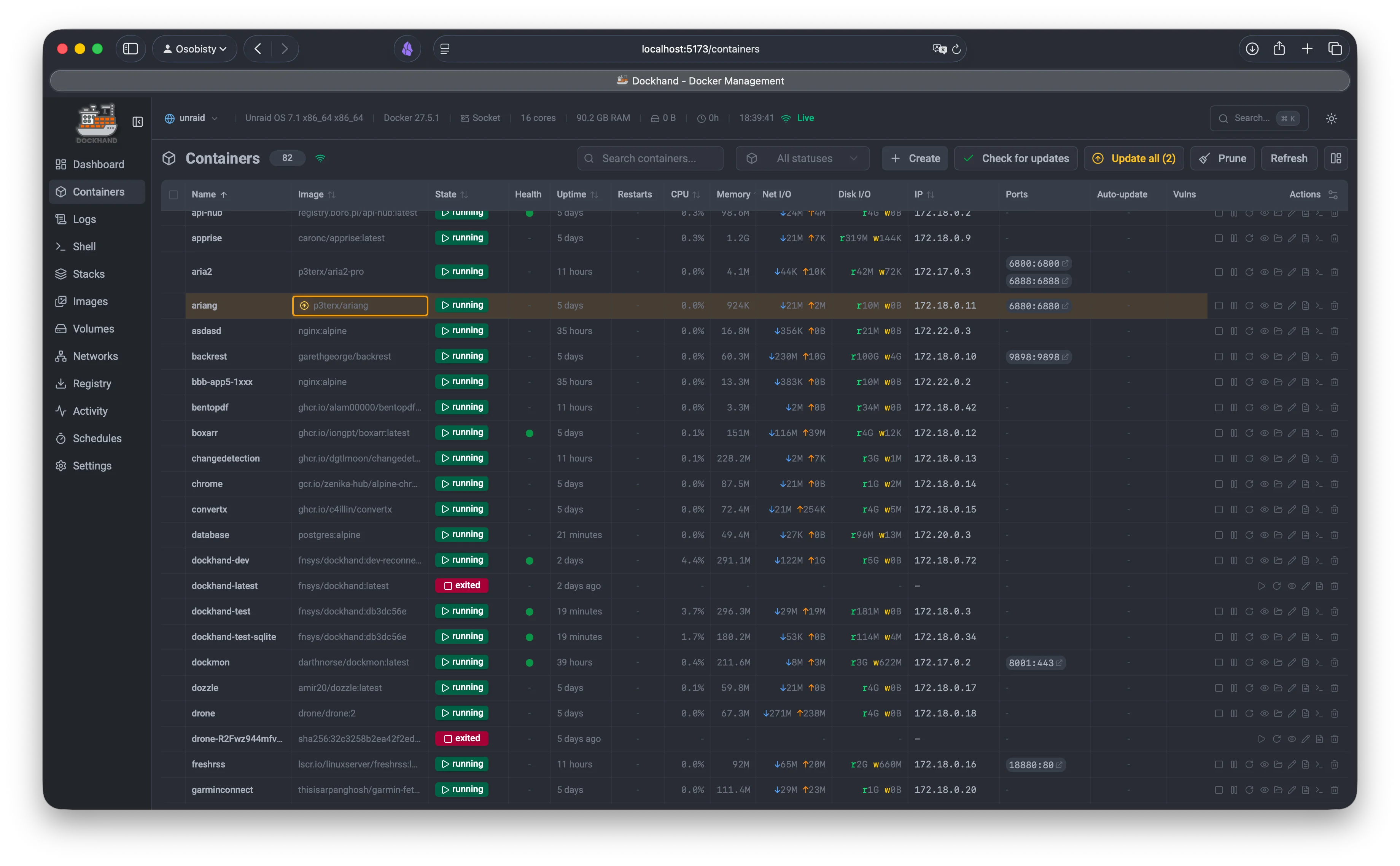
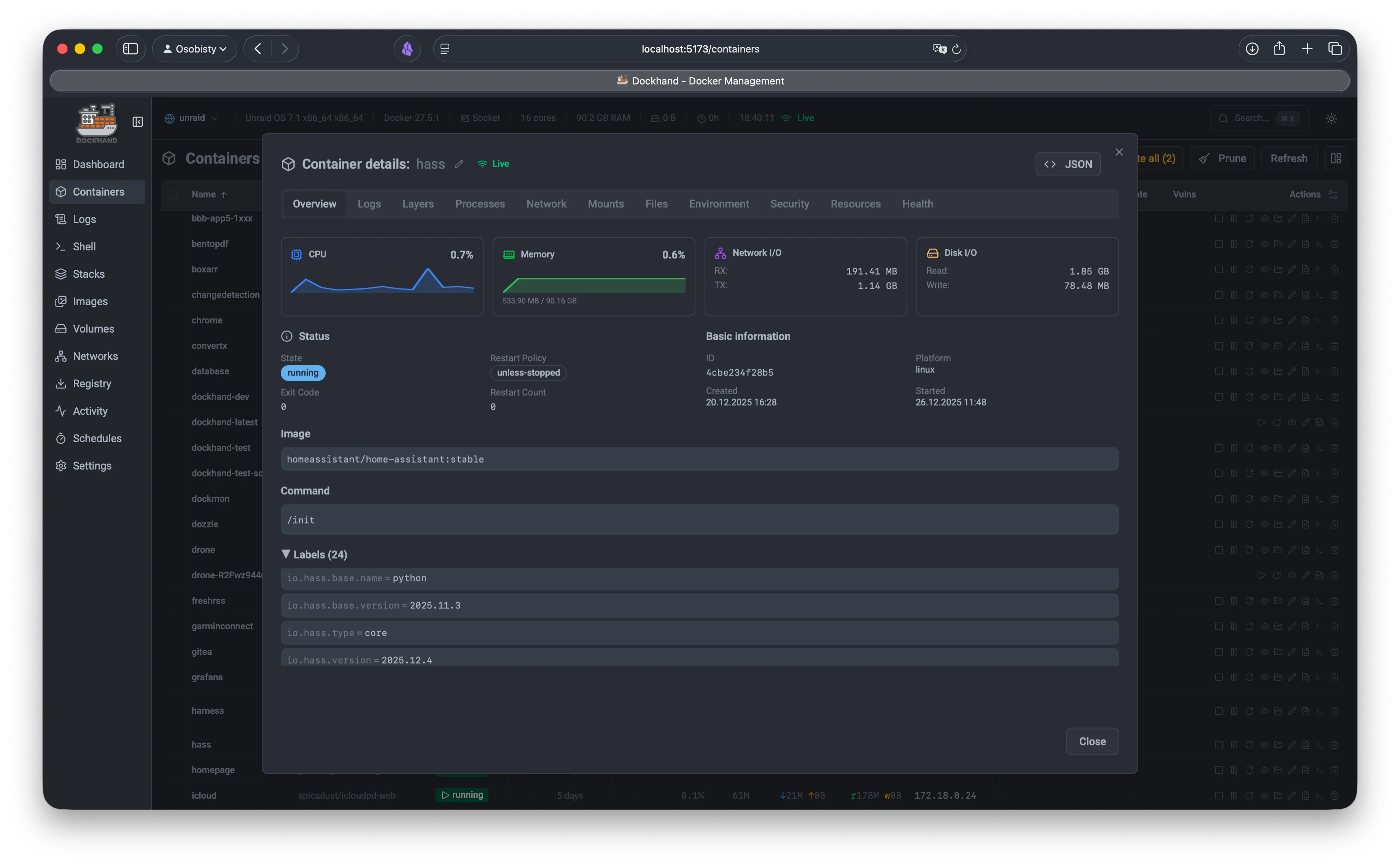
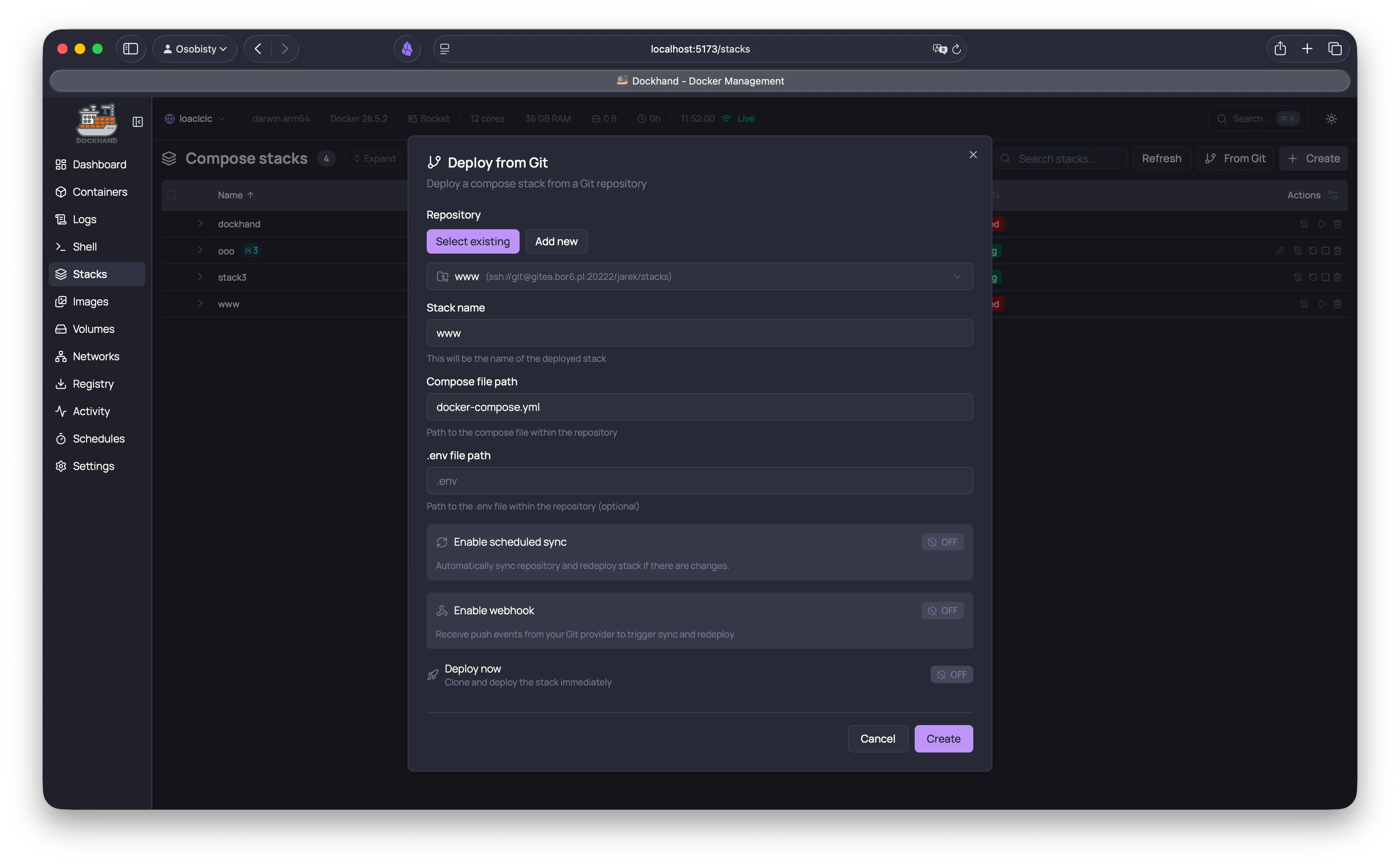
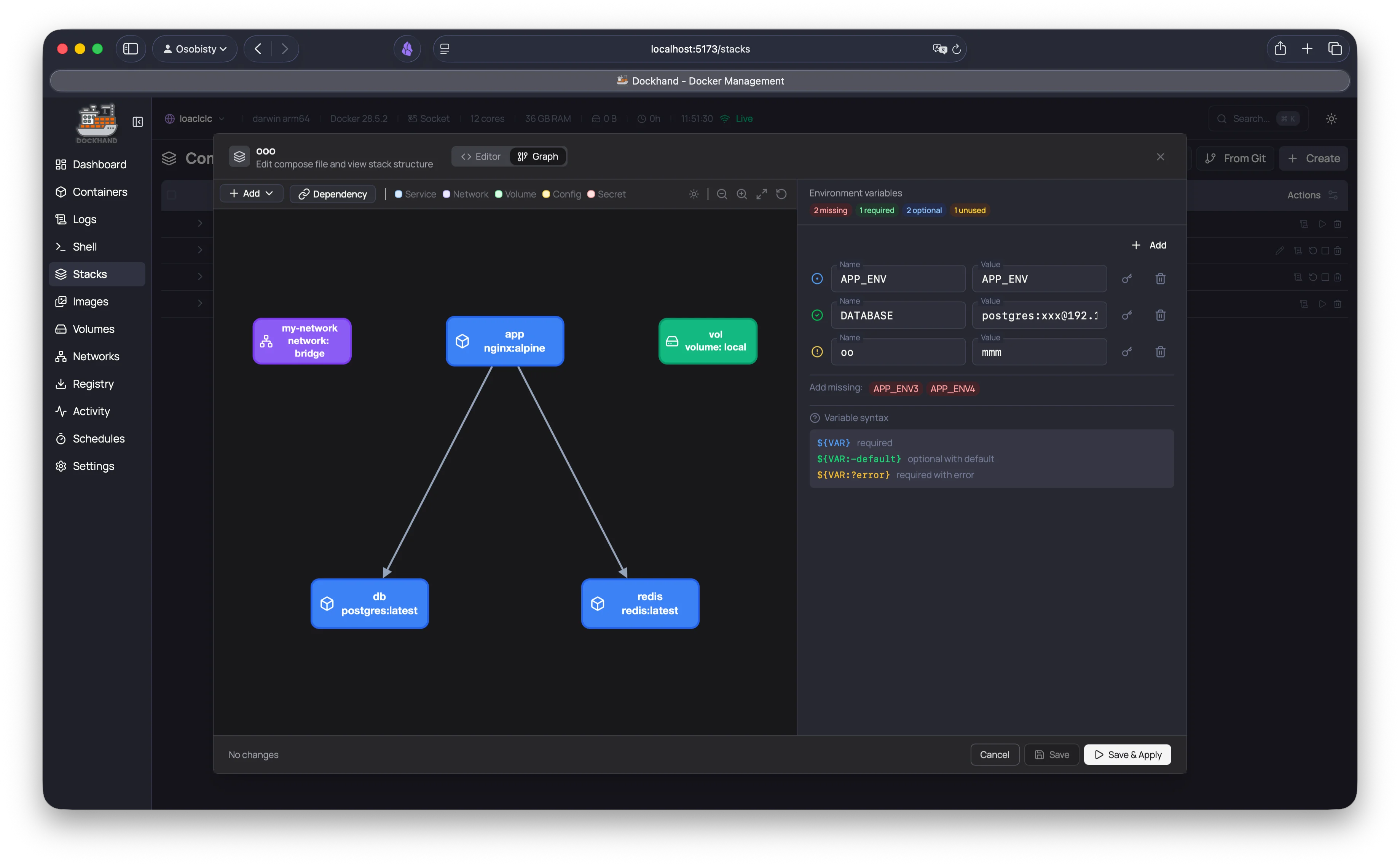
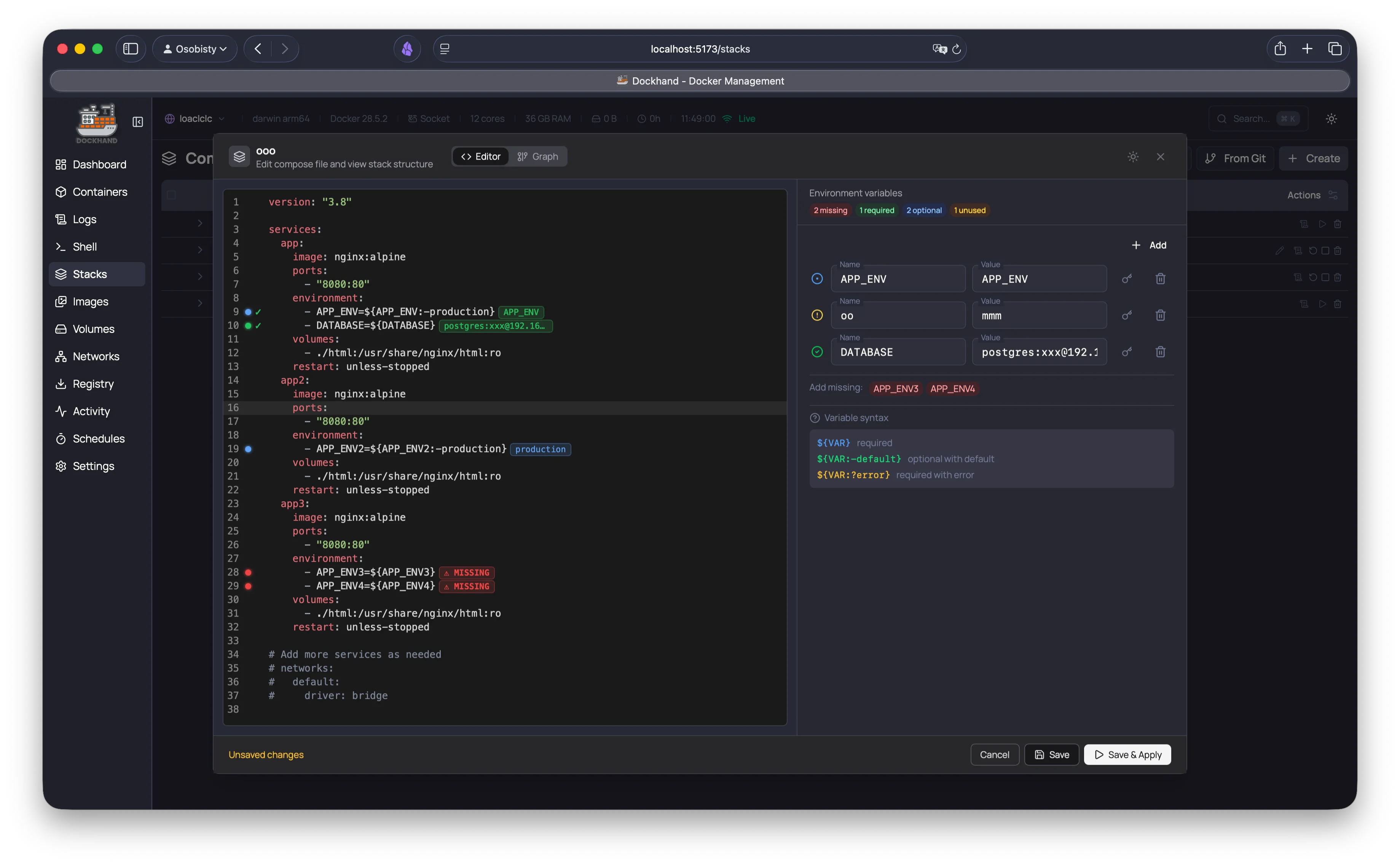
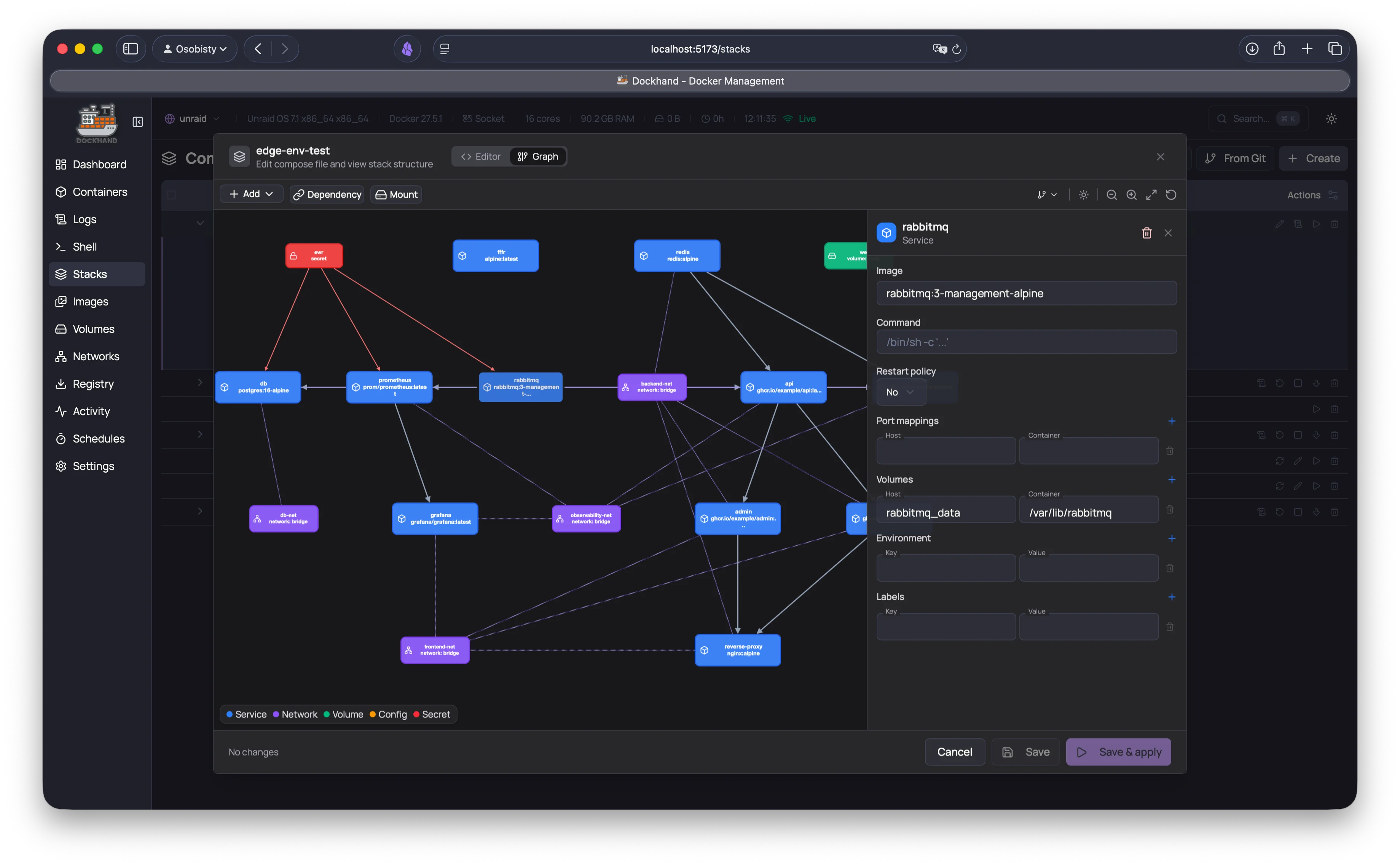
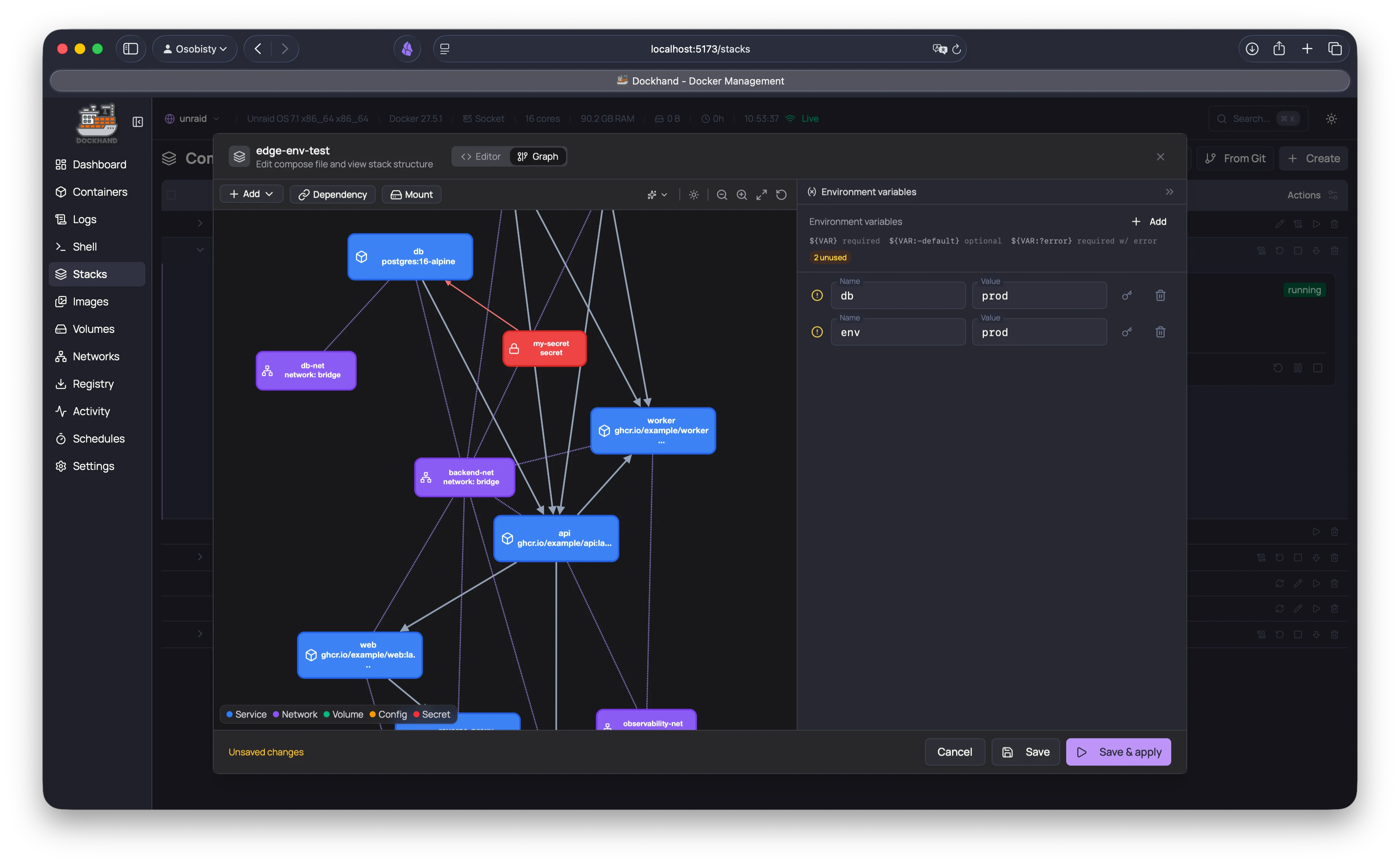
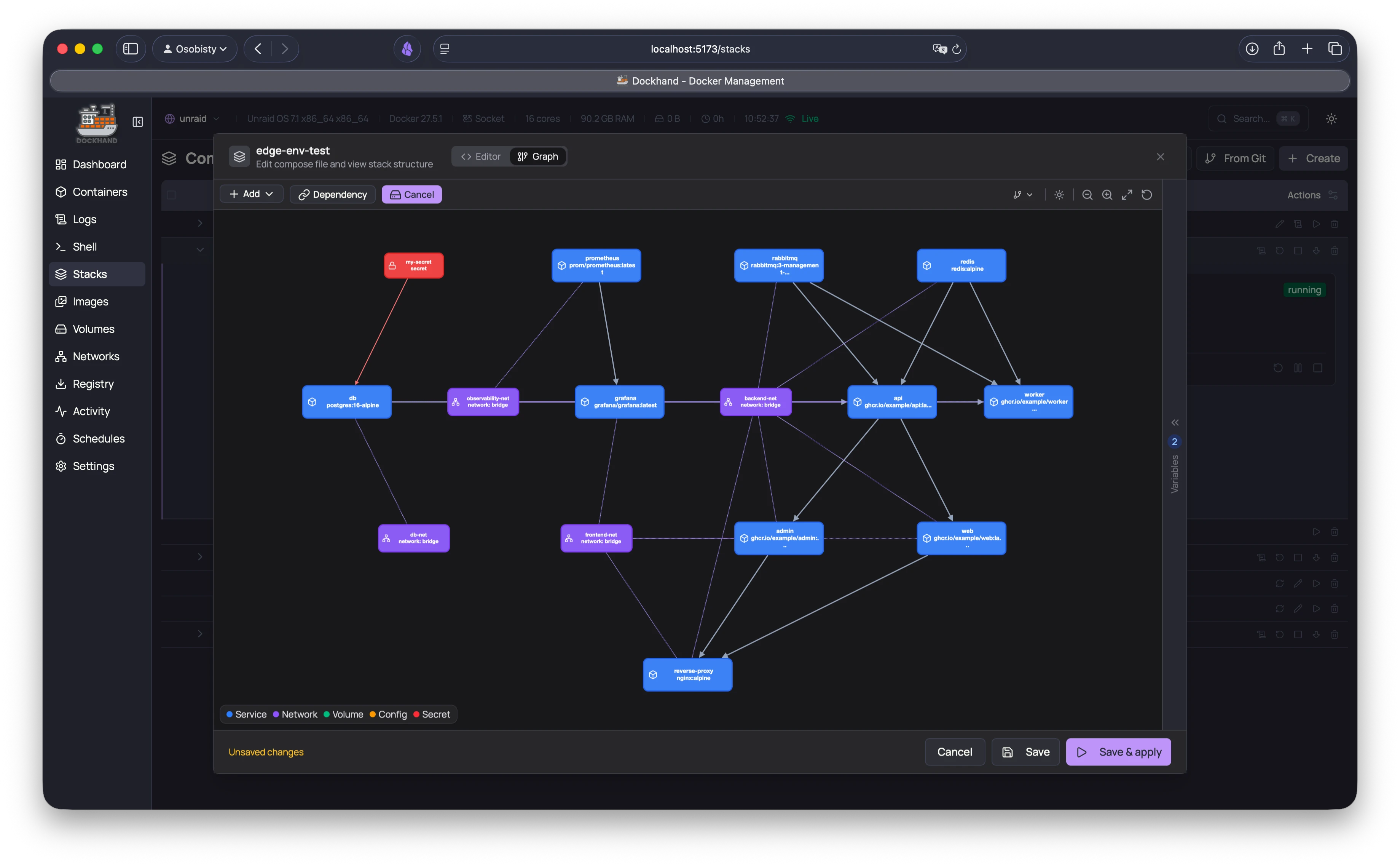
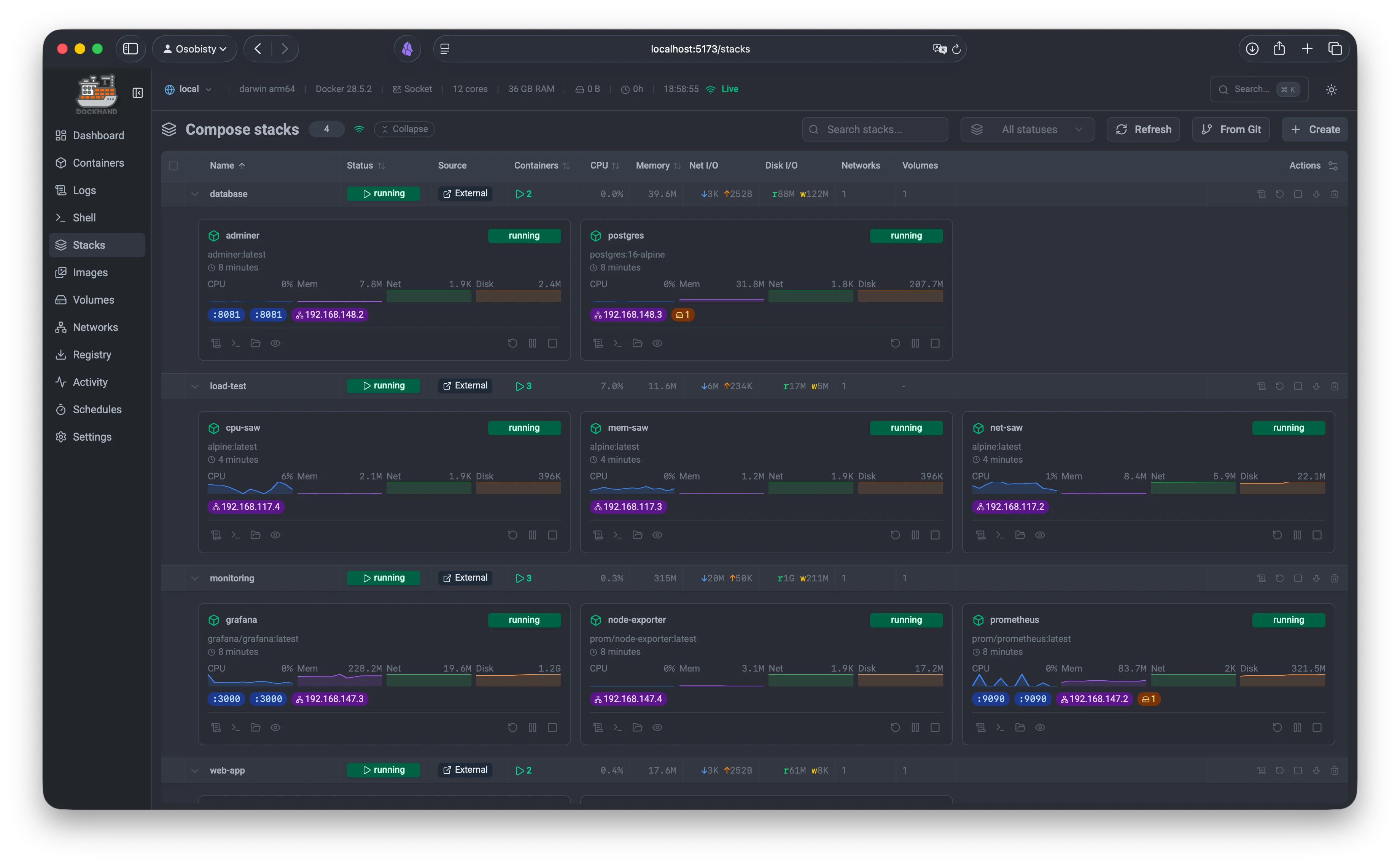
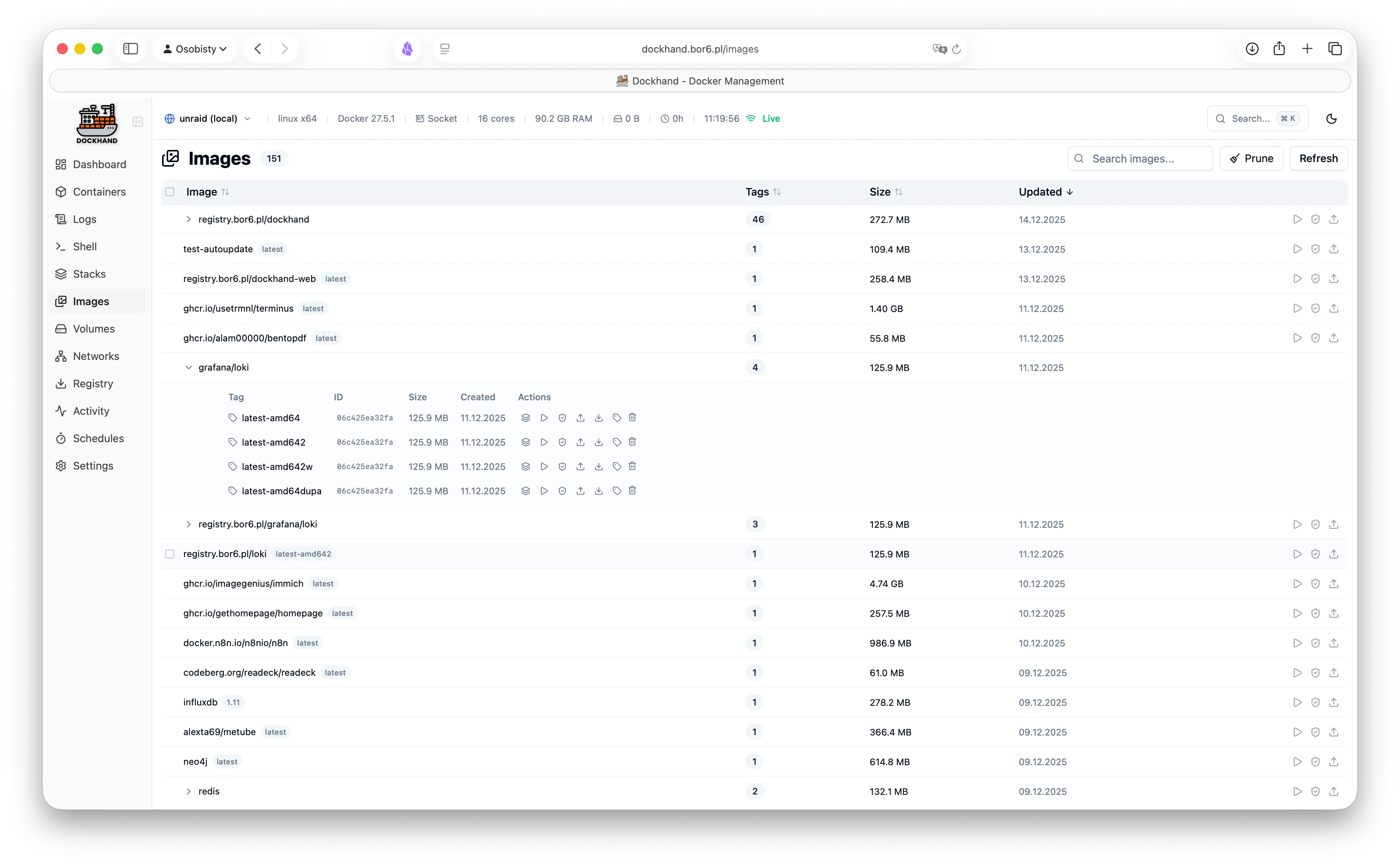
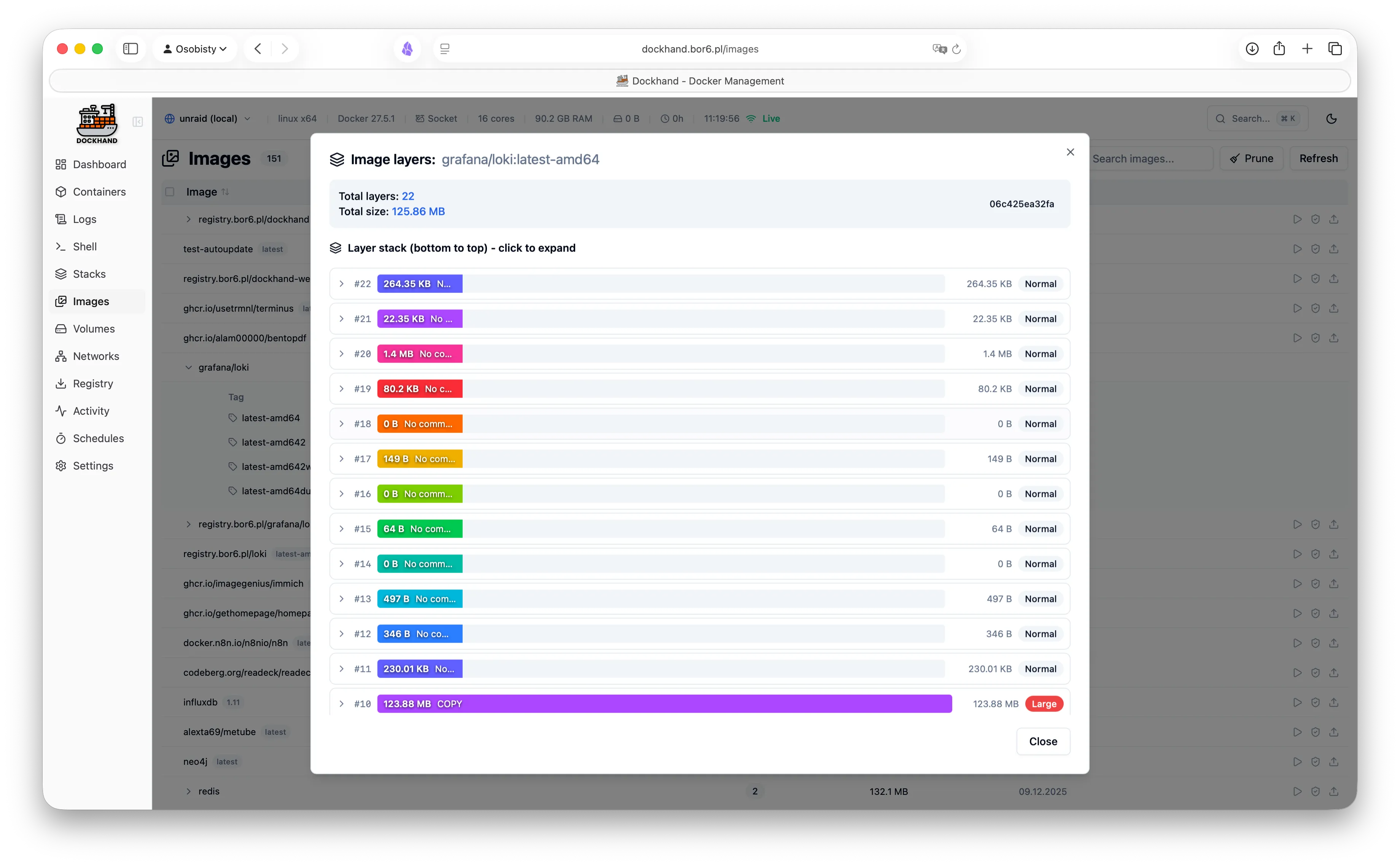
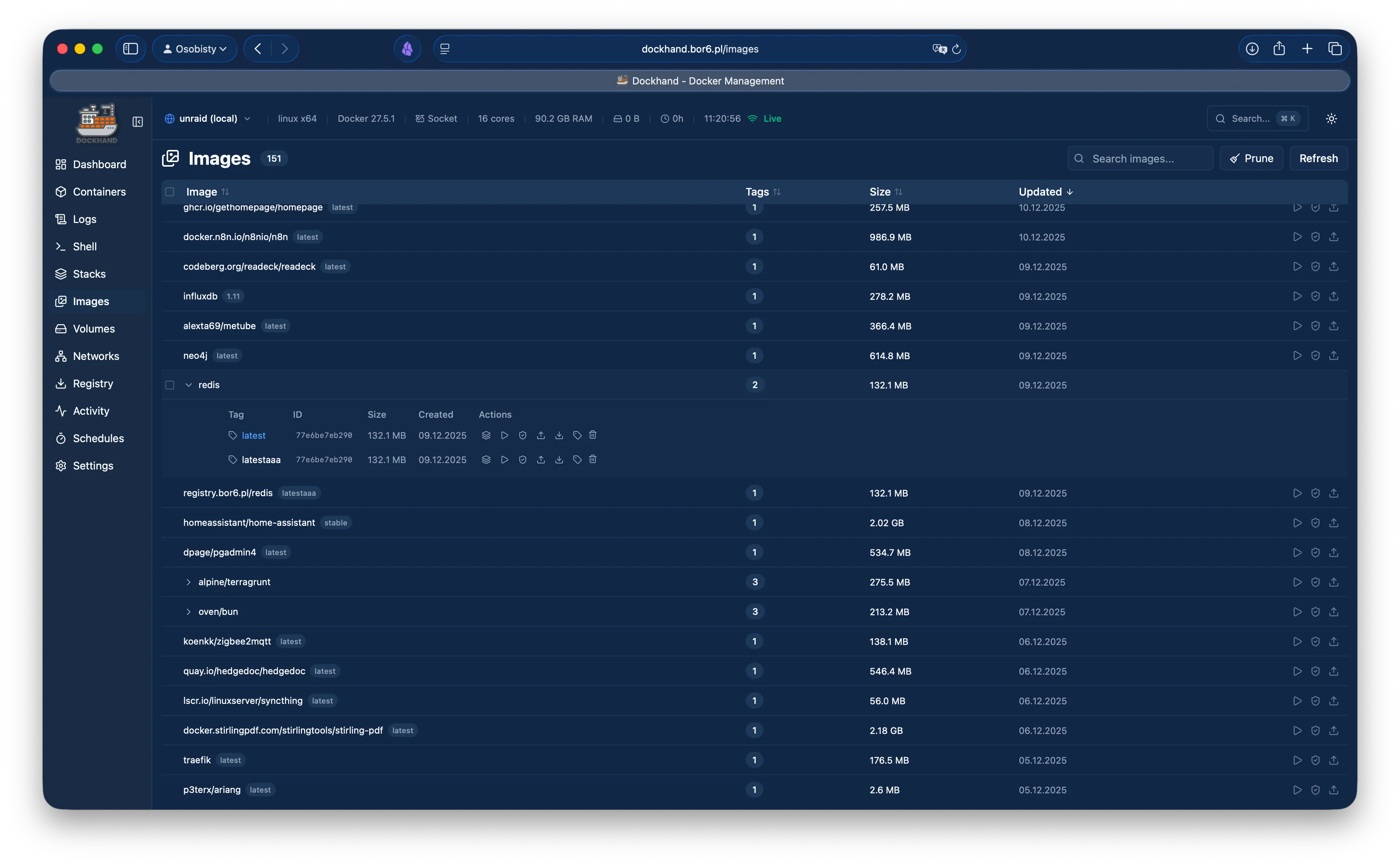
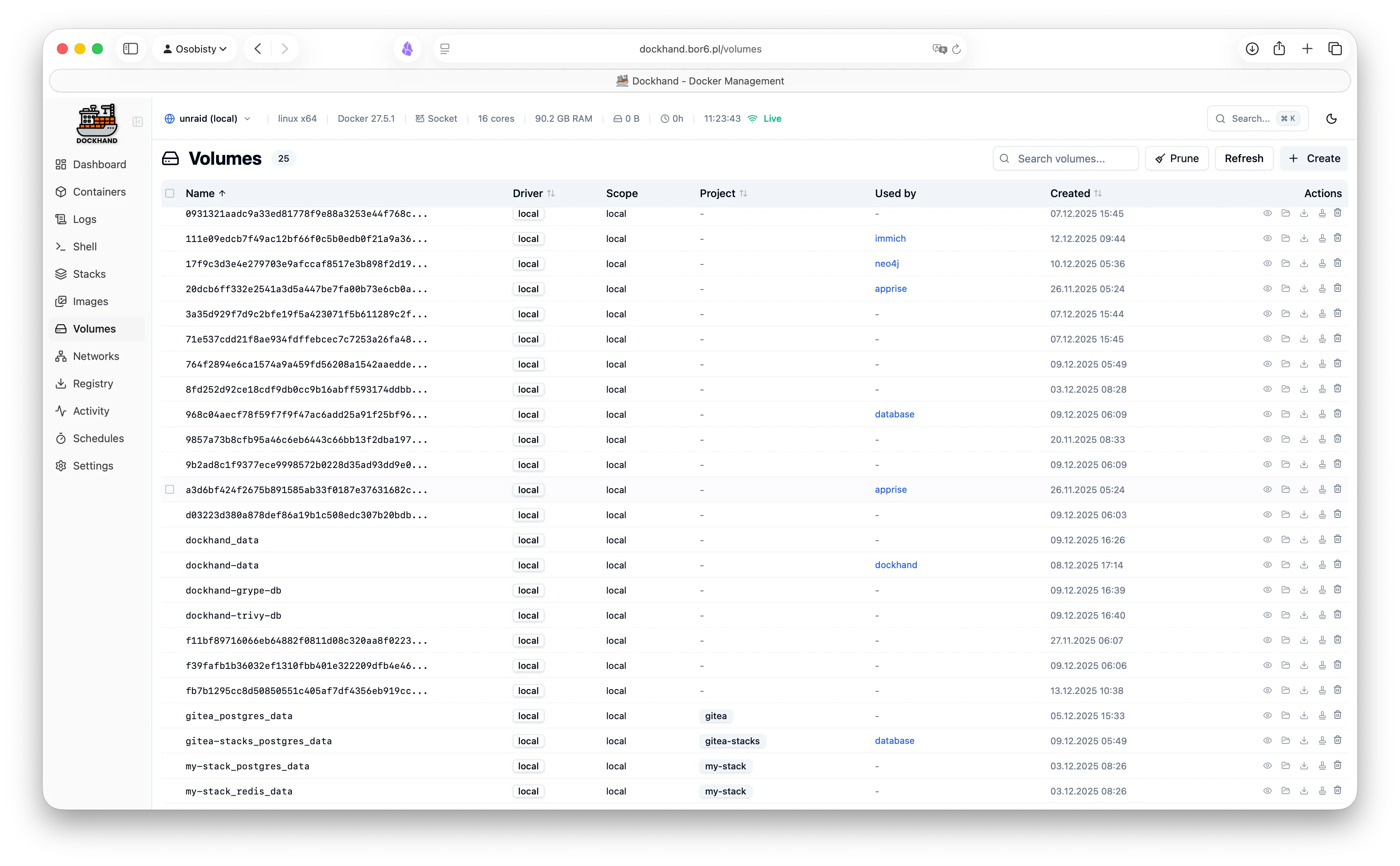
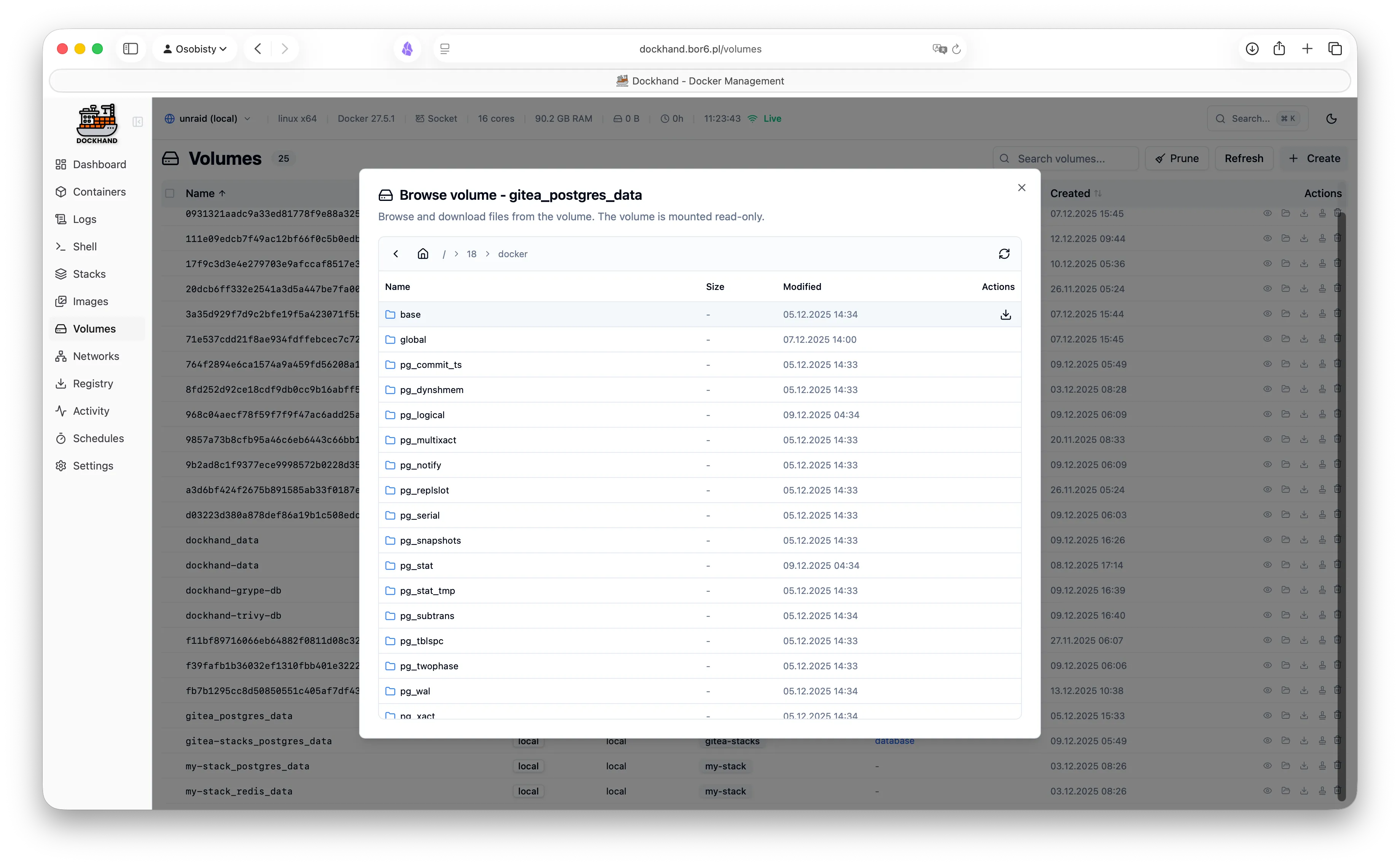
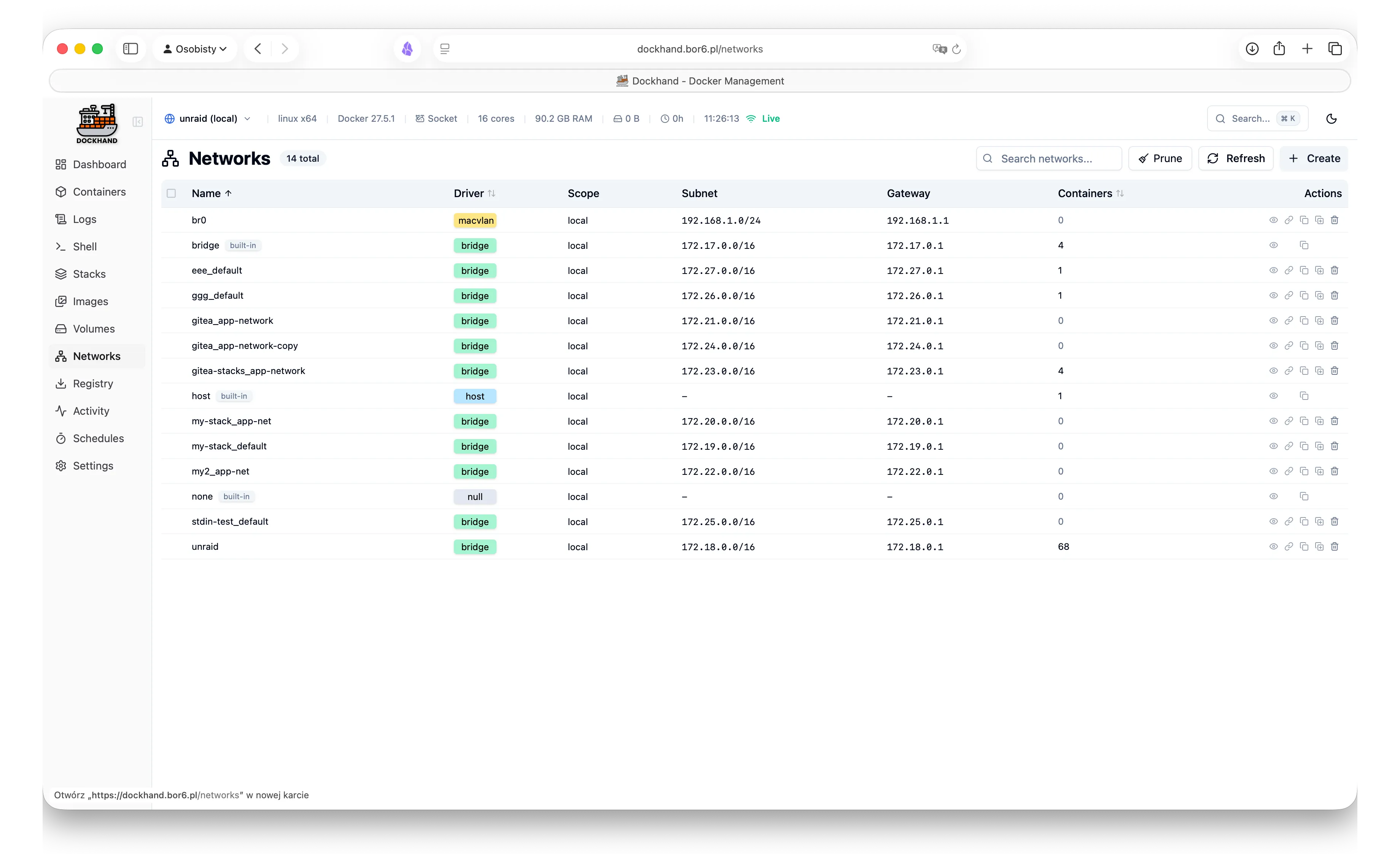
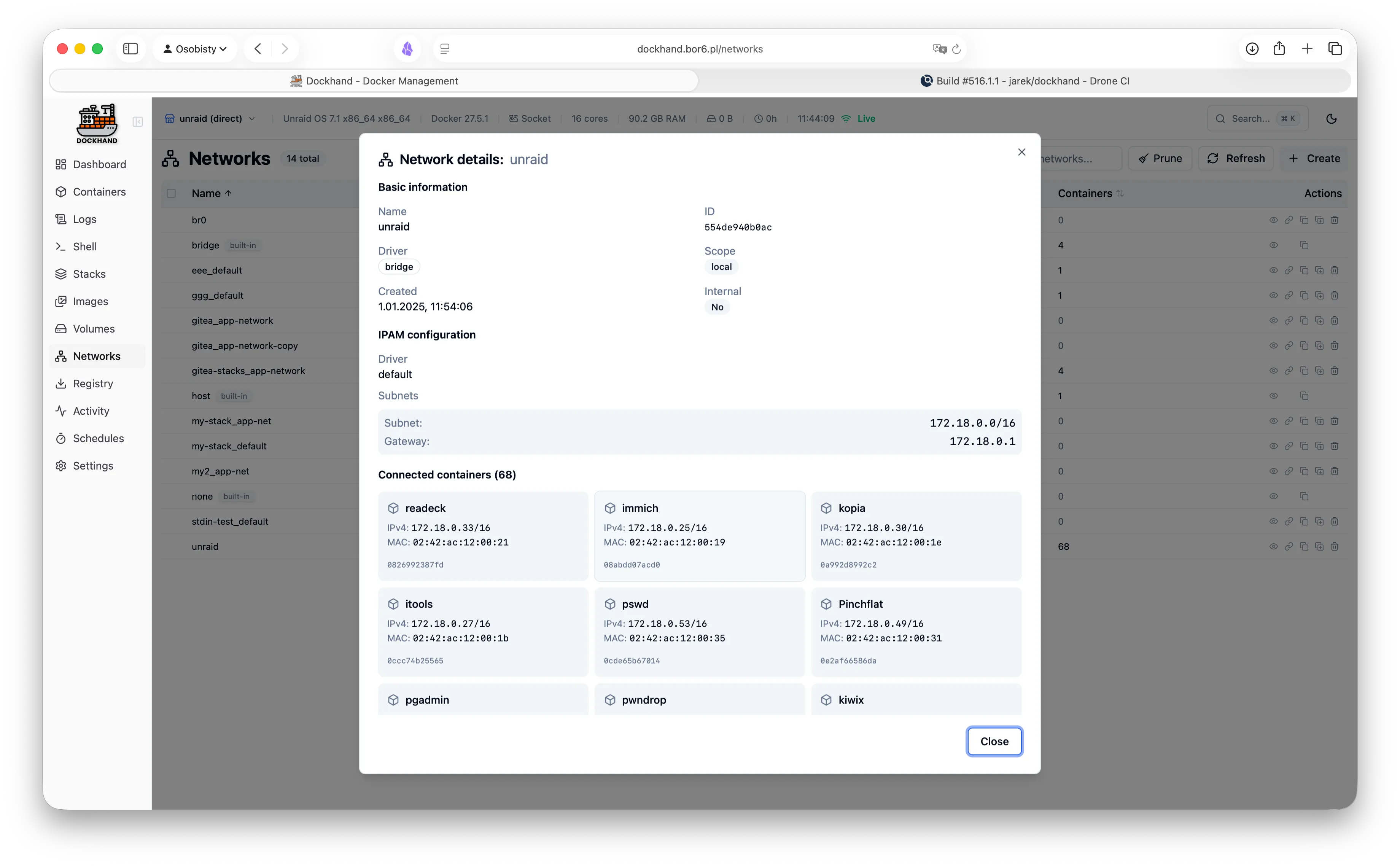
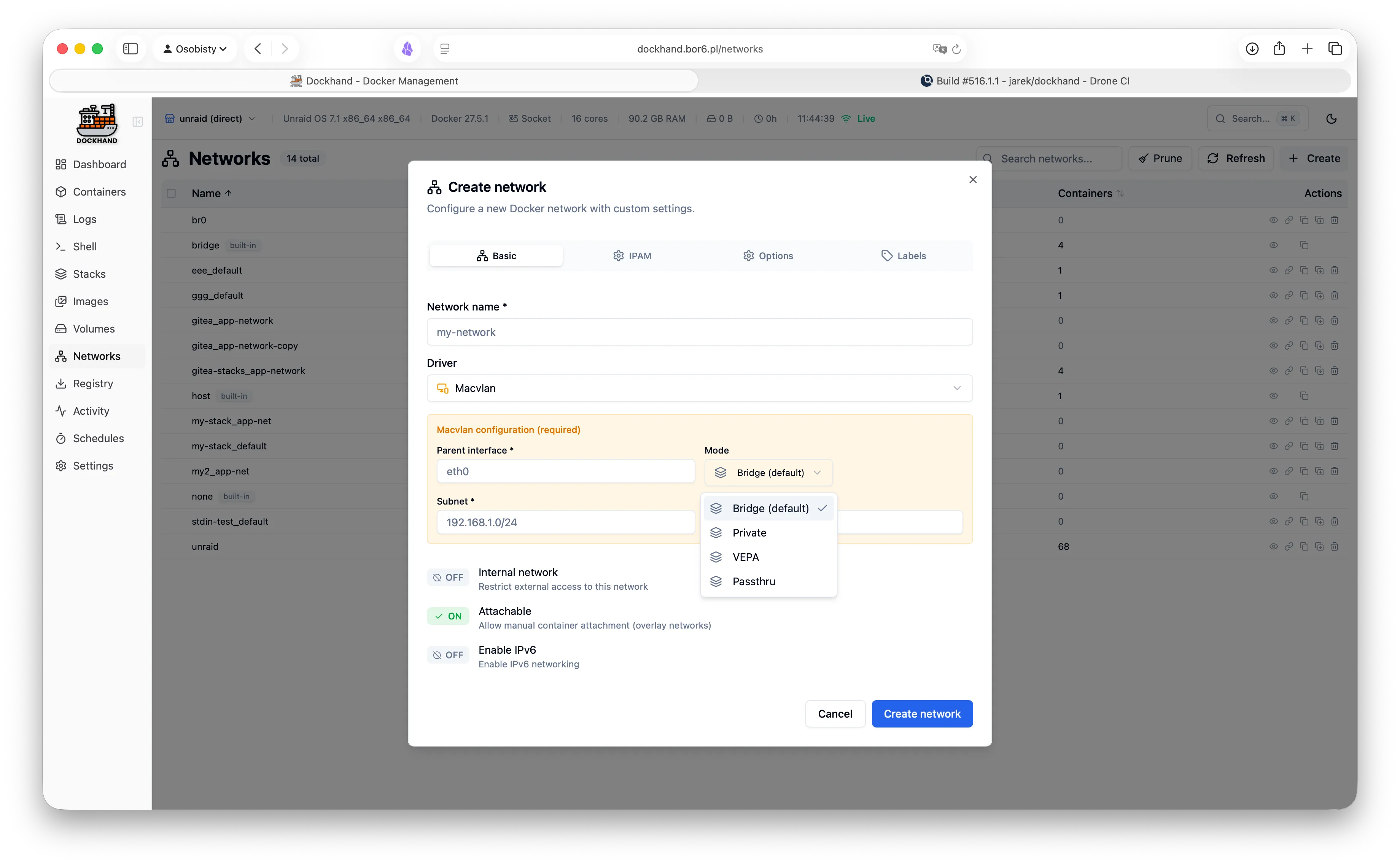
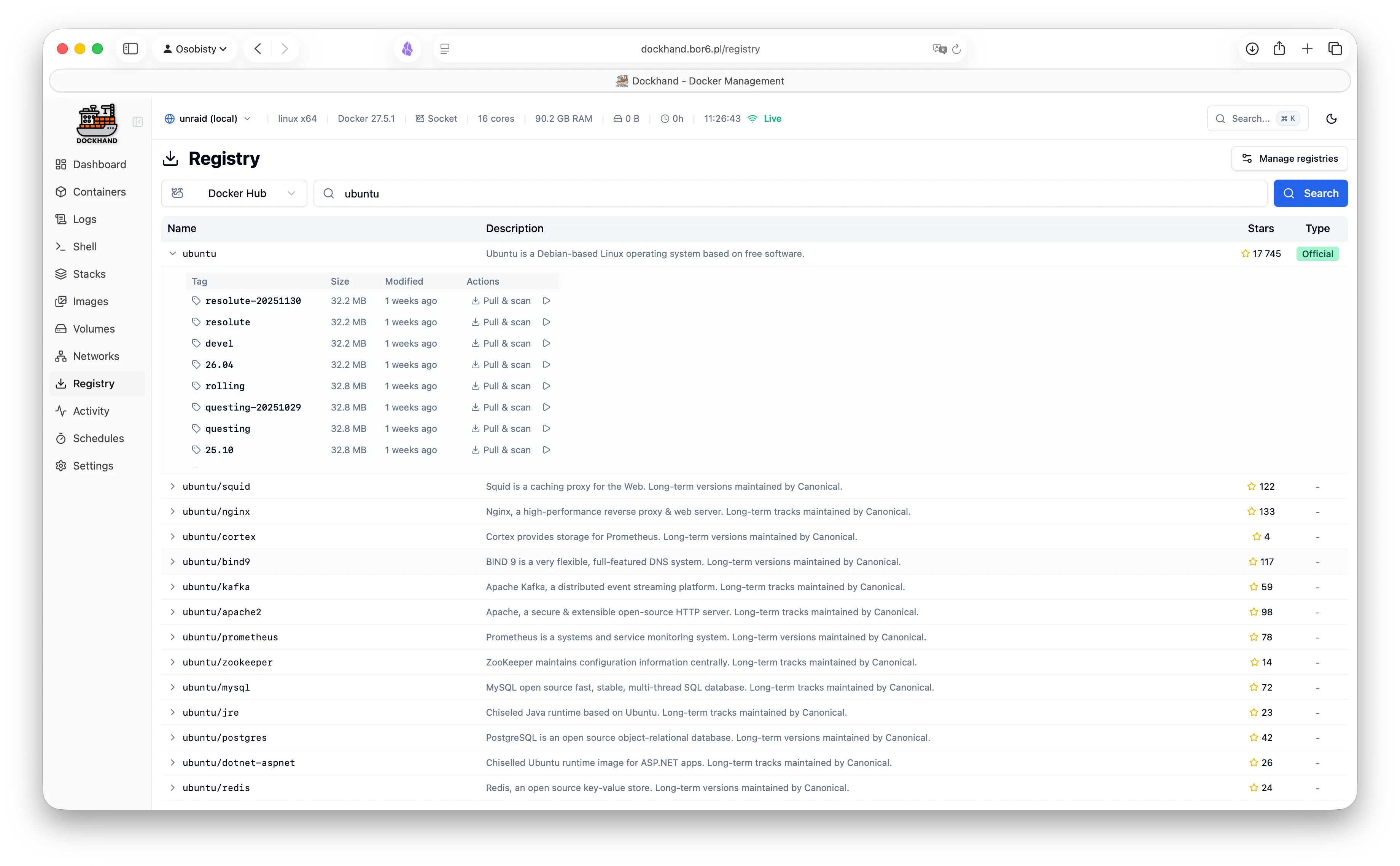
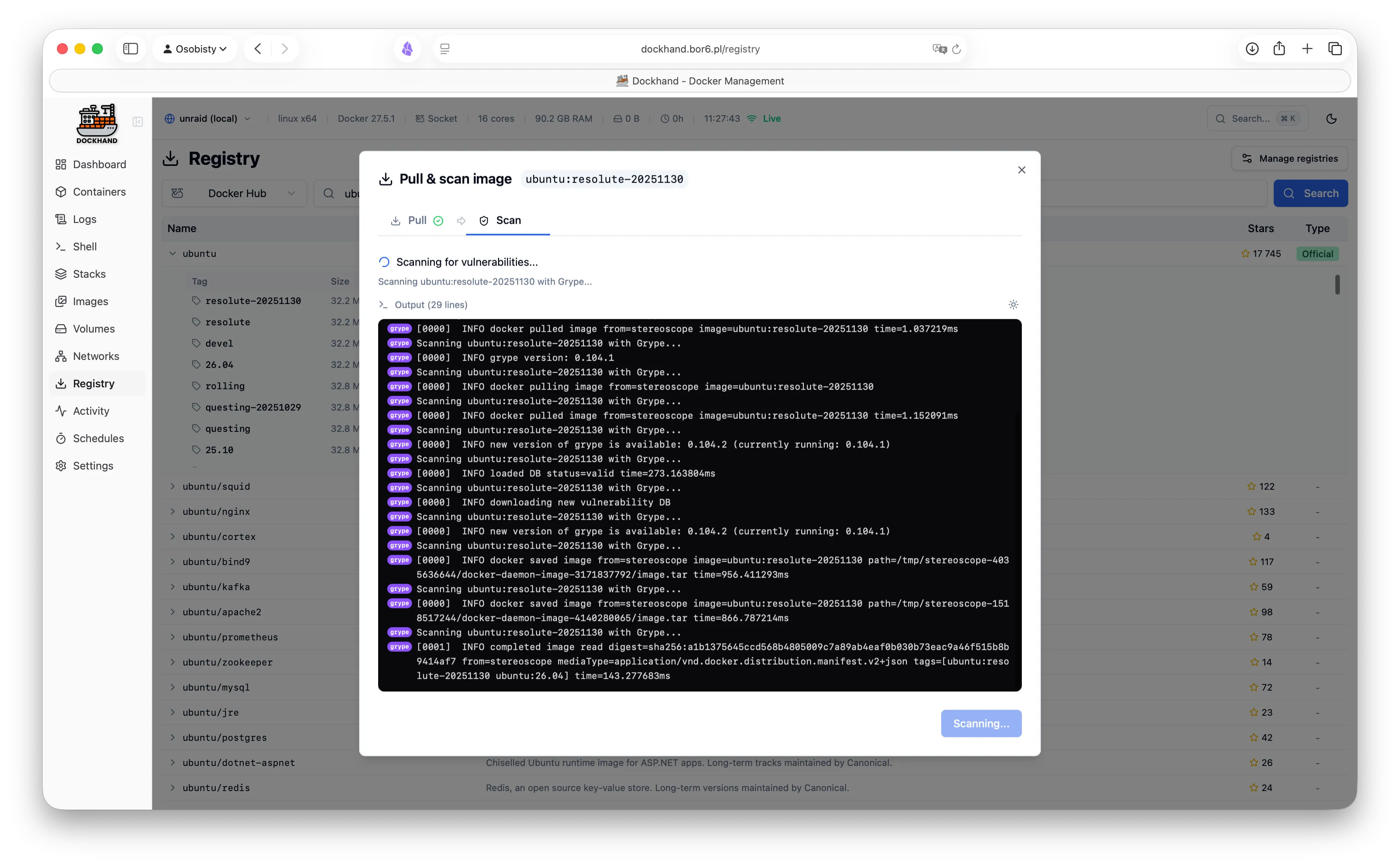
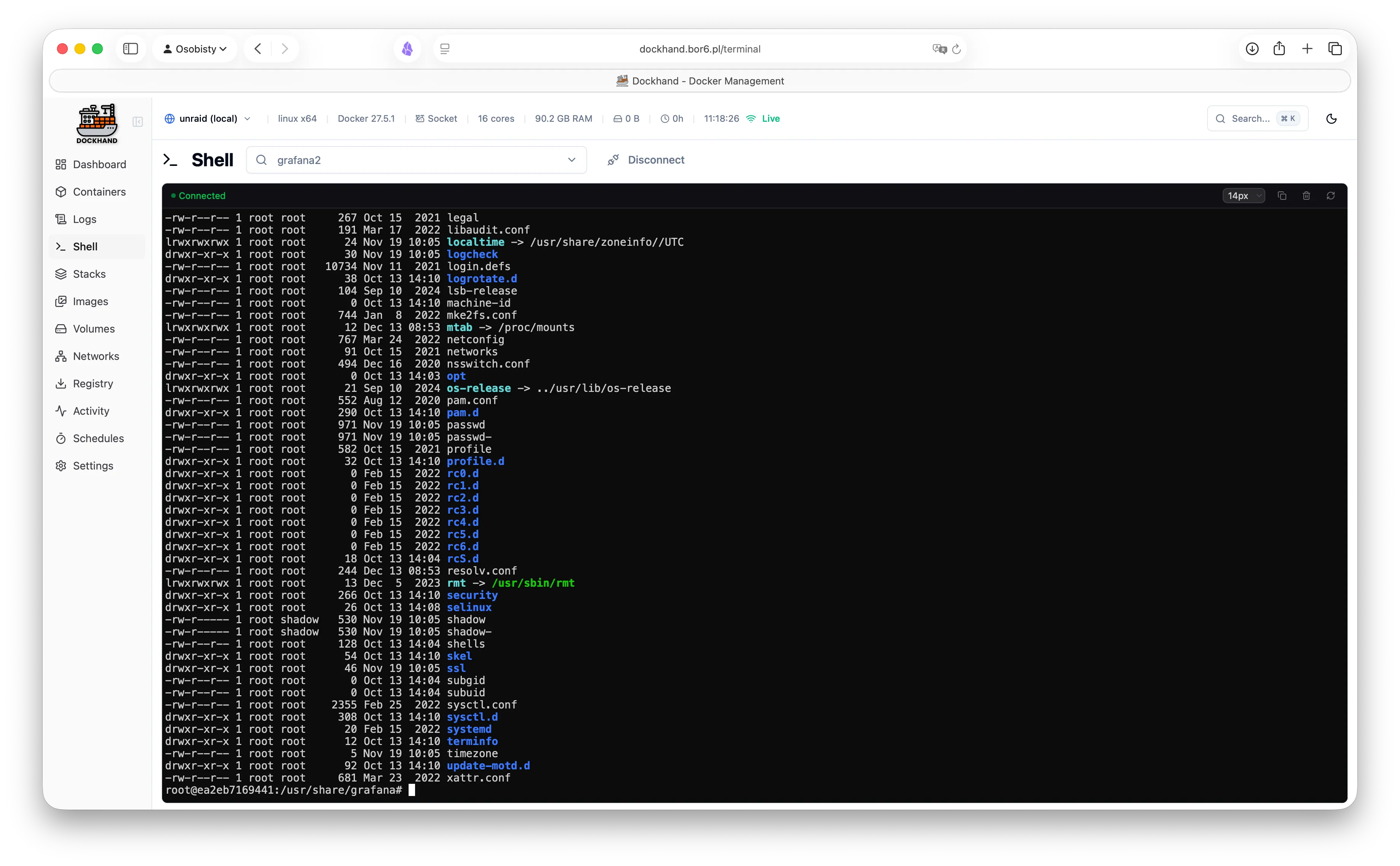
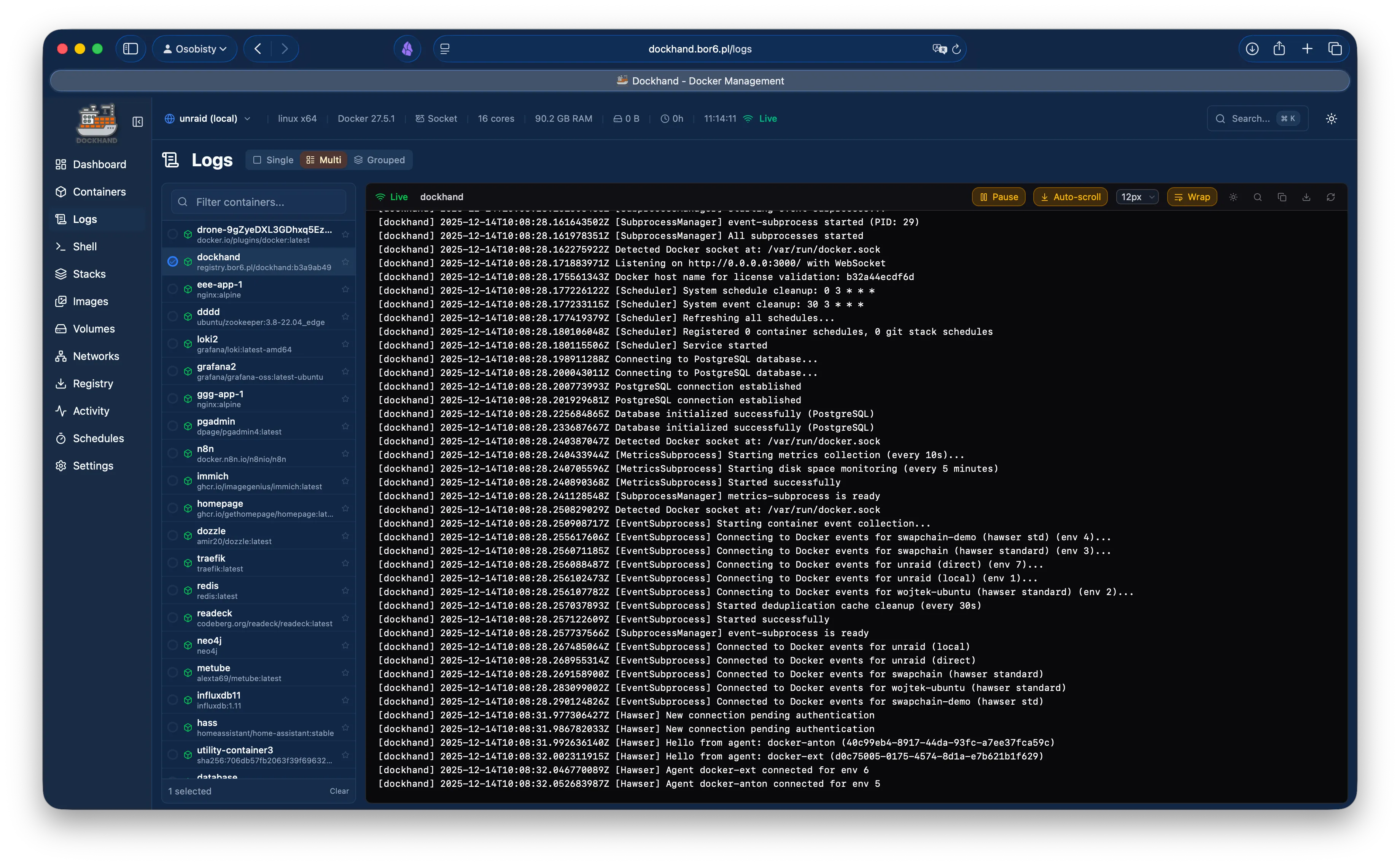
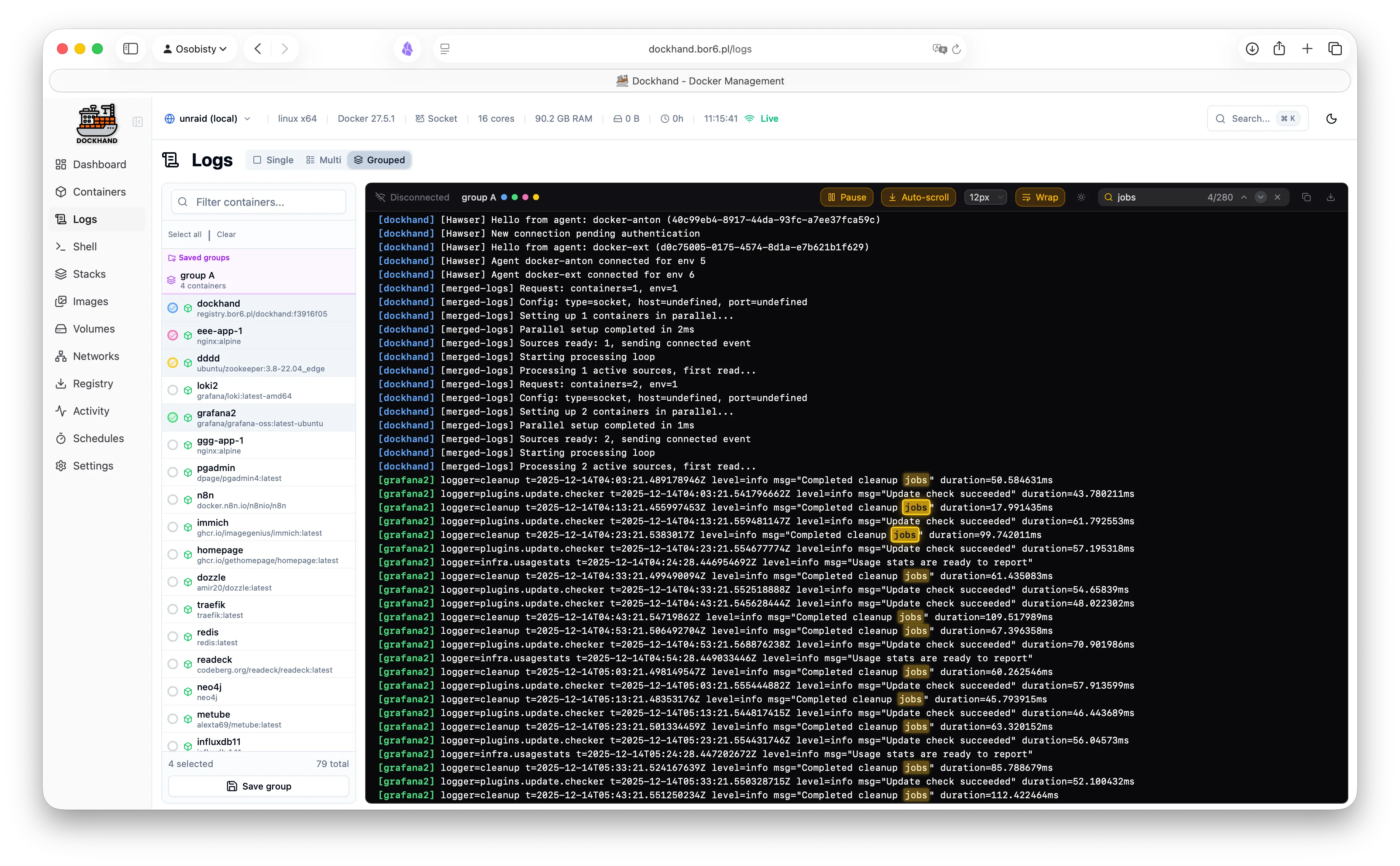
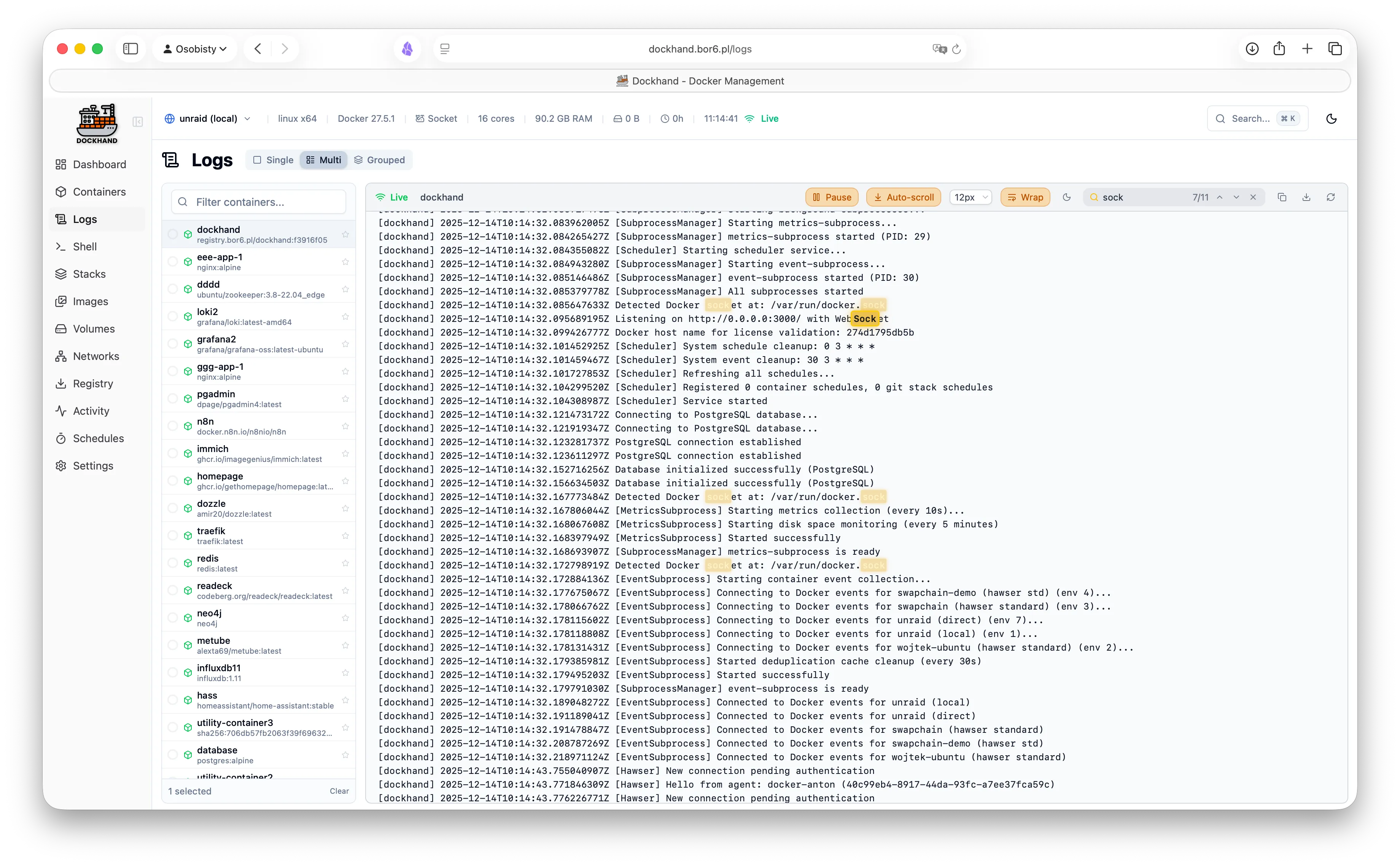
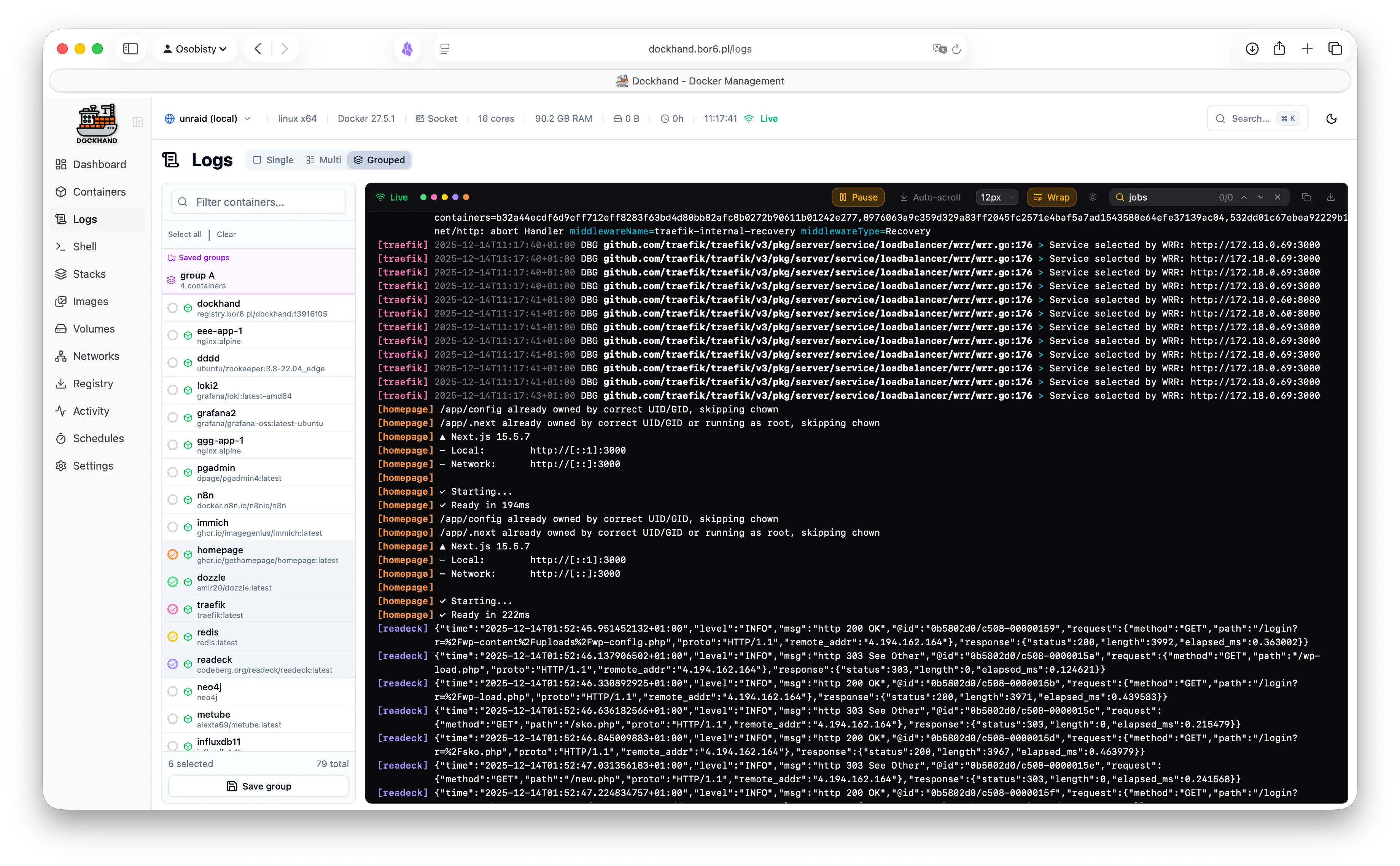
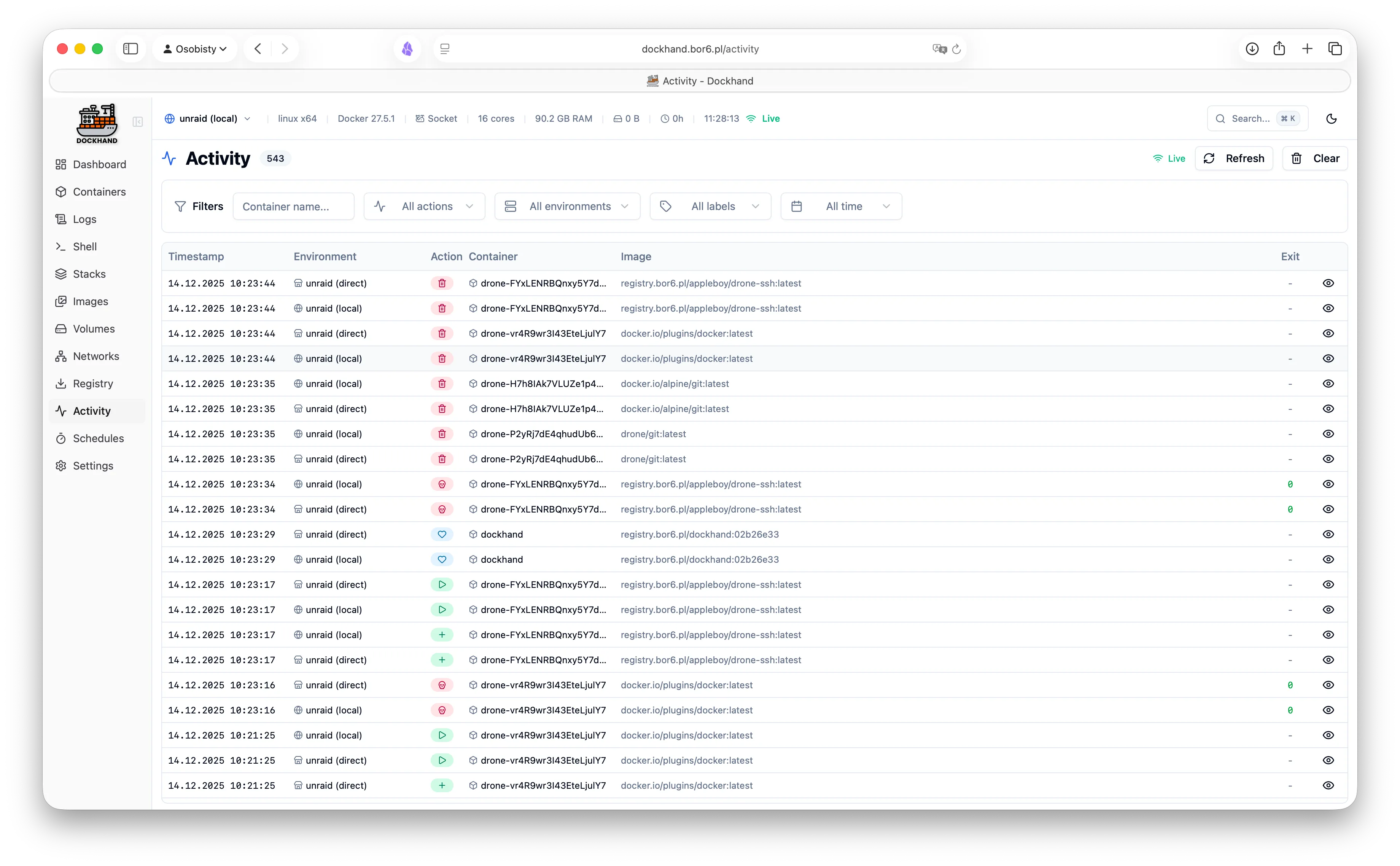
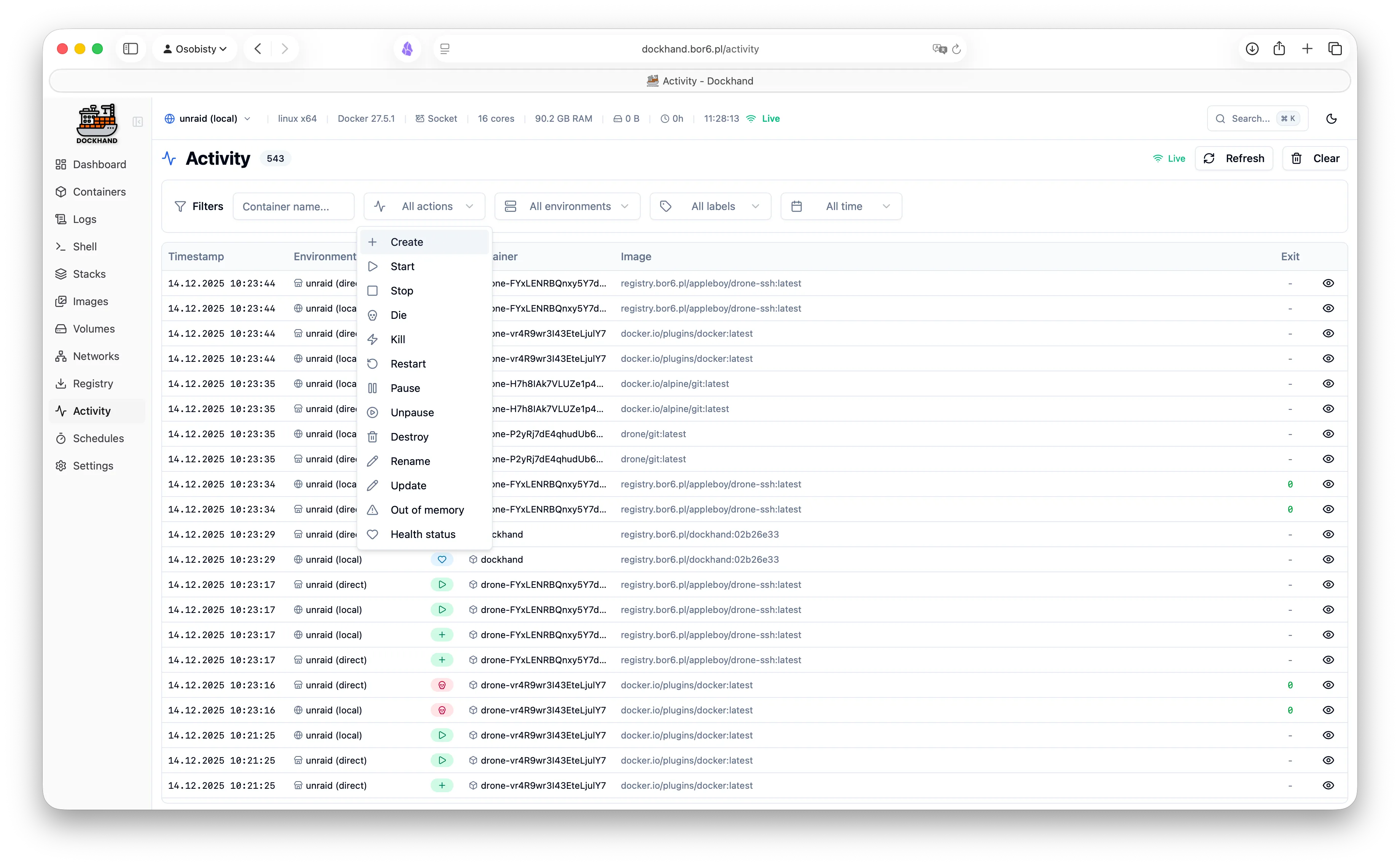
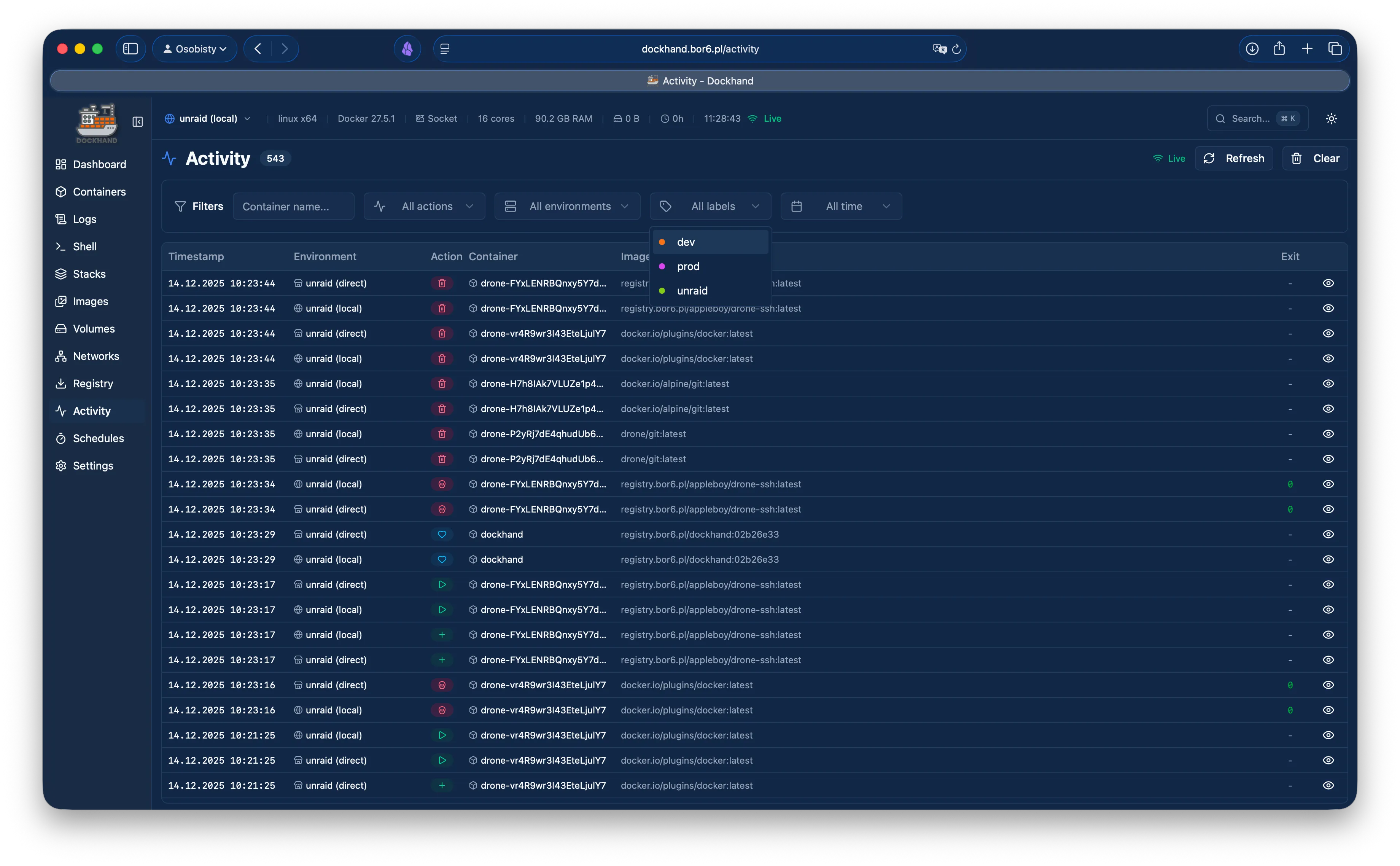
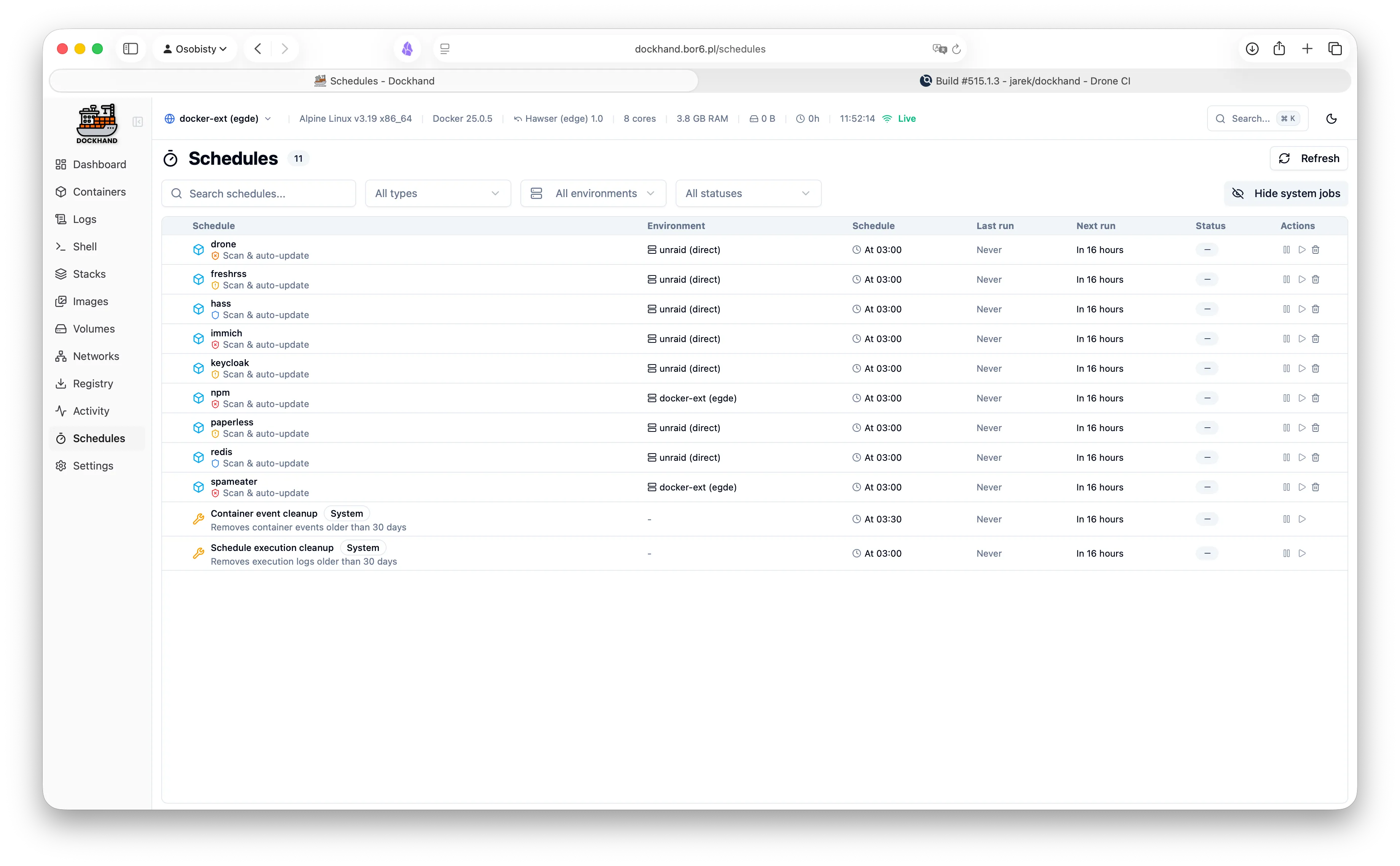
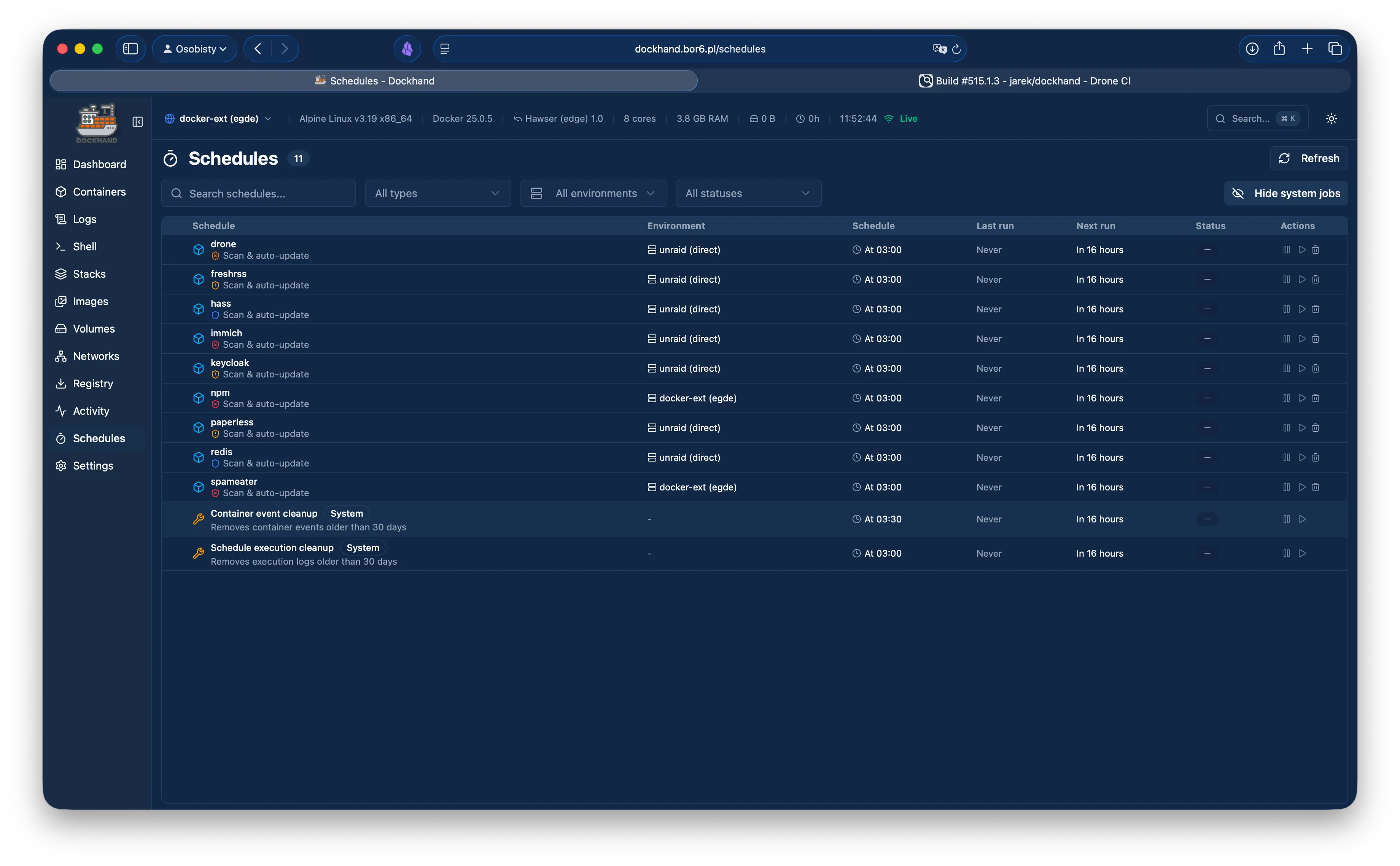
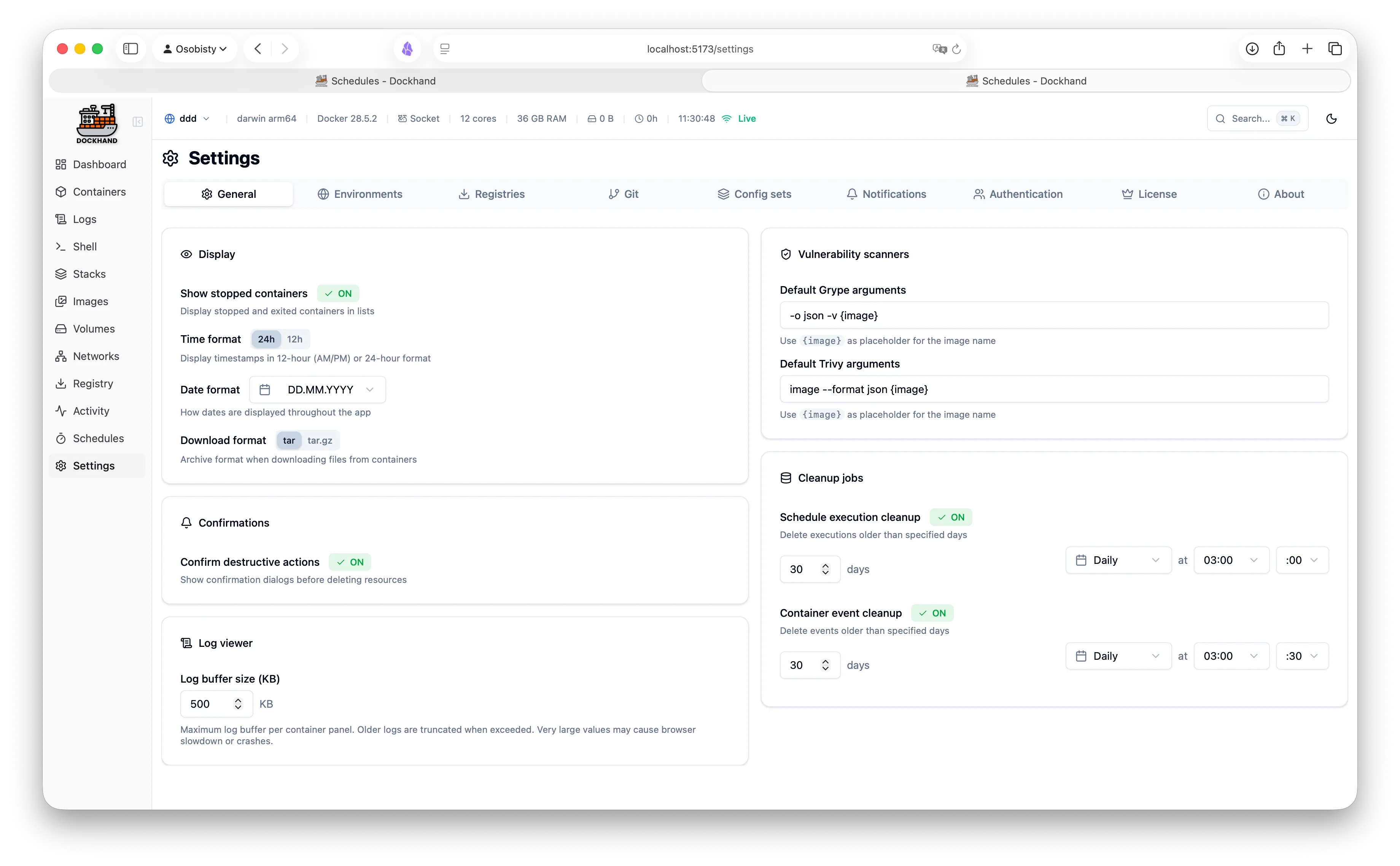
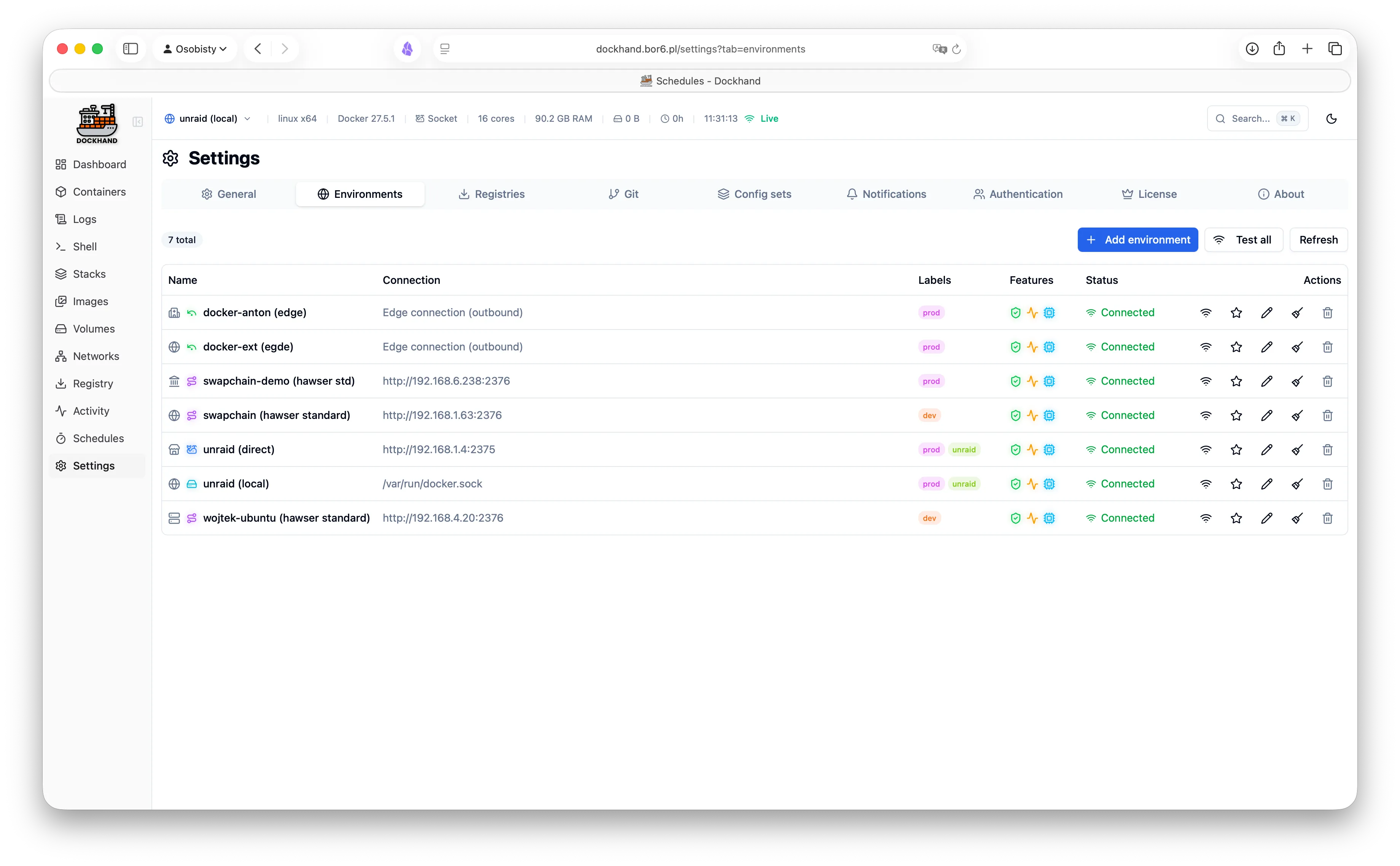
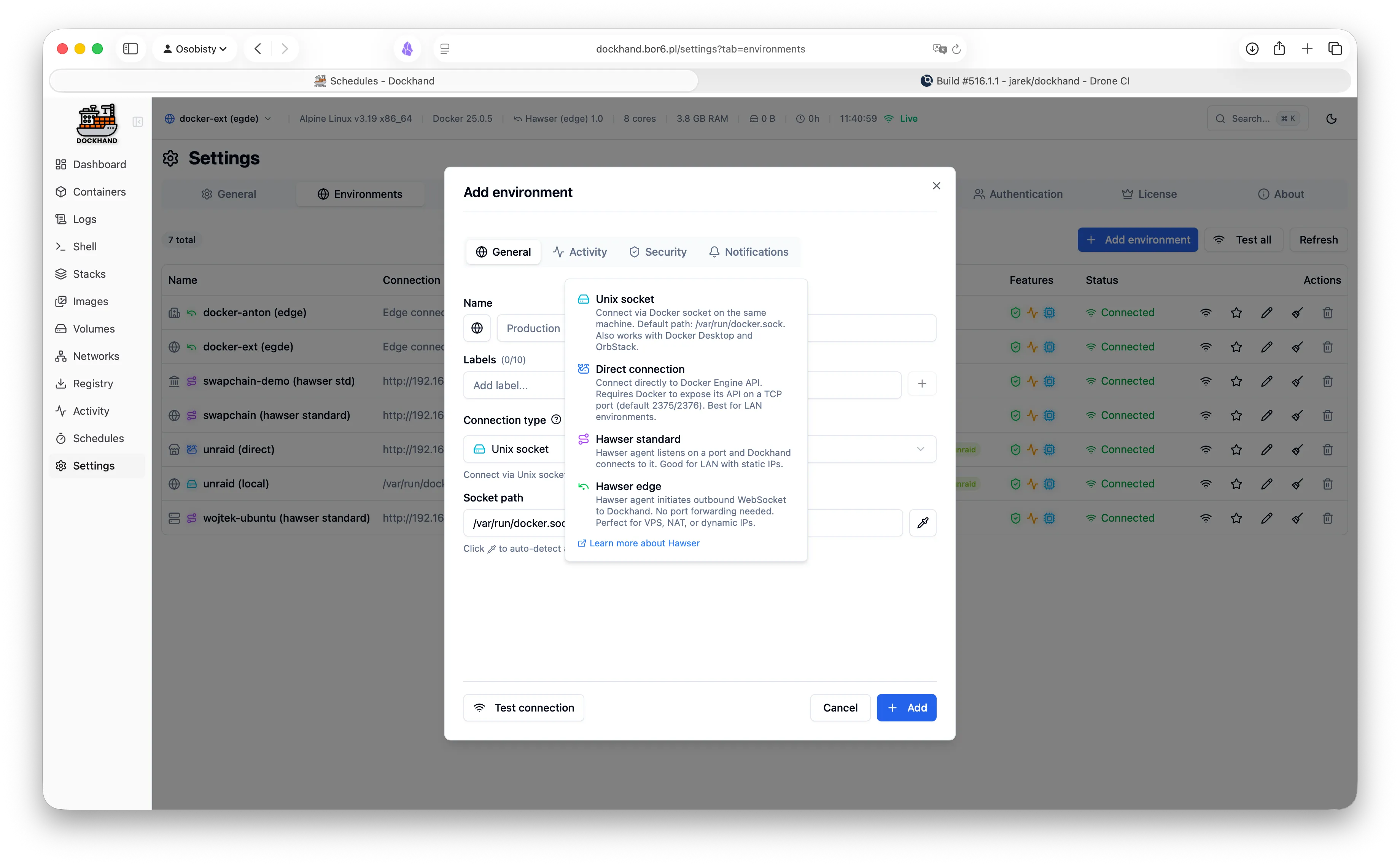
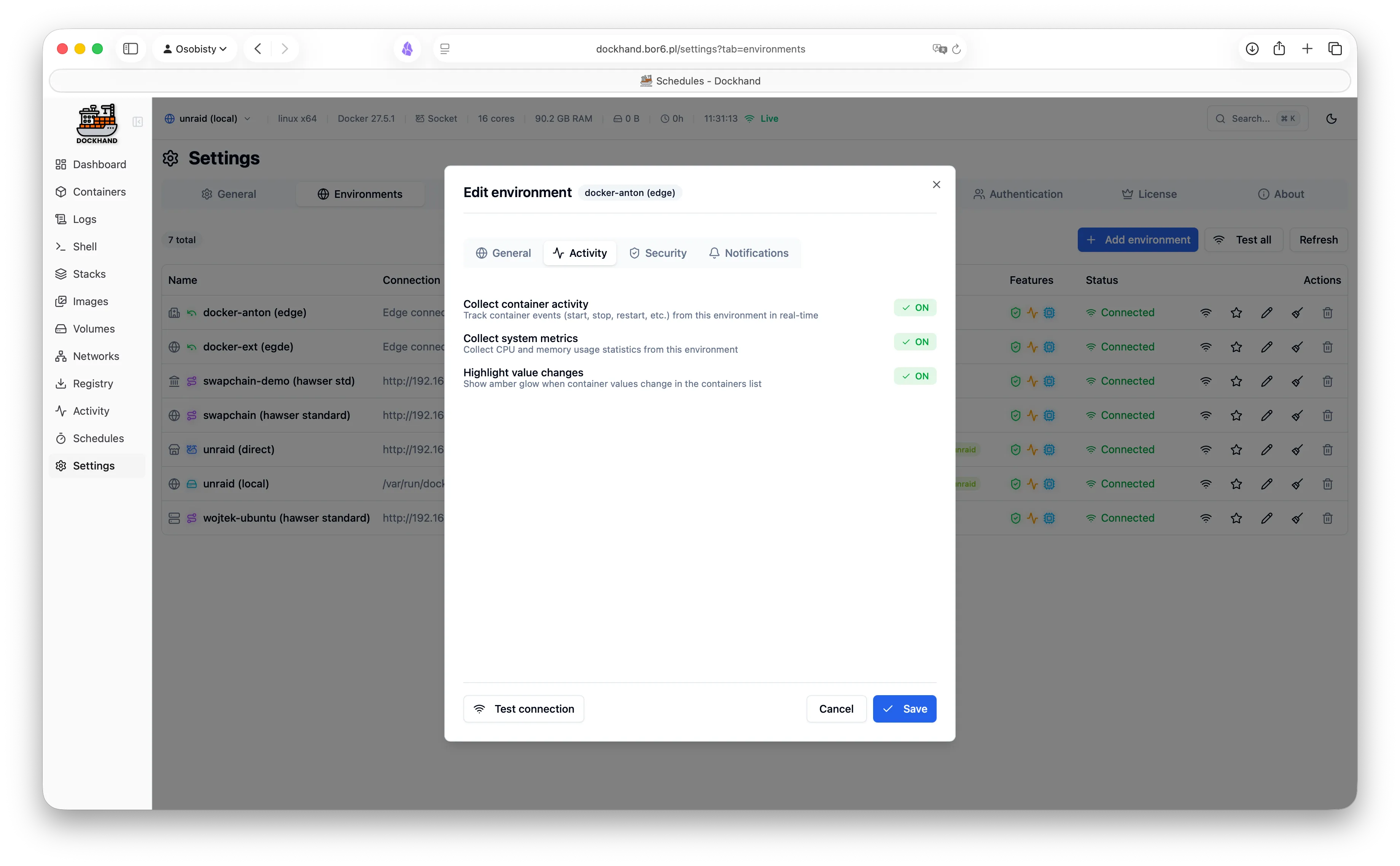
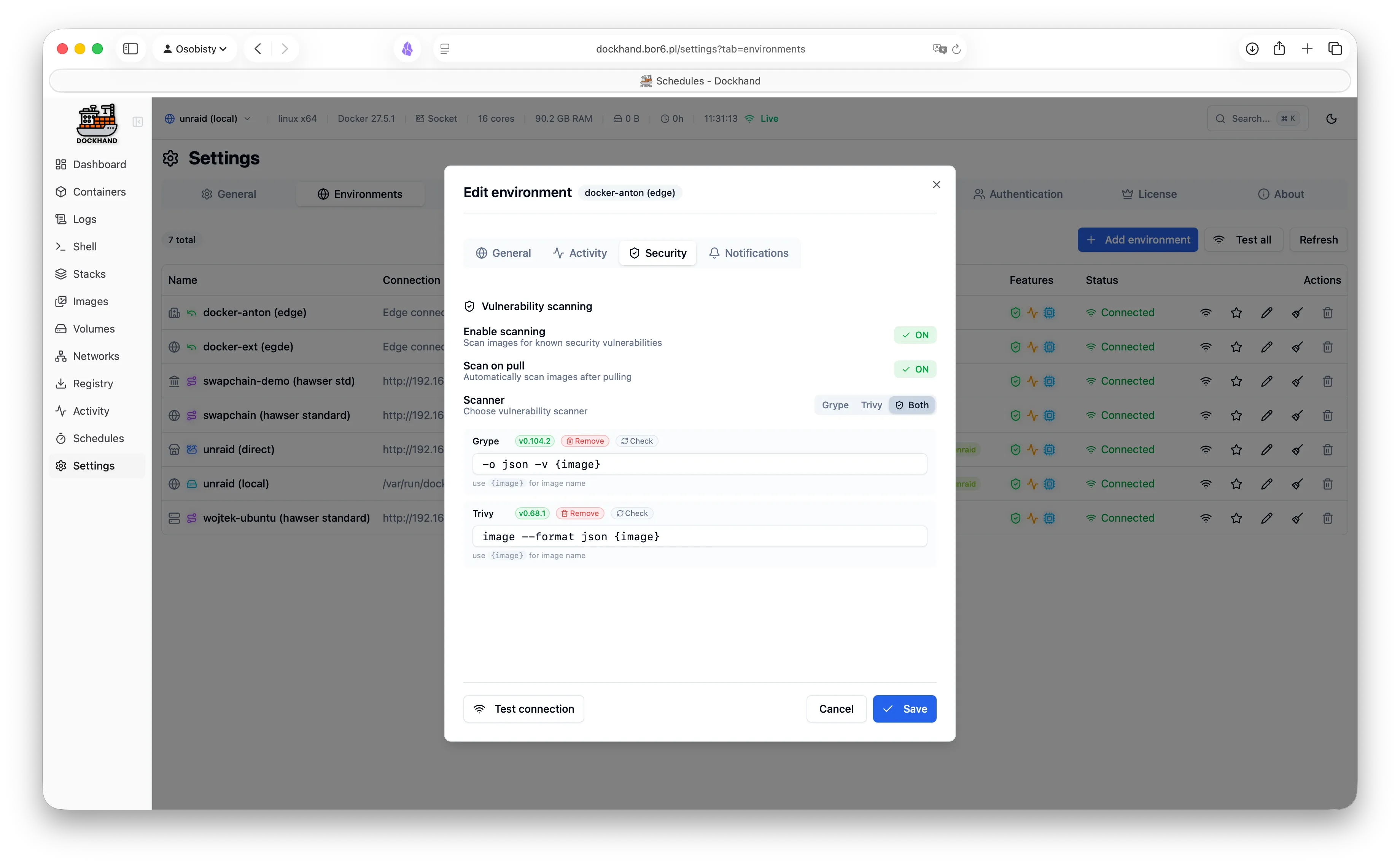
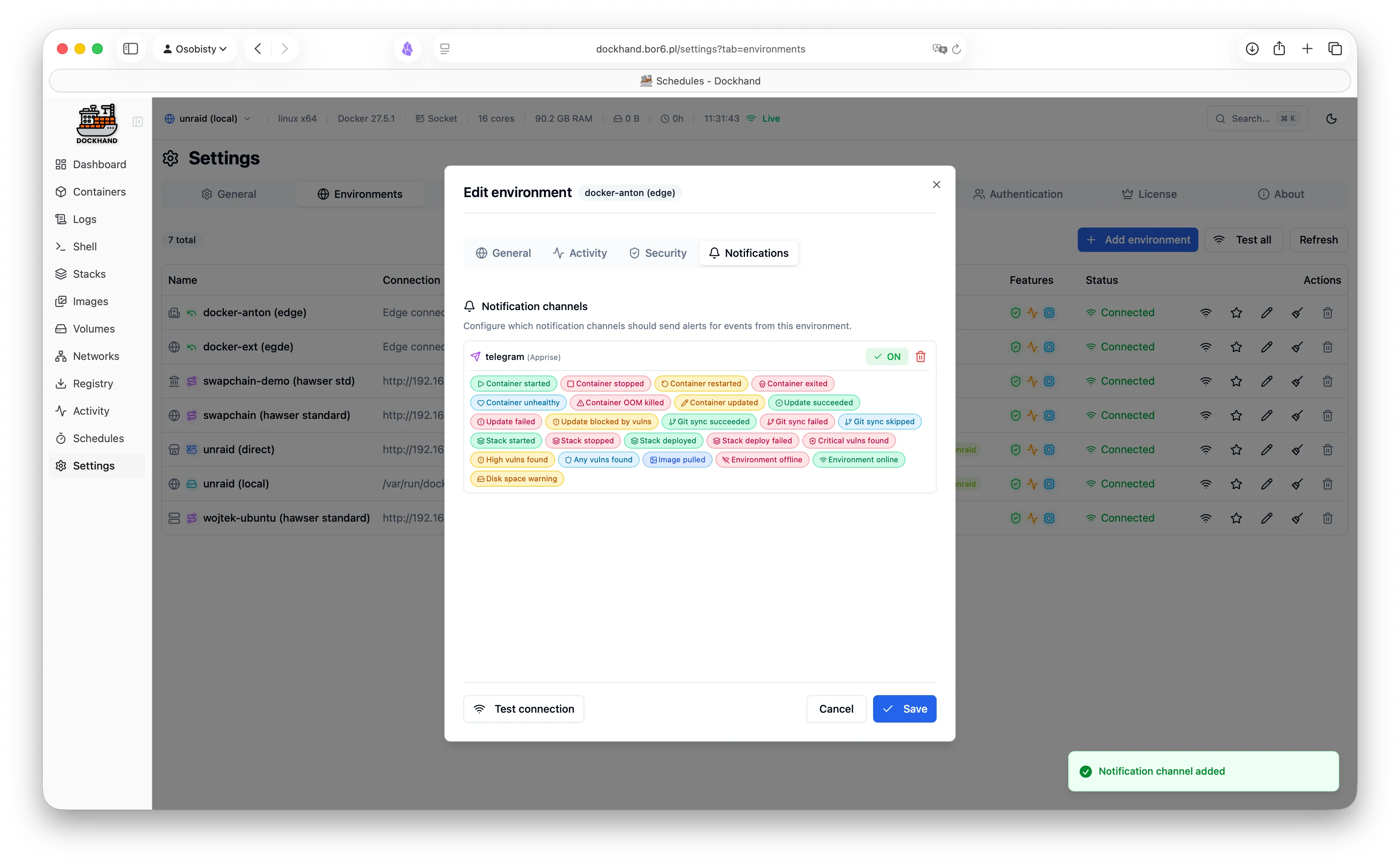
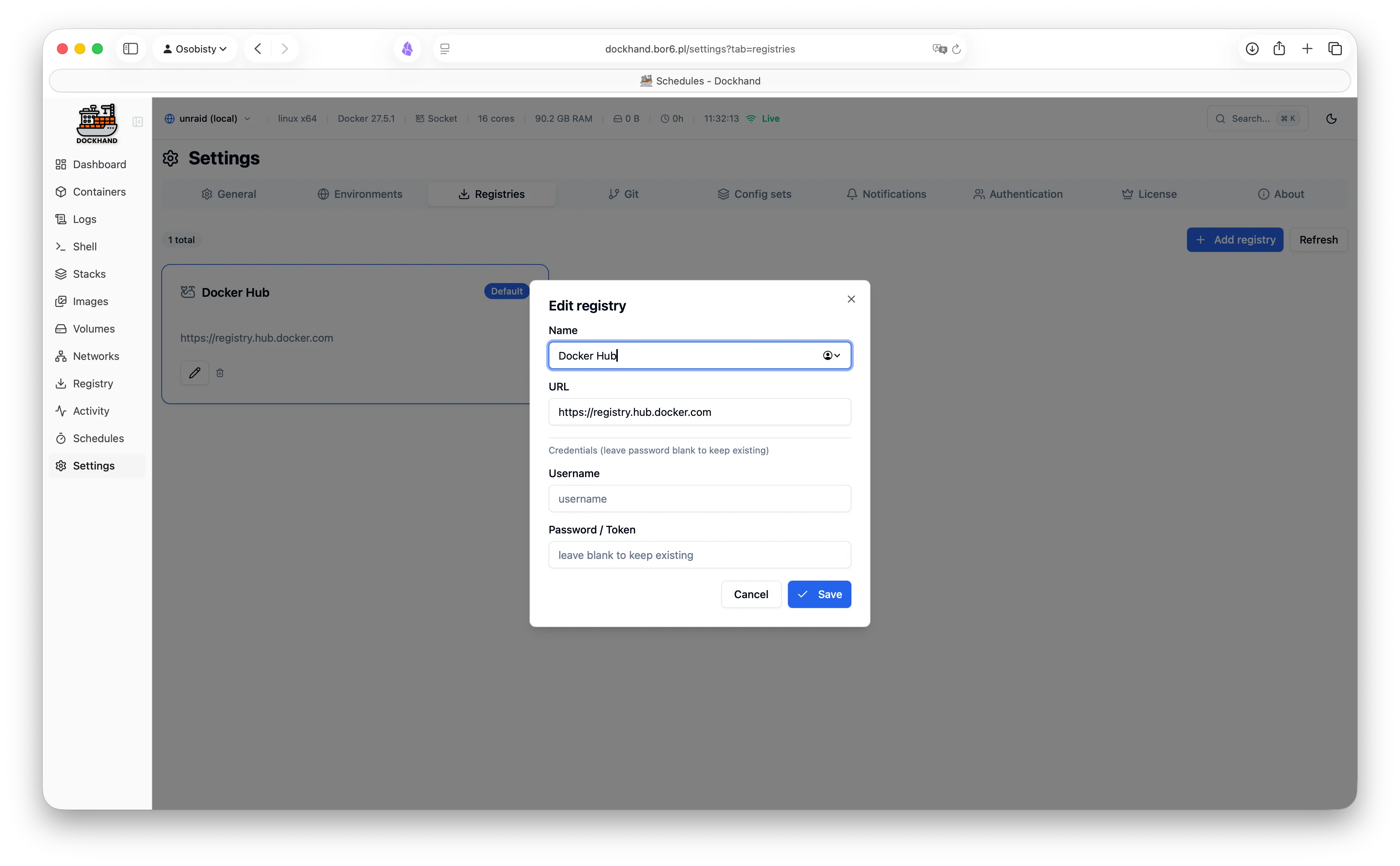
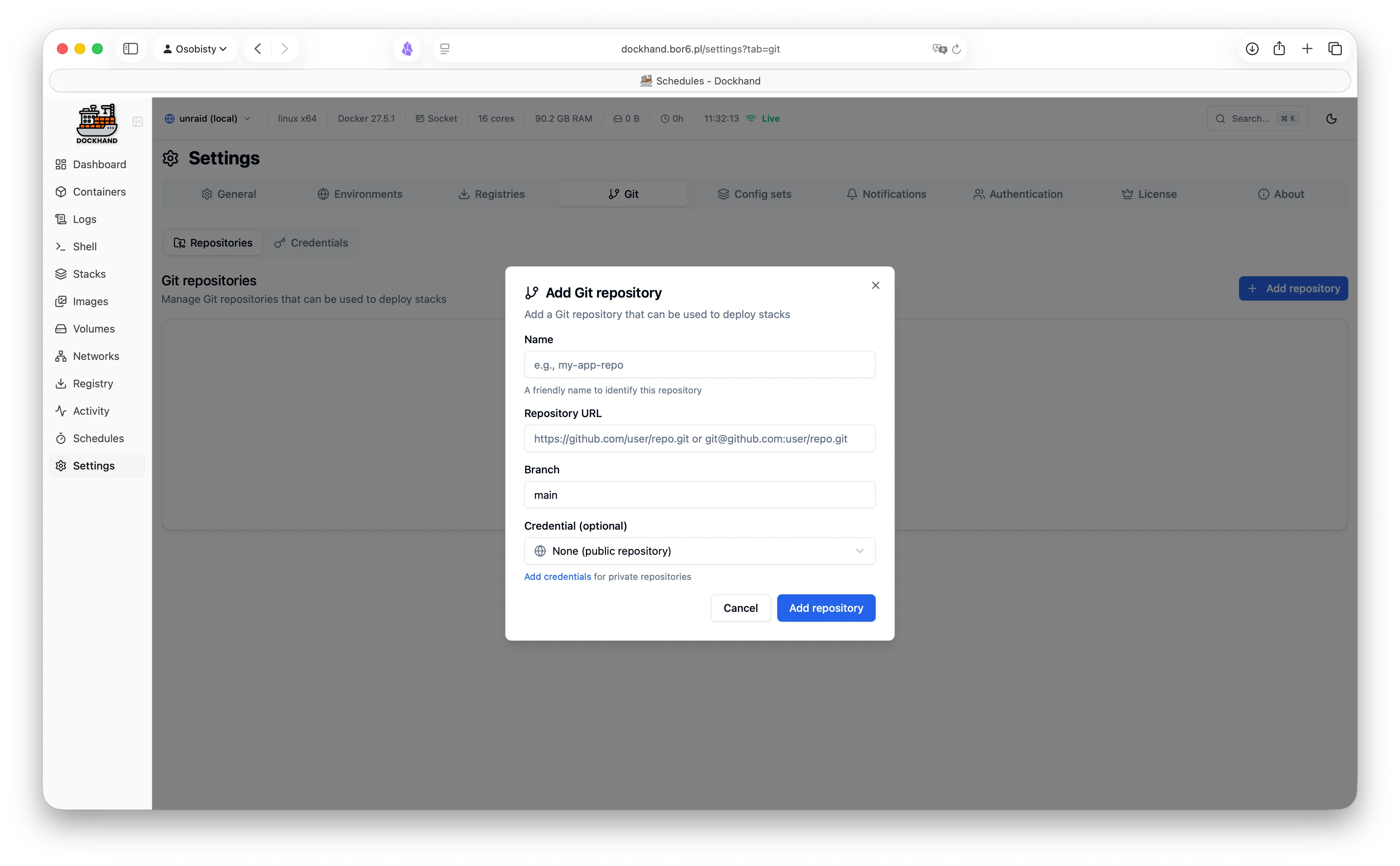
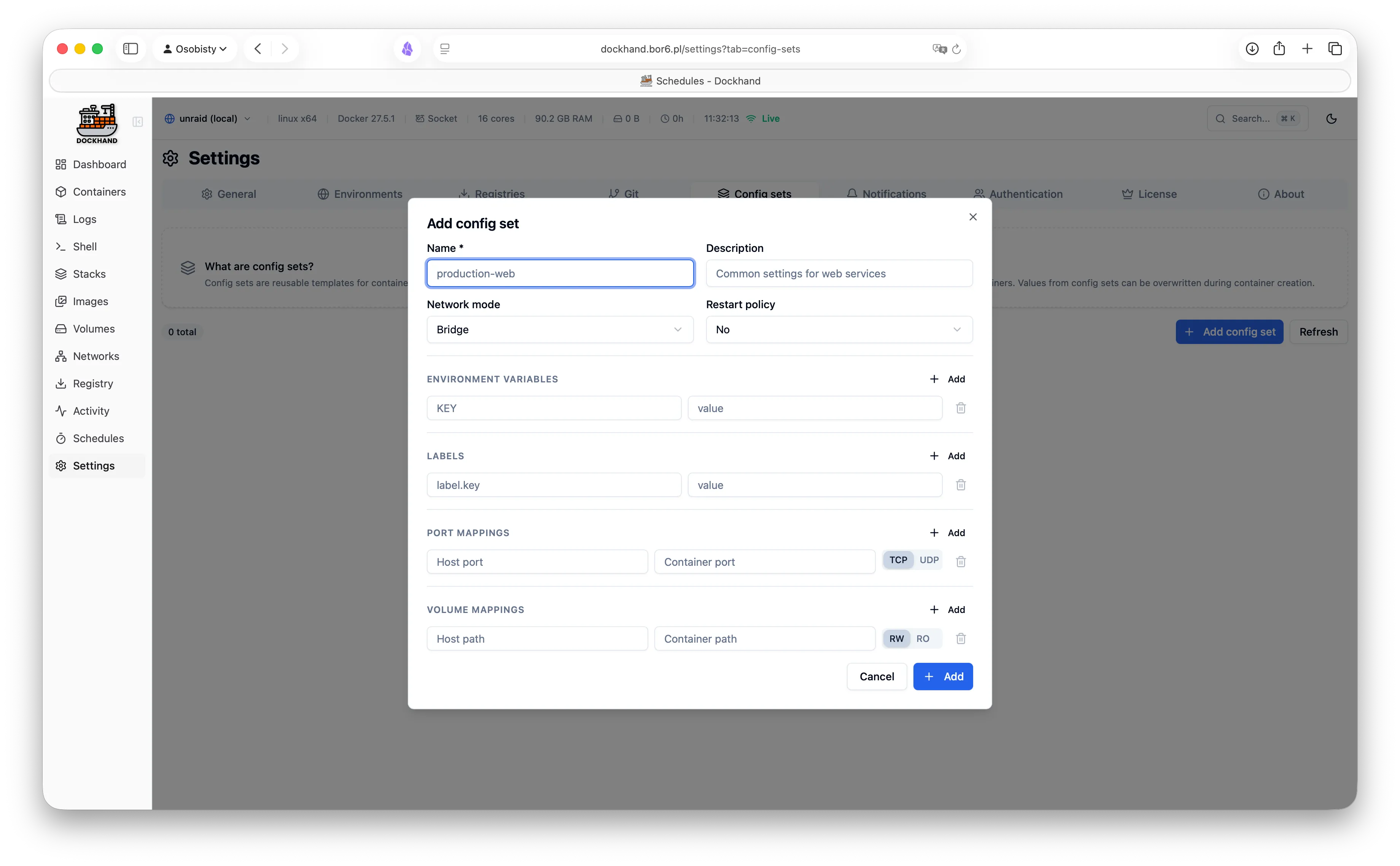
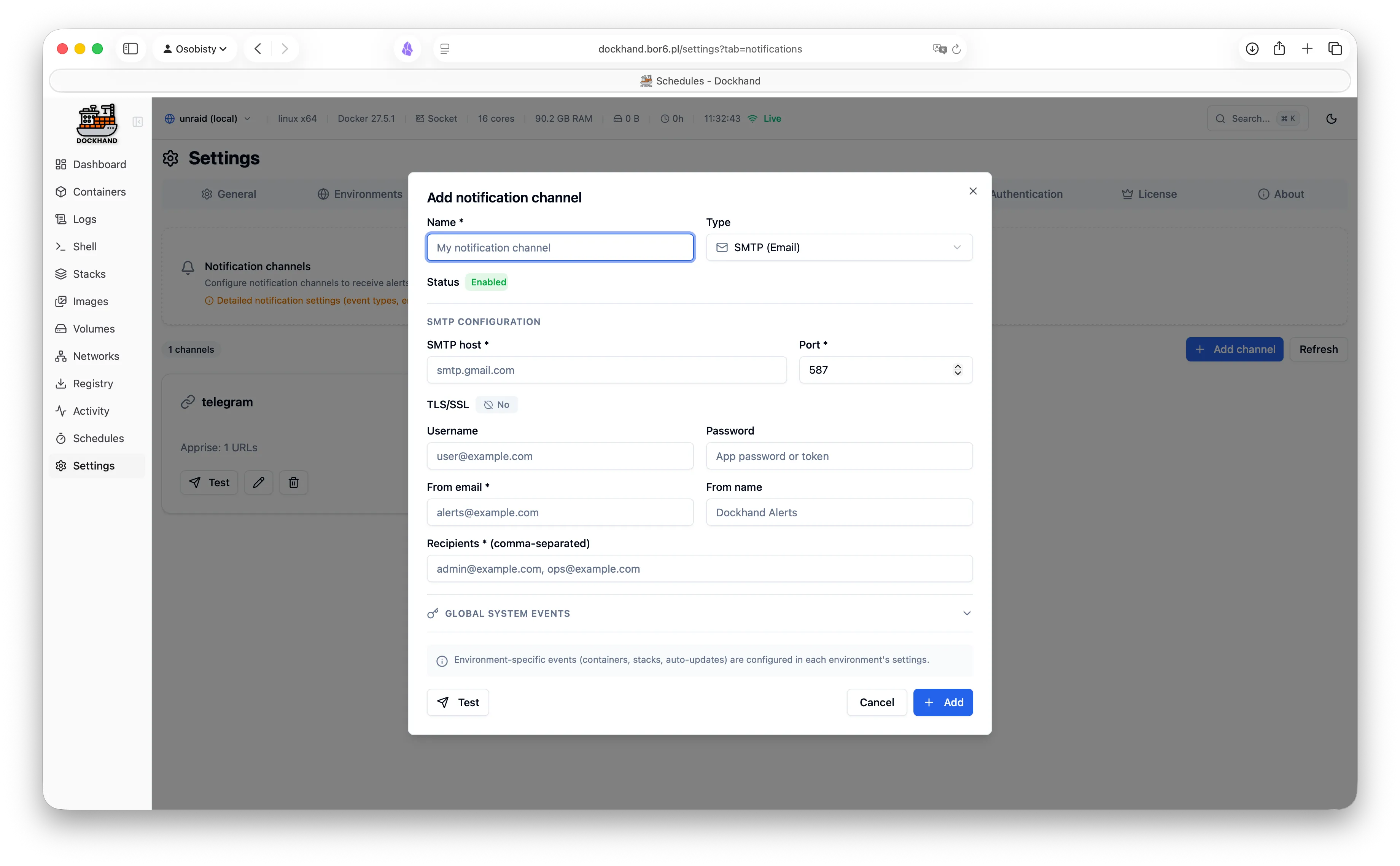
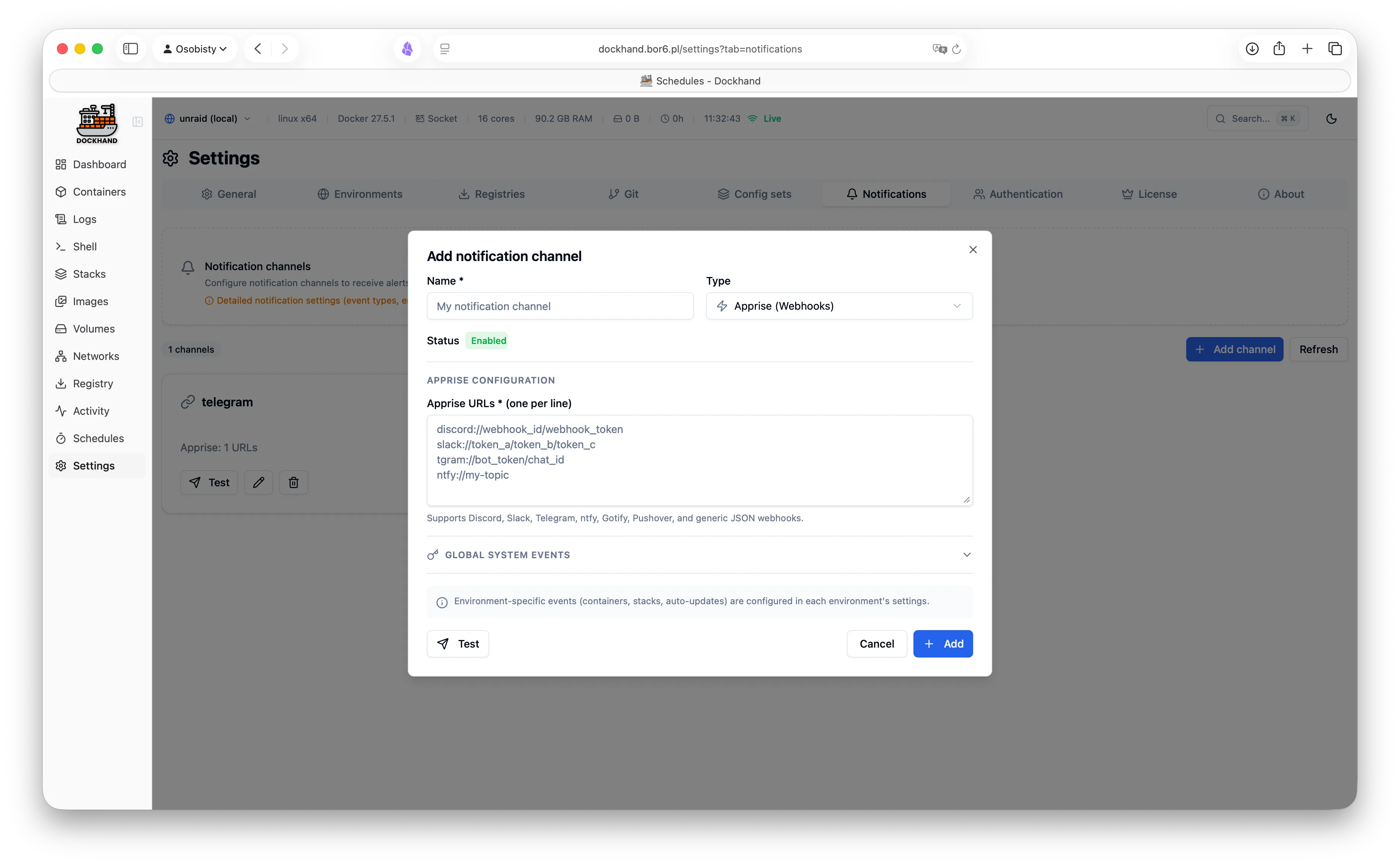
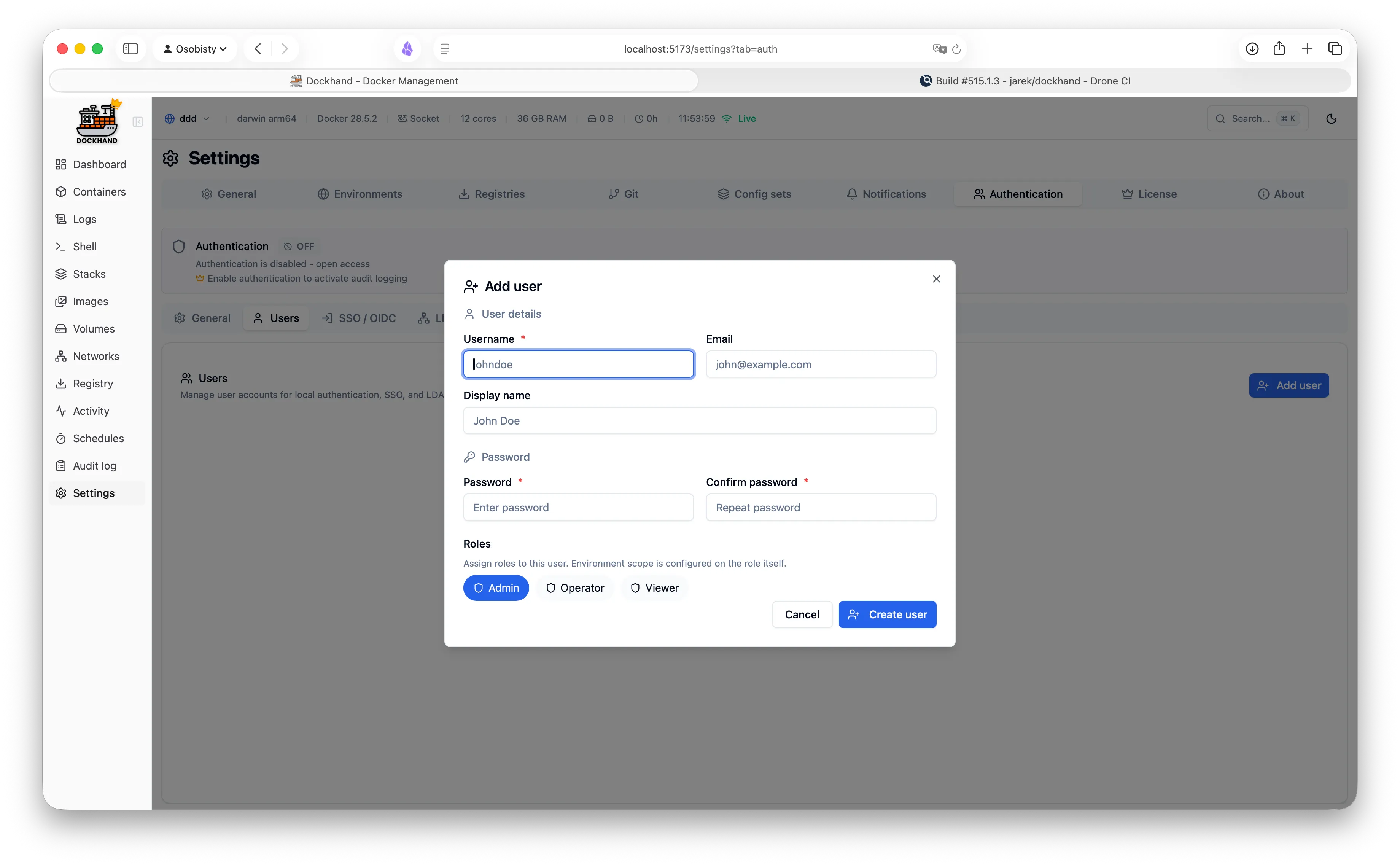
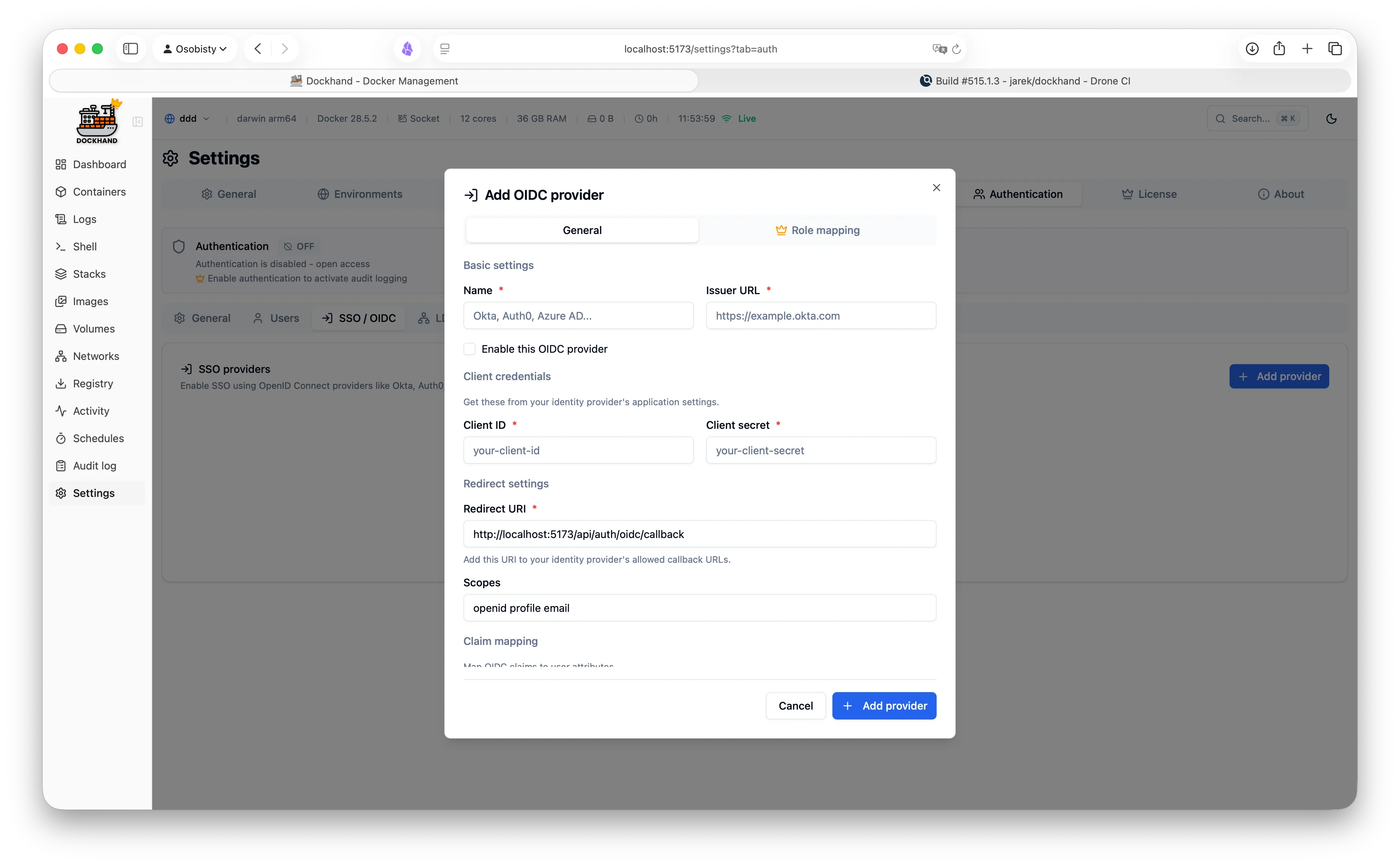
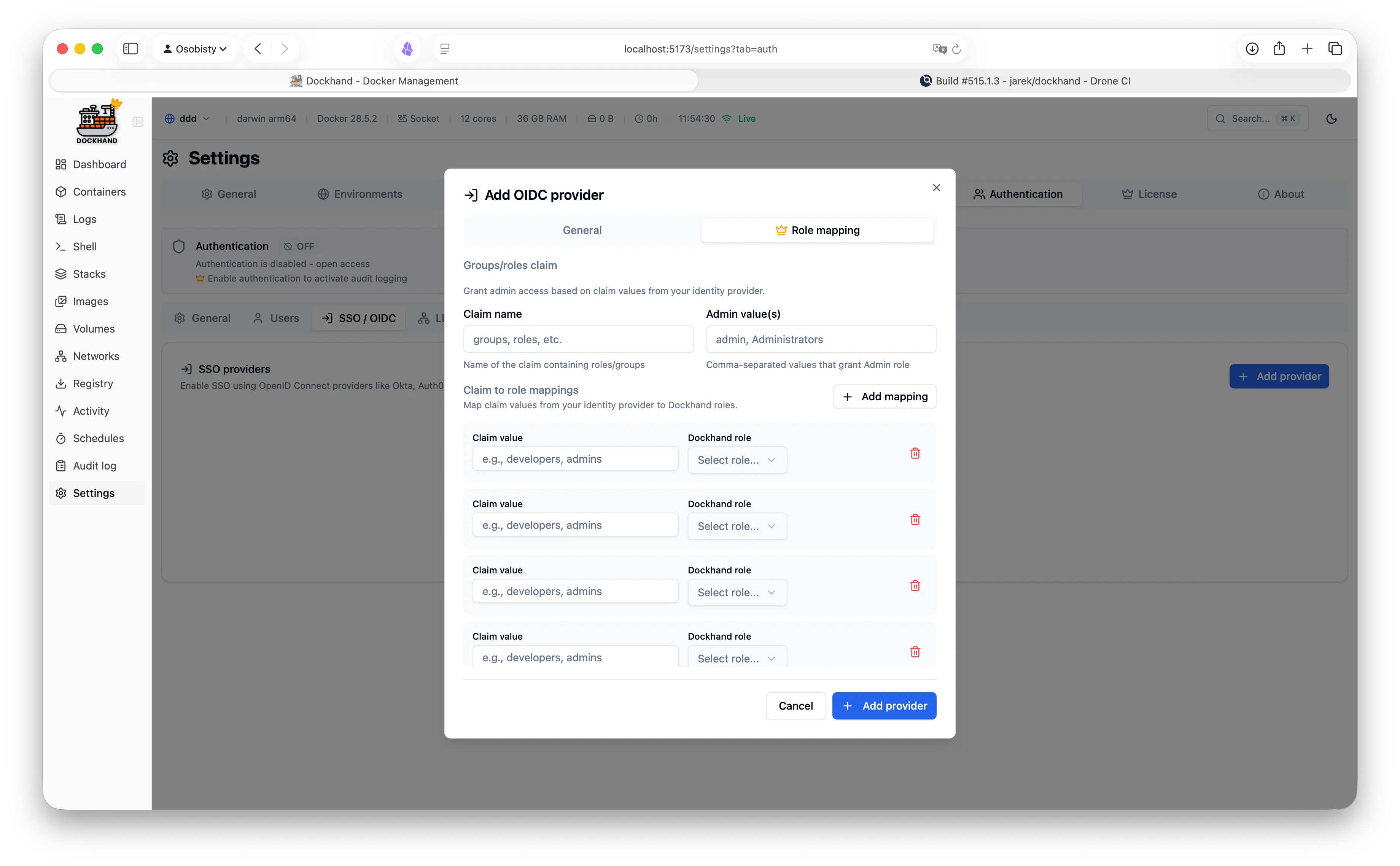
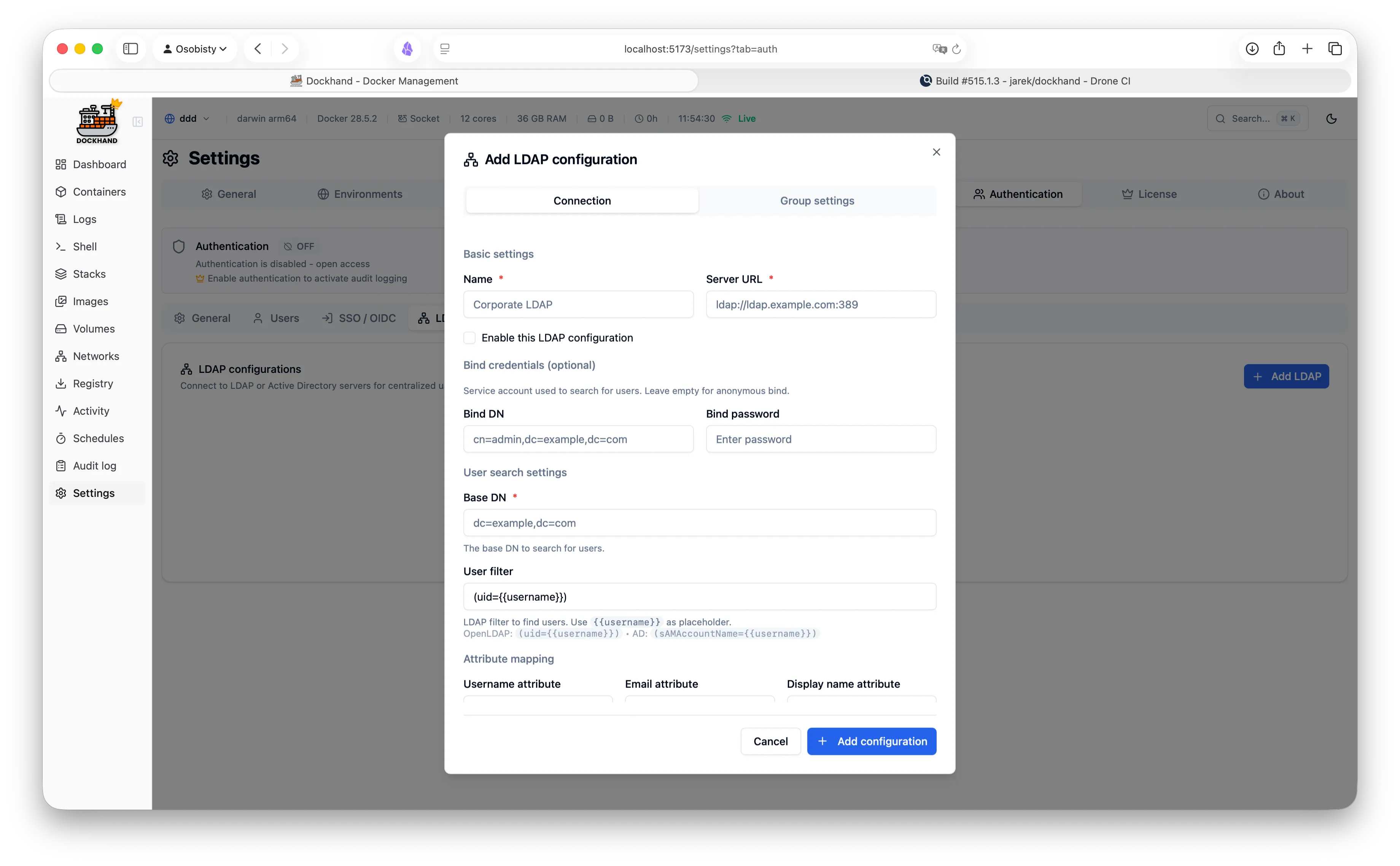
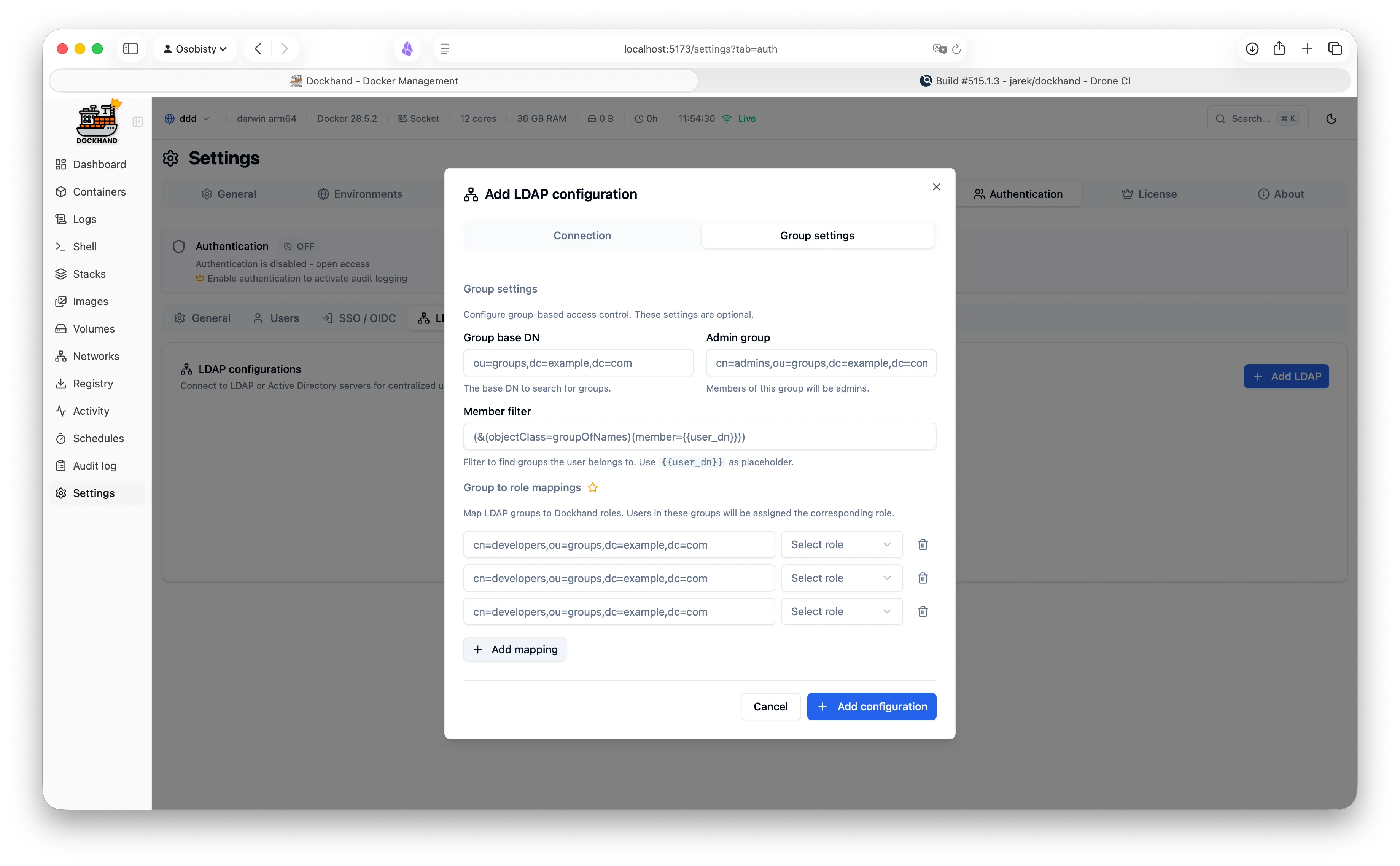
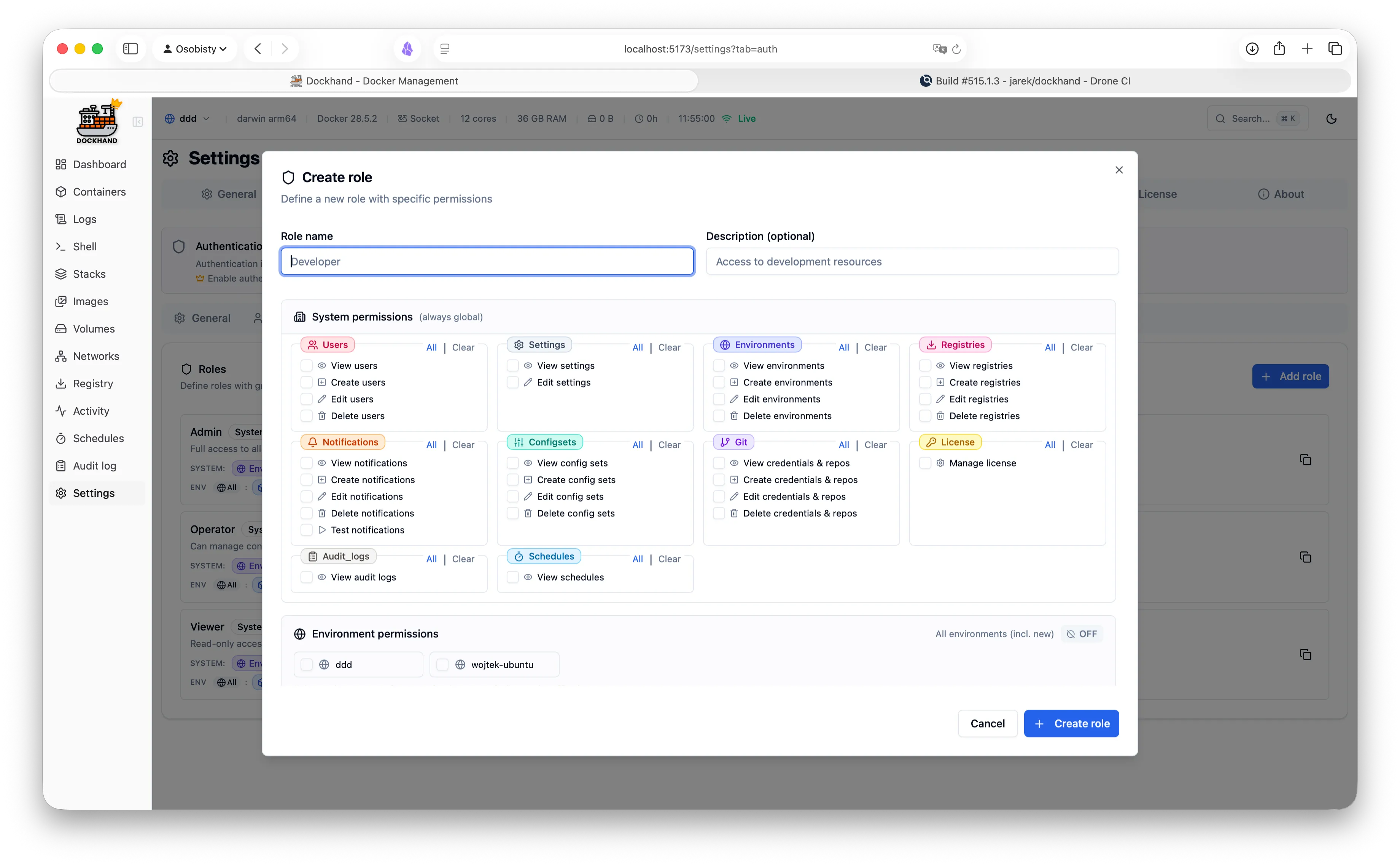
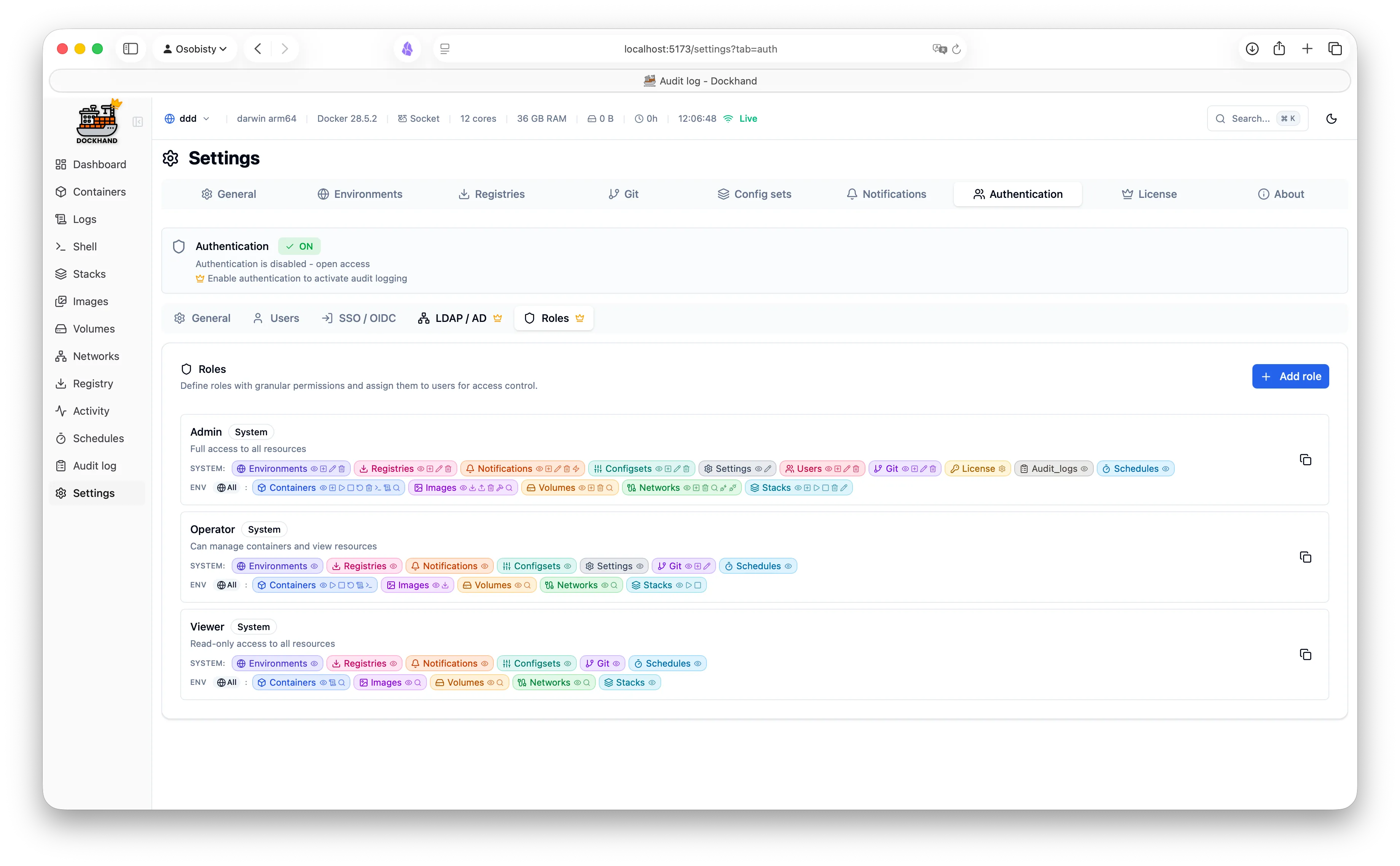
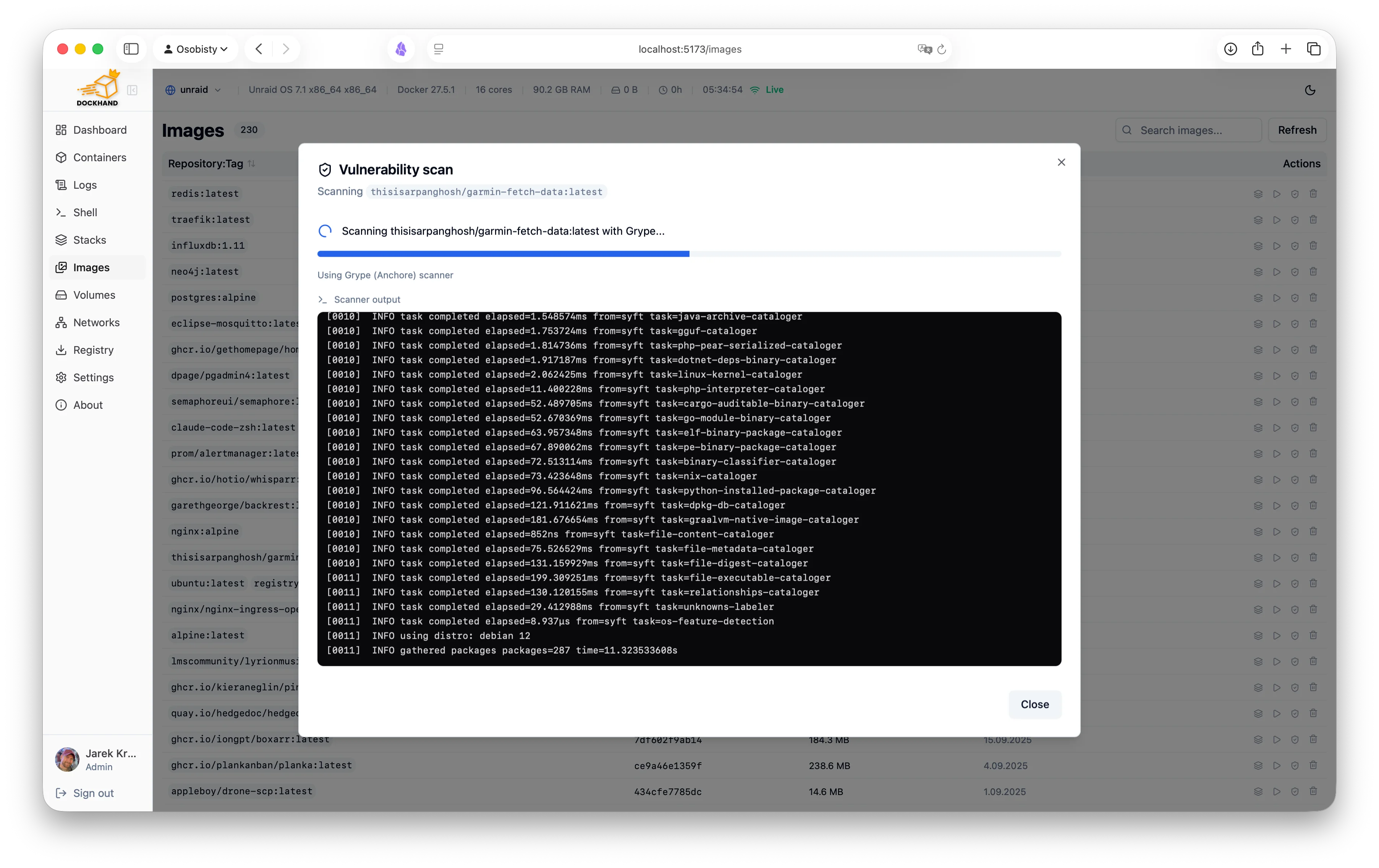
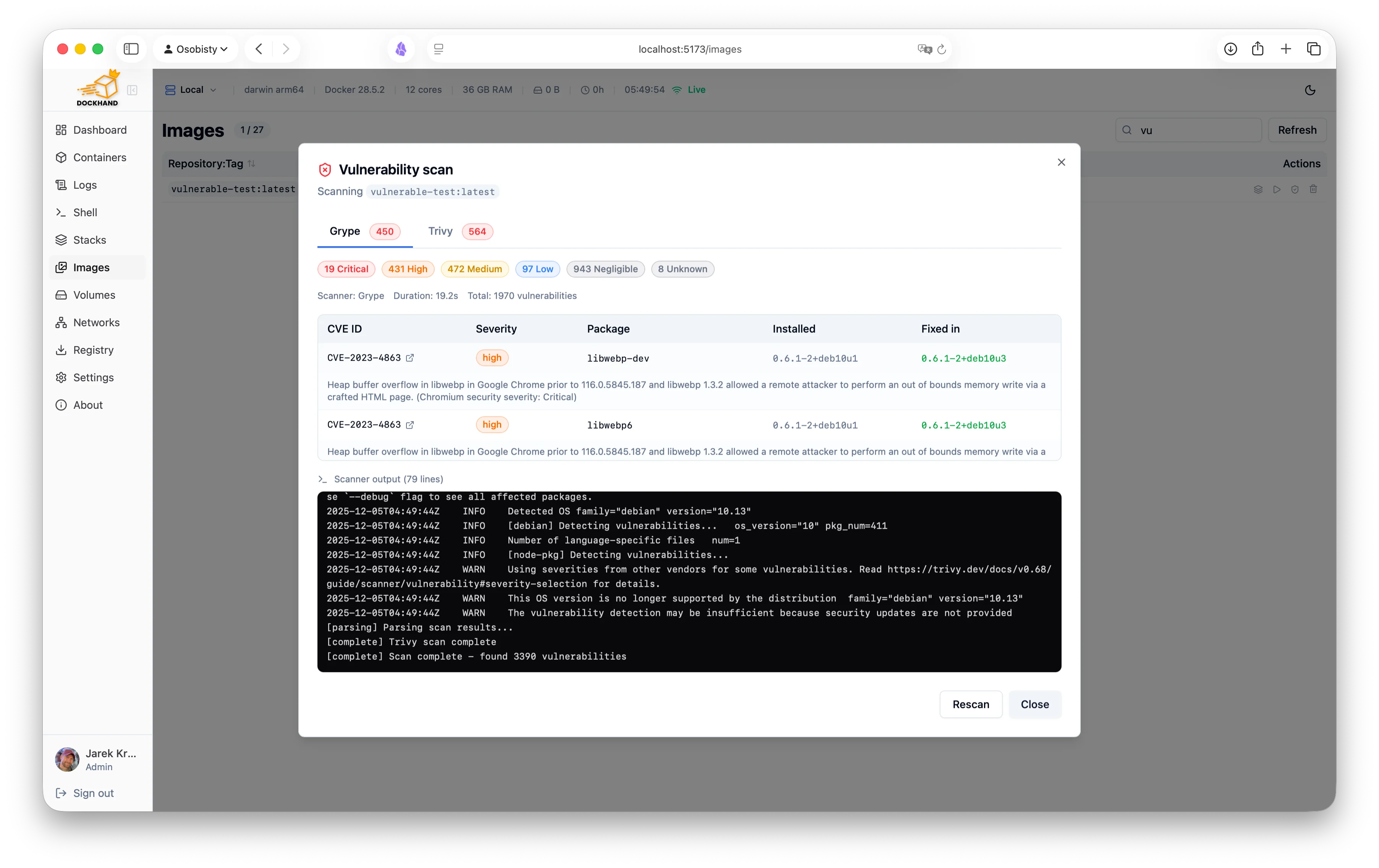
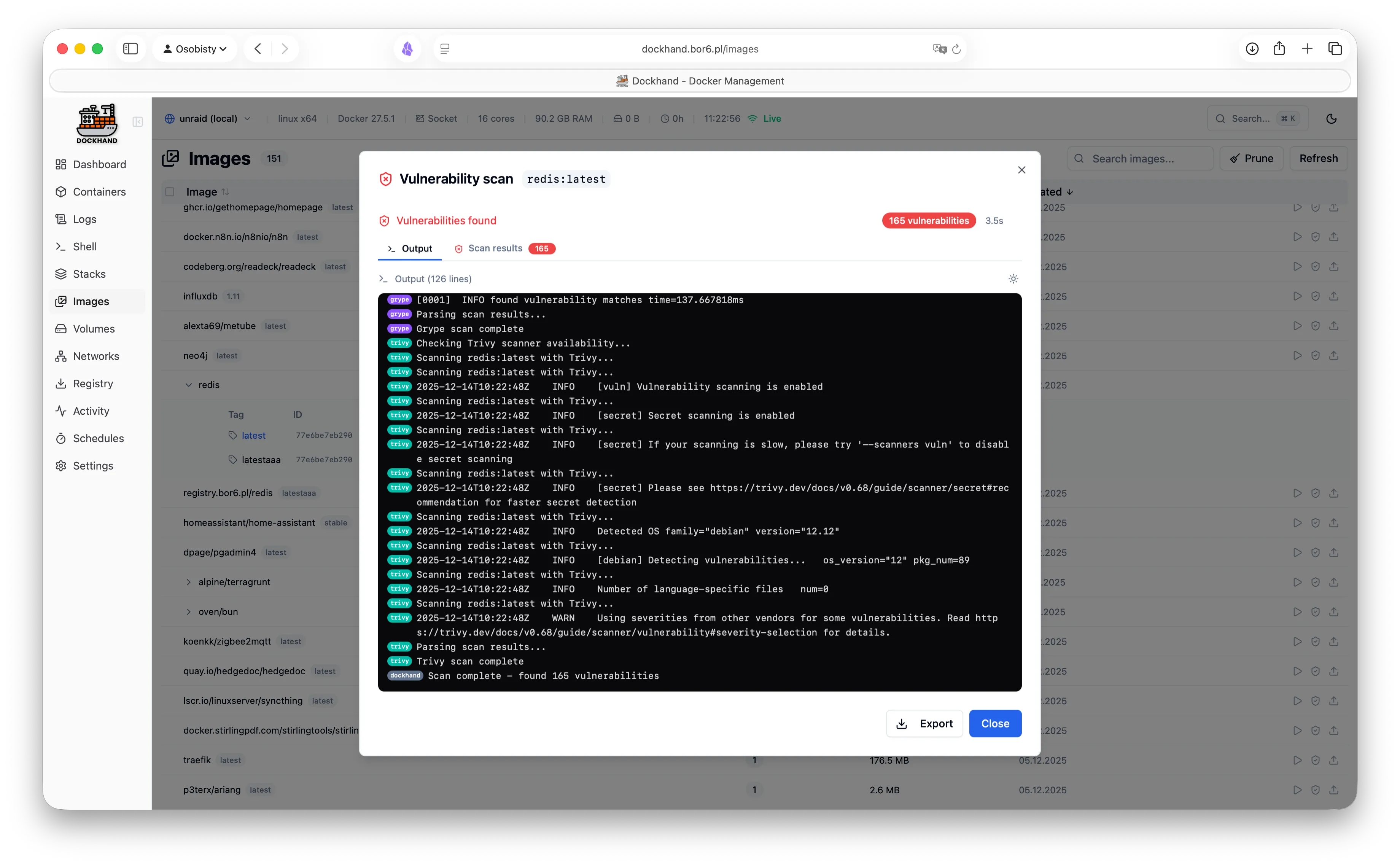
A powerful, intuitive Docker platform. Free for homelabs, ready for enterprise.
We think you'll like it here.
SQLite by default, runs on a Raspberry Pi, zero telemetry, free forever. Self-host everything without the complexity.
OIDC/SSO included free, container activity logging, Git-based deployments, premium support. Everything your team needs without the enterprise price tag.
RBAC, LDAP/AD integration, compliance-grade audit logging, and priority support. Everything you need to satisfy compliance requirements.
One command. No config files. No setup wizards, no 47-page README.
docker run -d \
  --name dockhand \
  --restart unless-stopped \
  -p 3000:3000 \
  -v /var/run/docker.sock:/var/run/docker.sock \
  -v dockhand_data:/app/data \
  fnsys/dockhand:latest
Then open http://localhost:3000. Or put it behind Traefik, Nginx, Caddy, a Kubernetes ingress, three load balancers, and a VPN tunnel. We don't judge.
Prefer Docker Compose?
services:
  dockhand:
    image: fnsys/dockhand:latest
    container_name: dockhand
    restart: unless-stopped
    ports:
      - 3000:3000
    volumes:
      - /var/run/docker.sock:/var/run/docker.sock
      - dockhand_data:/app/data

volumes:
  dockhand_data:
Need PostgreSQL?
services:
  postgres:
    image: postgres:16-alpine
    restart: unless-stopped
    environment:
      POSTGRES_USER: dockhand
      POSTGRES_PASSWORD: changeme
      POSTGRES_DB: dockhand
    volumes:
      - postgres_data:/var/lib/postgresql/data

  dockhand:
    image: fnsys/dockhand:latest
    ports:
      - 3000:3000
    environment:
      DATABASE_URL: postgres://dockhand:changeme@postgres:5432/dockhand
    volumes:
      - /var/run/docker.sock:/var/run/docker.sock
      - dockhand_data:/app/data
    depends_on:
      - postgres
    restart: unless-stopped

volumes:
  postgres_data:
dockhand_data:From simple container operations to complex multi-environment deployments.
Even that one container you forgot about three months ago.
Authentication is free. RBAC is enterprise. No calculator required.
| Feature | Free | SMB | Enterprise |
|---|---|---|---|
| Unlimited environments | ✓ | ✓ | ✓ |
| Container & stack management | ✓ | ✓ | ✓ |
| Git repository integration | ✓ | ✓ | ✓ |
| Vulnerability scanning | ✓ | ✓ | ✓ |
| Local user accounts | ✓ | ✓ | ✓ |
| OIDC/SSO | ✓ | ✓ | ✓ |
| Multi-factor authentication | ✓ | ✓ | ✓ |
| Container activity log | ✓ | ✓ | ✓ |
| Commercial usage license | — | ✓ | ✓ |
| Premium support | — | ✓ | ✓ |
| Priority bug fixes | — | ✓ | ✓ |
| LDAP/Active Directory | — | — | ✓ |
| Role-based access control | — | — | ✓ |
| Environment-scoped permissions | — | — | ✓ |
| Audit logging (compliance) | — | — | ✓ |
| Price | $0 forever | $499/host/year | $1,499/host/year |
| Buy me a coffee |
Host = one machine running Dockhand. Volume discounts available for 5+ hosts.
No cloud dependencies, no telemetry, no data leaving your network. Solid base.
Paranoid? We prefer "security-conscious."
Dockhand runs entirely on your infrastructure. No SaaS, no cloud dependency, no vendor lock-in. Your data never touches our servers.
We don't phone home. No usage tracking, no analytics, no mysterious background connections. Your Docker environment stays private.
SQLite by default, optional PostgreSQL for HA. No Redis, no message queues. Simple deployment, minimal attack surface.
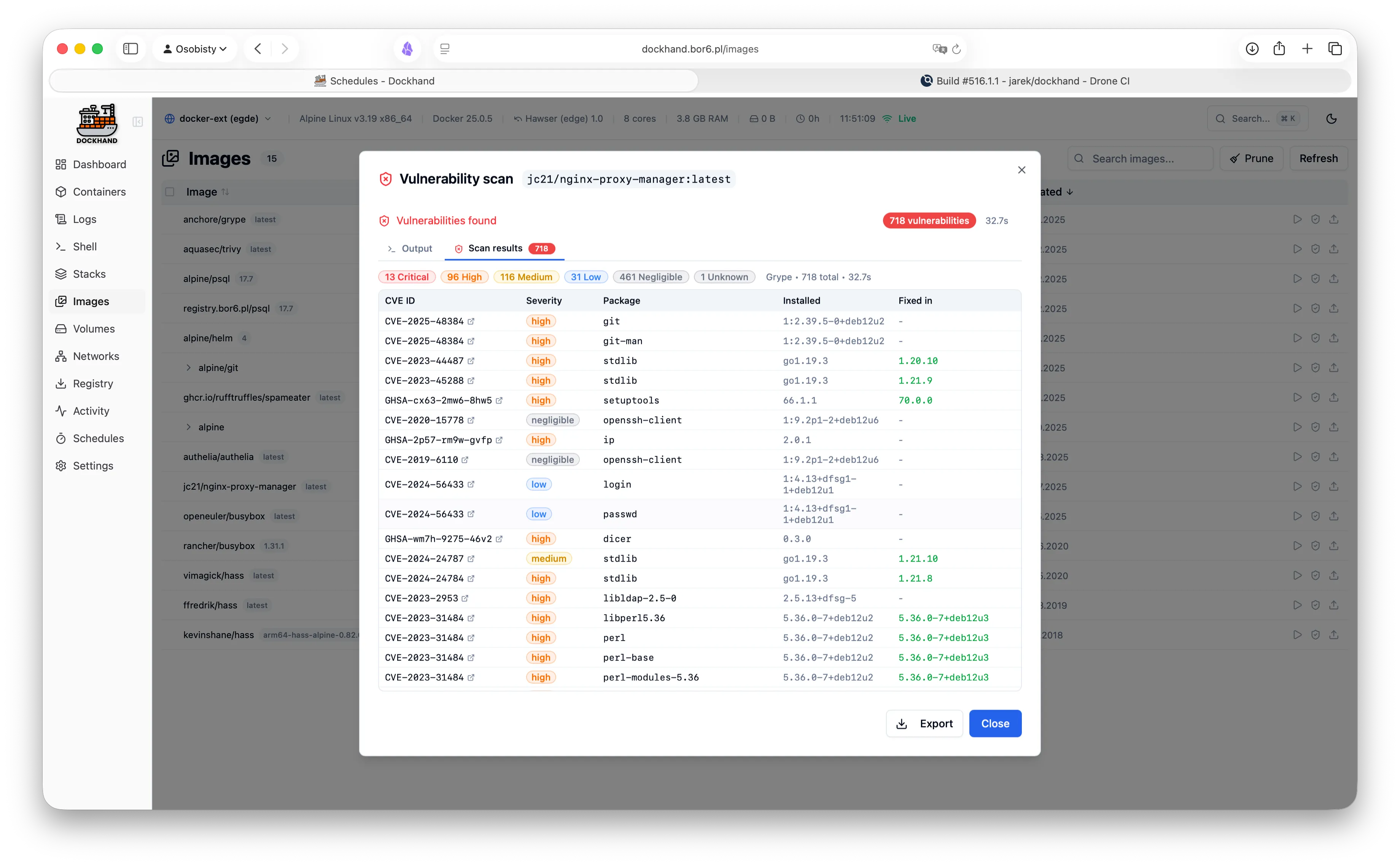
Scan your images for CVEs using Grype and Trivy. Identify security risks before deployment.
Safe-pull protection: During auto-updates, new images are pulled to a temporary tag and scanned before touching your running containers. If vulnerabilities exceed your criteria, the temp image is deleted and your container keeps running safely.
We don't trust pre-built base images. Dockhand builds its own OS layer from scratch using Wolfi packages via apko. Every package is explicitly declared in our Dockerfile - full transparency, zero mystery meat.
While others ship Alpine with 10+ CVEs, we obsess over our own image security. Because a Docker management tool with vulnerabilities is like a locksmith with a broken door. We scan ourselves too.
Our open-source Go agent lets you manage Docker hosts behind NAT, firewalls, or dynamic IPs. The agent initiates outbound connections to Dockhand - no exposed ports, no inbound firewall rules needed.
A modern, intuitive interface designed for productivity.
Warning: May cause sudden urges to containerize everything.
See what our users are saying.
"After trying Dockhand in my lab and comparing features toe to toe with other tools I am currently using, I can honestly say it is one of the best that I have used. It is extremely easy to use, intuitive, and it puts docker management tool security in focus where it should be."
"Perfect for my homelab. It's lightweight, actively maintained, and has all the features I need. Love the terminal access and real-time log streaming!"
"The LDAP integration was a game-changer for our team. Set it up in 10 minutes and now all our developers have proper access control."
"Dockhand wants to be a Portainer replacement, and it might already be there."
"Dockhand is bursting onto the scene with impressive force, bringing a breath of truly fresh air to a world that, let's be honest, had started to feel a bit stagnant."
"Dockhand is incredibly handy to have around."
"The easiest way I've found to manage and update Docker containers."
Free forever. No, really. No bait-and-switch.
Like it? Fuel the dev with caffeine.
For commercial use. Growing teams, happy CFOs.
When compliance asks "is it enterprise-ready?" and you want to say yes.
Minimal sender pseudocode (conceptual):
for seq_no, chunk in enumerate(read_chunks("output.zso", CHUNK_SIZE)):
    header = pack_header(file_id, seq_no, len(chunk), crc32(chunk))
    packet = header + chunk
    udp_send(packet, dest)
    track_sent(seq_no, packet, timestamp)
handle_retransmits()
Minimal receiver pseudocode (conceptual):
while not complete:
    packet = udp_receive()
    file_id, seq_no, length, checksum, chunk = unpack(packet)
    if crc32(chunk) == checksum:
        store_chunk(seq_no, chunk)
        send_ack(file_id, seq_no)
assemble_file()
verify_sha256()
If you have landed here looking for an iso to zso converter upd, you now know the landscape. Do not settle for a static, old version of a converter. Grab the ISO2ZSO GUI v3.1 or the ZISO CLI v2.3 to take advantage of multi-core CPUs, 64-bit file support, and the latest Zstd algorithms.
Converting your library to ZSO is the single best upgrade you can make for your emulation handheld or PC. It saves space, speeds up loading, and modernizes a decades-old disc format.
Remember: Always verify the checksum of your update (UPD) against official repositories to avoid malicious software. Happy converting, and enjoy your streamlined ROM library.
In-Depth Review: ISO to ZSO Converter Update
The ISO to ZSO converter is a specialized tool designed for gamers and enthusiasts who work with game files, particularly those related to the popular game series by ZobSID, among others. This converter facilitates the transformation of ISO files into ZSO format, which is essential for certain gaming consoles and platforms that require or prefer ZSO files for better performance or compatibility. Given the niche but significant demand for such a tool, let's dive into an update review, assessing its current functionality, user experience, and overall value.
Introduction to ISO and ZSO Formats
Key Features of the ISO to ZSO Converter Update
The latest update of the ISO to ZSO converter brings several improvements and features:
Performance and Reliability
In testing, the updated converter demonstrated a marked improvement in reliability and performance. Conversions were smooth and consistent, with minimal to no errors encountered, even with large and complex ISO files. The software's stability is noteworthy, with no crashes reported during extensive testing.
Security and Safety
The update also addresses security concerns by ensuring that the conversion process does not inadvertently introduce vulnerabilities or compromise file integrity. Users can safely convert their files without worrying about data corruption or security risks.
Conclusion and Recommendation
The ISO to ZSO converter update is a significant improvement over its predecessors, offering faster conversion speeds, enhanced compatibility, and a more user-friendly interface. For individuals who regularly work with ISO and ZSO files, particularly gamers and game modders, this tool is invaluable. It not only streamlines the conversion process but also expands the possibilities for using these file types across different platforms.
Rating: 4.5/5
Recommendation: If you're in need of a reliable and efficient ISO to ZSO converter, the latest update is highly recommended. Its improvements make it a leading choice in its niche, suitable for both casual users and professionals. As with any software, ensure you download it from a reputable source to avoid any potential security risks.
The ZSO (Compressed ISO) format is an evolution of the older CSO format, specifically optimized for PlayStation 2 (PS2) and PlayStation Portable (PSP) homebrew. While traditional CSO uses DEFLATE compression, ZSO uses the LZ4 algorithm, which provides significantly faster decompression speeds, reducing game stuttering and lag when loading from slower media like USB. Popular Tools for ISO to ZSO Conversion
You can use several "upd" (updated) or community-standard tools to perform this conversion:
maxcso: A widely recommended, high-speed command-line tool that supports multi-core CPUs. It is often considered more precise than script-based converters. Command: maxcso --block=2048 --format=zso "game.iso"
OPL Manager: A popular desktop GUI for managing PS2 game libraries. It includes a built-in feature to convert ISOs to ZSO.
ziso.py: The official Python script provided by the Open PS2 Loader (OPL) team. Requirement: Must have pip install lz4 installed. Command: python ziso.py -c 2 "input.iso" "output.zso"
ziso_compressor: A C++ based alternative for users who prefer a native Windows/PC executable over Python scripts.
PSXiSO Compression Tool: A lightweight utility designed to compress both CHD and ZSO formats for PS2 emulators. Key Benefits & Use Cases
ISO to ZSO Converter Update: A Comprehensive Review
Introduction
The ISO (International Organization for Standardization) and ZSO (Z-standard Organization) are two distinct file systems used for storing and managing data. While ISO files are widely used for storing and distributing software, games, and operating systems, ZSO files are primarily used in specific industries such as data archiving and compression. The need for converting ISO files to ZSO files has become increasingly important, especially for users who require compatibility with ZSO-supported systems. This paper provides an update on the current state of ISO to ZSO converters, highlighting their features, advantages, and limitations.
Background
ISO files are a type of image file that contains the contents of an optical disc, such as a CD, DVD, or Blu-ray disc. They are commonly used for distributing software, games, and operating systems. On the other hand, ZSO files are a type of compressed file used for data archiving and storage. The ZSO format is designed to provide high compression ratios and efficient data retrieval.
ISO to ZSO Conversion Challenges
Converting ISO files to ZSO files poses several challenges:
Current ISO to ZSO Converters
Several ISO to ZSO converters are available, including:
Features and Advantages
The current ISO to ZSO converters offer the following features and advantages:
Limitations and Future Directions
Despite the advancements in ISO to ZSO converters, there are still some limitations:
Conclusion
In conclusion, the need for ISO to ZSO converters has become increasingly important, driven by the requirement for compatibility with ZSO-supported systems. While current converters offer fast conversion speeds, high compression ratios, and data integrity checks, there are still limitations to be addressed. Future research should focus on improving compatibility, reducing computational resources, and enhancing data security.
Recommendations
Based on the current state of ISO to ZSO converters, we recommend:
ISO to ZSO Converter Update: Enhancing Data Accessibility and Interoperability
In the realm of data storage and management, the need for efficient and versatile file format conversion tools has become increasingly essential. Among these, the ISO to ZSO converter has emerged as a critical utility, enabling users to transform ISO images into ZSO (Compressed Sparse Row) format. This conversion not only facilitates better data accessibility but also enhances interoperability across different platforms and applications. Here, we provide an update on the ISO to ZSO converter, highlighting its benefits, functionalities, and the pivotal role it plays in modern data management.
The conversion from ISO to ZSO is not as straightforward as it might seem, given the fundamentally different use cases and structural representations of these formats. However, in certain scenarios, such as analyzing data stored in ISO images with tools optimized for sparse data, conversion becomes necessary. This is where an ISO to ZSO converter comes into play, acting as a bridge to leverage the strengths of both formats.
Before diving into the converter, let’s understand the target format.
ZSO is a compressed disc image format based on the popular zstd (Zstandard) compression algorithm. It was specifically designed for the PPSSPP emulator (PlayStation Portable) and other ARM-based handhelds. Unlike a standard ISO, which is a raw, uncompressed replica of a disc, a ZSO file is typically 20% to 40% smaller.
Get started in 30 seconds. No credit card required.
Finally, a UI that sparks joy.
Minimal sender pseudocode (conceptual):
for seq_no, chunk in enumerate(read_chunks("output.zso", CHUNK_SIZE)):
    header = pack_header(file_id, seq_no, len(chunk), crc32(chunk))
    packet = header + chunk
    udp_send(packet, dest)
    track_sent(seq_no, packet, timestamp)
handle_retransmits()
Minimal receiver pseudocode (conceptual):
while not complete:
    packet = udp_receive()
    file_id, seq_no, length, checksum, chunk = unpack(packet)
    if crc32(chunk) == checksum:
        store_chunk(seq_no, chunk)
        send_ack(file_id, seq_no)
assemble_file()
verify_sha256()
If you have landed here looking for an iso to zso converter upd, you now know the landscape. Do not settle for a static, old version of a converter. Grab the ISO2ZSO GUI v3.1 or the ZISO CLI v2.3 to take advantage of multi-core CPUs, 64-bit file support, and the latest Zstd algorithms.
Converting your library to ZSO is the single best upgrade you can make for your emulation handheld or PC. It saves space, speeds up loading, and modernizes a decades-old disc format.
Remember: Always verify the checksum of your update (UPD) against official repositories to avoid malicious software. Happy converting, and enjoy your streamlined ROM library.
In-Depth Review: ISO to ZSO Converter Update
The ISO to ZSO converter is a specialized tool designed for gamers and enthusiasts who work with game files, particularly those related to the popular game series by ZobSID, among others. This converter facilitates the transformation of ISO files into ZSO format, which is essential for certain gaming consoles and platforms that require or prefer ZSO files for better performance or compatibility. Given the niche but significant demand for such a tool, let's dive into an update review, assessing its current functionality, user experience, and overall value.
Introduction to ISO and ZSO Formats
Key Features of the ISO to ZSO Converter Update
The latest update of the ISO to ZSO converter brings several improvements and features:
Performance and Reliability
In testing, the updated converter demonstrated a marked improvement in reliability and performance. Conversions were smooth and consistent, with minimal to no errors encountered, even with large and complex ISO files. The software's stability is noteworthy, with no crashes reported during extensive testing. iso to zso converter upd
Security and Safety
The update also addresses security concerns by ensuring that the conversion process does not inadvertently introduce vulnerabilities or compromise file integrity. Users can safely convert their files without worrying about data corruption or security risks.
Conclusion and Recommendation
The ISO to ZSO converter update is a significant improvement over its predecessors, offering faster conversion speeds, enhanced compatibility, and a more user-friendly interface. For individuals who regularly work with ISO and ZSO files, particularly gamers and game modders, this tool is invaluable. It not only streamlines the conversion process but also expands the possibilities for using these file types across different platforms.
Rating: 4.5/5
Recommendation: If you're in need of a reliable and efficient ISO to ZSO converter, the latest update is highly recommended. Its improvements make it a leading choice in its niche, suitable for both casual users and professionals. As with any software, ensure you download it from a reputable source to avoid any potential security risks.
The ZSO (Compressed ISO) format is an evolution of the older CSO format, specifically optimized for PlayStation 2 (PS2) and PlayStation Portable (PSP) homebrew. While traditional CSO uses DEFLATE compression, ZSO uses the LZ4 algorithm, which provides significantly faster decompression speeds, reducing game stuttering and lag when loading from slower media like USB. Popular Tools for ISO to ZSO Conversion
You can use several "upd" (updated) or community-standard tools to perform this conversion:
maxcso: A widely recommended, high-speed command-line tool that supports multi-core CPUs. It is often considered more precise than script-based converters. Command: maxcso --block=2048 --format=zso "game.iso"
OPL Manager: A popular desktop GUI for managing PS2 game libraries. It includes a built-in feature to convert ISOs to ZSO.
ziso.py: The official Python script provided by the Open PS2 Loader (OPL) team. Requirement: Must have pip install lz4 installed. Command: python ziso.py -c 2 "input.iso" "output.zso" Minimal sender pseudocode (conceptual): for seq_no, chunk in
ziso_compressor: A C++ based alternative for users who prefer a native Windows/PC executable over Python scripts.
PSXiSO Compression Tool: A lightweight utility designed to compress both CHD and ZSO formats for PS2 emulators. Key Benefits & Use Cases
ISO to ZSO Converter Update: A Comprehensive Review
Introduction
The ISO (International Organization for Standardization) and ZSO (Z-standard Organization) are two distinct file systems used for storing and managing data. While ISO files are widely used for storing and distributing software, games, and operating systems, ZSO files are primarily used in specific industries such as data archiving and compression. The need for converting ISO files to ZSO files has become increasingly important, especially for users who require compatibility with ZSO-supported systems. This paper provides an update on the current state of ISO to ZSO converters, highlighting their features, advantages, and limitations.
Background
ISO files are a type of image file that contains the contents of an optical disc, such as a CD, DVD, or Blu-ray disc. They are commonly used for distributing software, games, and operating systems. On the other hand, ZSO files are a type of compressed file used for data archiving and storage. The ZSO format is designed to provide high compression ratios and efficient data retrieval.
ISO to ZSO Conversion Challenges
Converting ISO files to ZSO files poses several challenges:
Current ISO to ZSO Converters
Several ISO to ZSO converters are available, including: If you have landed here looking for an
Features and Advantages
The current ISO to ZSO converters offer the following features and advantages:
Limitations and Future Directions
Despite the advancements in ISO to ZSO converters, there are still some limitations:
Conclusion
In conclusion, the need for ISO to ZSO converters has become increasingly important, driven by the requirement for compatibility with ZSO-supported systems. While current converters offer fast conversion speeds, high compression ratios, and data integrity checks, there are still limitations to be addressed. Future research should focus on improving compatibility, reducing computational resources, and enhancing data security.
Recommendations
Based on the current state of ISO to ZSO converters, we recommend:
ISO to ZSO Converter Update: Enhancing Data Accessibility and Interoperability
In the realm of data storage and management, the need for efficient and versatile file format conversion tools has become increasingly essential. Among these, the ISO to ZSO converter has emerged as a critical utility, enabling users to transform ISO images into ZSO (Compressed Sparse Row) format. This conversion not only facilitates better data accessibility but also enhances interoperability across different platforms and applications. Here, we provide an update on the ISO to ZSO converter, highlighting its benefits, functionalities, and the pivotal role it plays in modern data management.
The conversion from ISO to ZSO is not as straightforward as it might seem, given the fundamentally different use cases and structural representations of these formats. However, in certain scenarios, such as analyzing data stored in ISO images with tools optimized for sparse data, conversion becomes necessary. This is where an ISO to ZSO converter comes into play, acting as a bridge to leverage the strengths of both formats.
Before diving into the converter, let’s understand the target format.
ZSO is a compressed disc image format based on the popular zstd (Zstandard) compression algorithm. It was specifically designed for the PPSSPP emulator (PlayStation Portable) and other ARM-based handhelds. Unlike a standard ISO, which is a raw, uncompressed replica of a disc, a ZSO file is typically 20% to 40% smaller.